

Screenshots

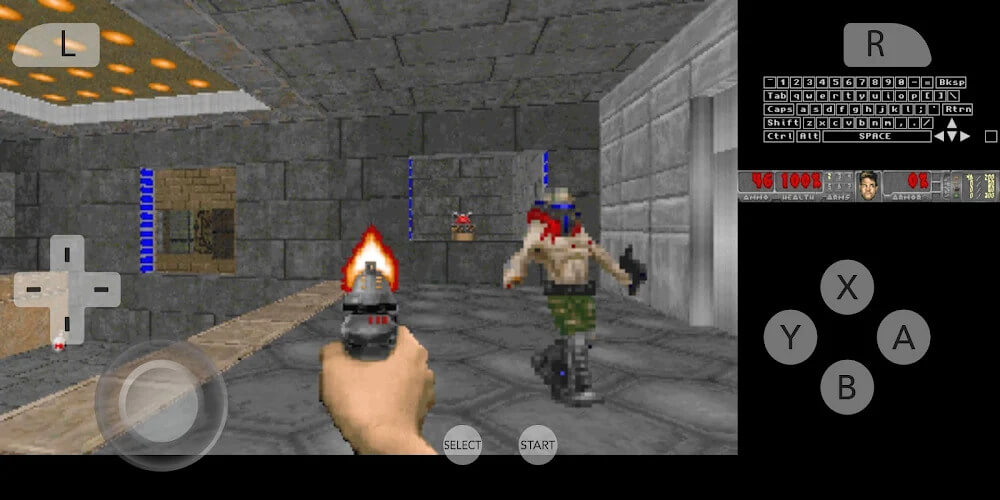
Description
Download 3DS ROMs to Play on GameUnlimit
Citra Emulator provides Android gamers with a premier handheld console experience right on their mobile devices. Whether you need steady remote control, want to run multiple games simultaneously, or demand fluid, lag-free performance on your phone display, this app delivers. Simply pick your preferred baseline mode to get started on your touchscreen. You can also capture screenshots and record gameplay highlights with ease. Packed with intuitive configuration options, this emulator is designed to elevate your overall gaming session.
Import Your Game Library into the App
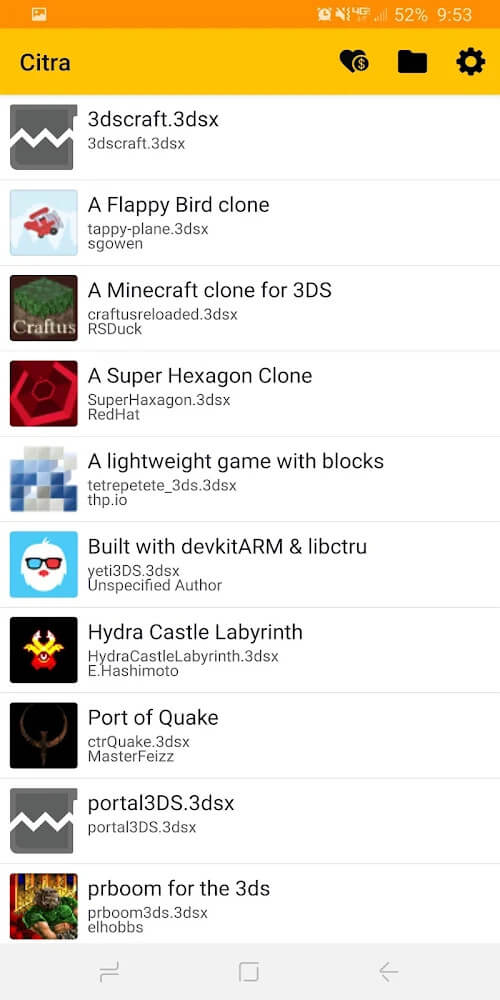
Citra Emulator boasts extensive compatibility across a wide catalog of handheld games. Simply store your favorite game files inside your device storage, then grant the application directory access to index them. Once selected, your titles will immediately appear ready to play in the emulator hub. Whenever you add a new ROM, the app prompts you so you can easily include it in your personal collection.
Adjust Your General Speed Limit Settings
Head into the general settings menu within Citra Emulator to fine-tune your speed limit percentage. Players can adjust the emulation rate higher or lower based on their preference. Leaving the default limit at 100% guarantees standard, authentic speed and stable performance. Pushing the value higher accelerates gameplay for faster grinding, while reducing it slows the action down for precision playing.
Customize Your Emulation Preferences
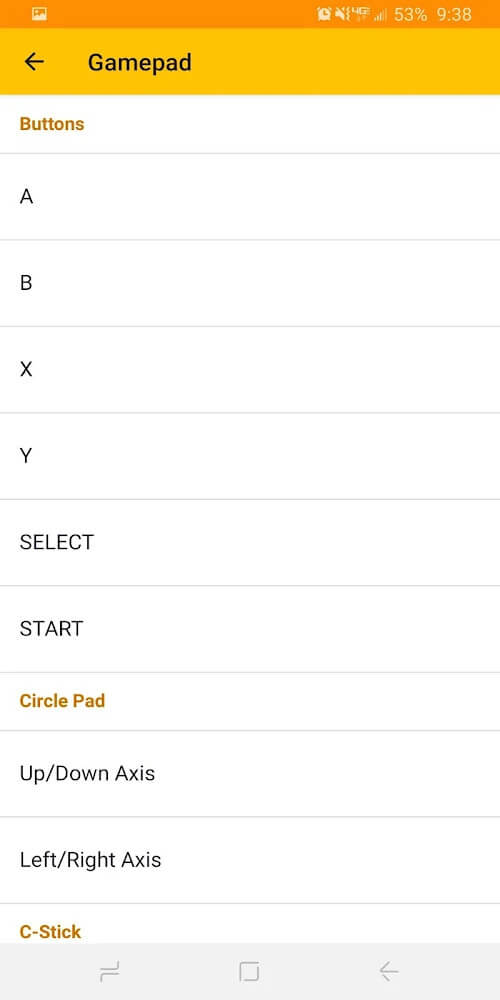
Inside Citra Emulator, users can configure emulated system regions, preferred languages, and system clock modes. The app also offers extensive camera mapping, including the interior lens and both outer left and right cameras. If you use an external gamepad like the 8BitDo SN30, you can sync it seamlessly in controller mode. Additionally, you can upscale the internal graphics resolution, tweak stereoscopic 3D depth, and adjust advanced audio and debugging options to your liking.
Launch Games Directly from the App
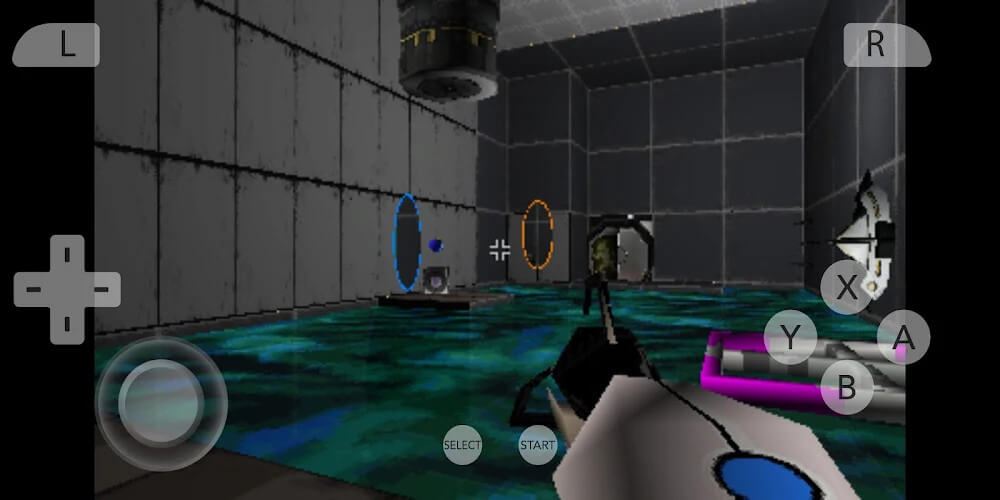
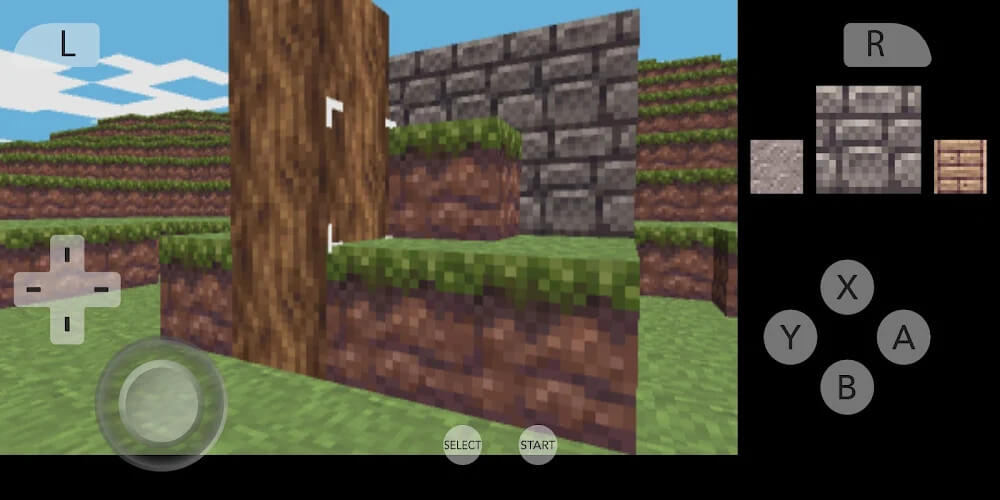
Starting your adventure is straightforward: simply choose the title you wish to play from your newly synced library. When the game starts, a dedicated on-screen control layout appears with responsive virtual buttons. Furthermore, handy shortcuts located in the top corner of the screen let you customize landscape screen layouts, monitor real-time FPS, and manage quick save or load states effortlessly.
Citra Emulator is an indispensable tool for mobile gamers who enjoy shooters and titles requiring sharp, responsive controls. The emulator lets you experience classic titles in stunning, crisp full HD visuals with minimal hassle. Rebinding and positioning on-screen buttons is fast and intuitive, while steady frame rate optimization keeps fast-paced action fluid. Thanks to pinpoint virtual control response, you can react swiftly during combat—delivering an experience remarkably close to desktop-grade gaming.
How to install
- Download the APK file above to your phone.
- Allow “Install unknown apps” when prompted.
- Open the downloaded APK and tap Install.
- If the package includes OBB/XAPK data, follow the bundled instructions.
MOD APKs are modified builds, so Play Protect may show a warning. Install only if you trust the file; use at your own risk.