

Ảnh chụp màn hình

Mô tả
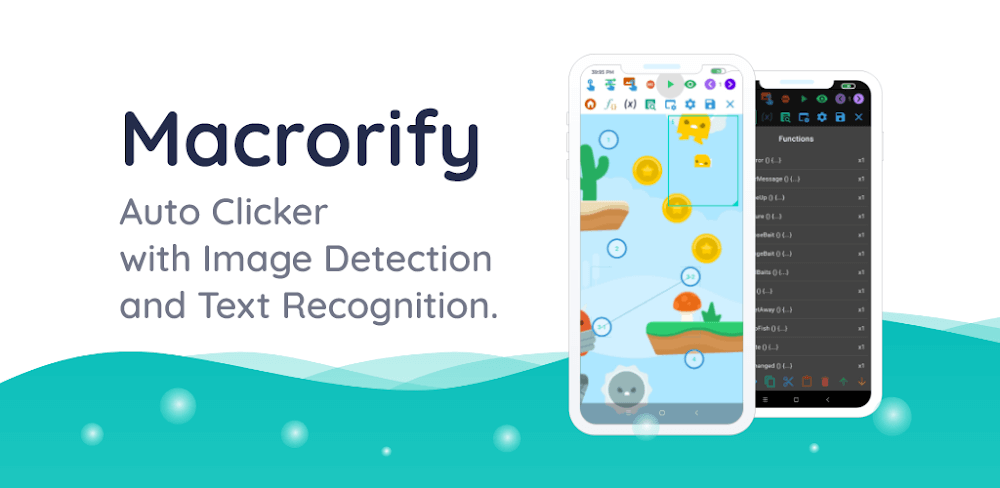
Macrorify MOD APK equips this smart auto clicker with advanced built-in image and text recognition technology.
By downloading Macrorify MOD APK at GameUnlimit, you get full access to all premium features, unlocking every paid capability right out of the box.
What’s Modified in Macrorify
- Premium Unlocked: All exclusive in-app features and premium perks are completely unlocked without requiring a paid subscription.
This Macrorify MOD APK release is version 1.6.0.2 with a download size of 12M under the package name com.kok_emm.mobile; because the file is re-signed, you must remove any existing Play Store installation before setting it up.
About Macrorify
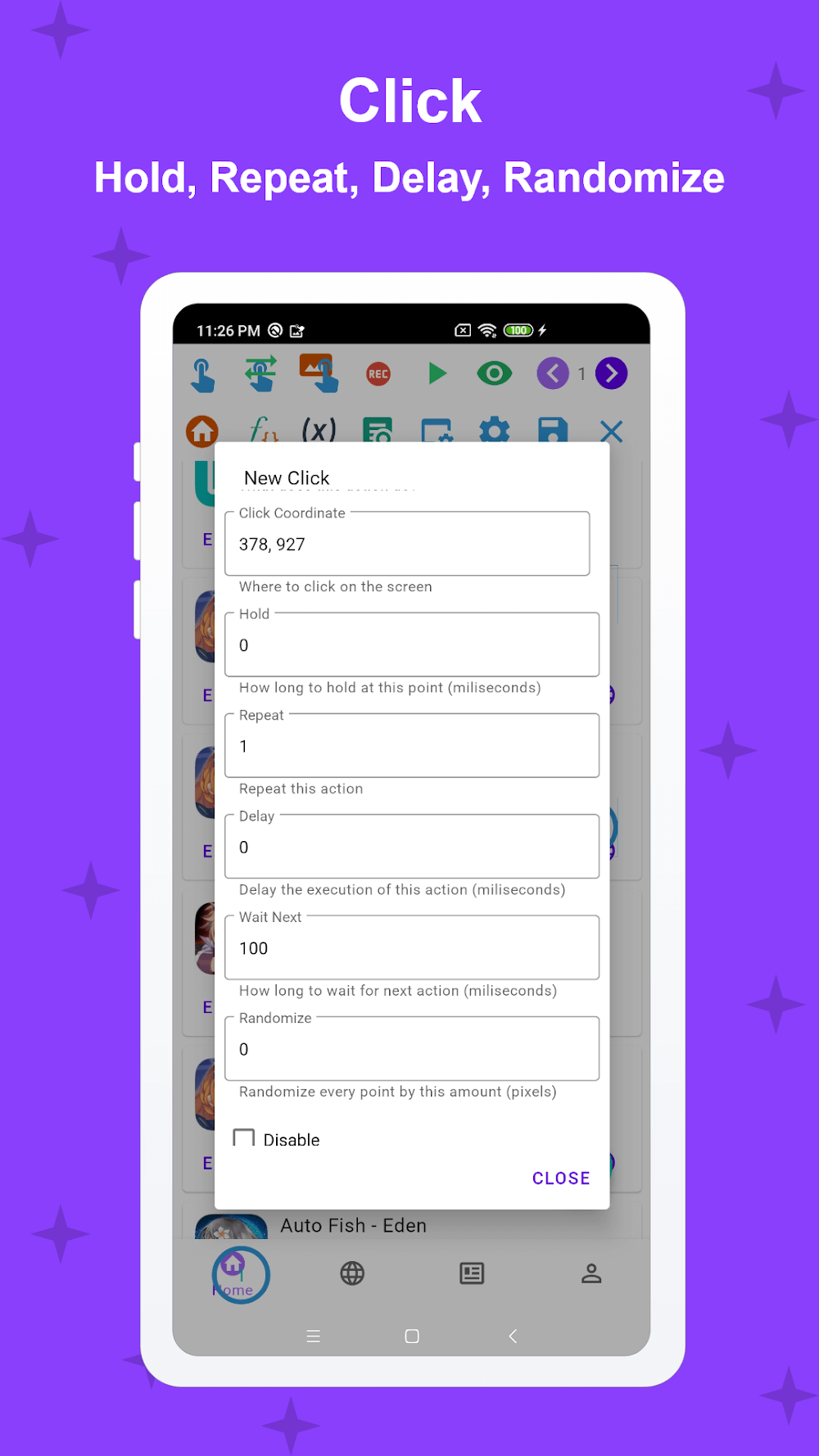
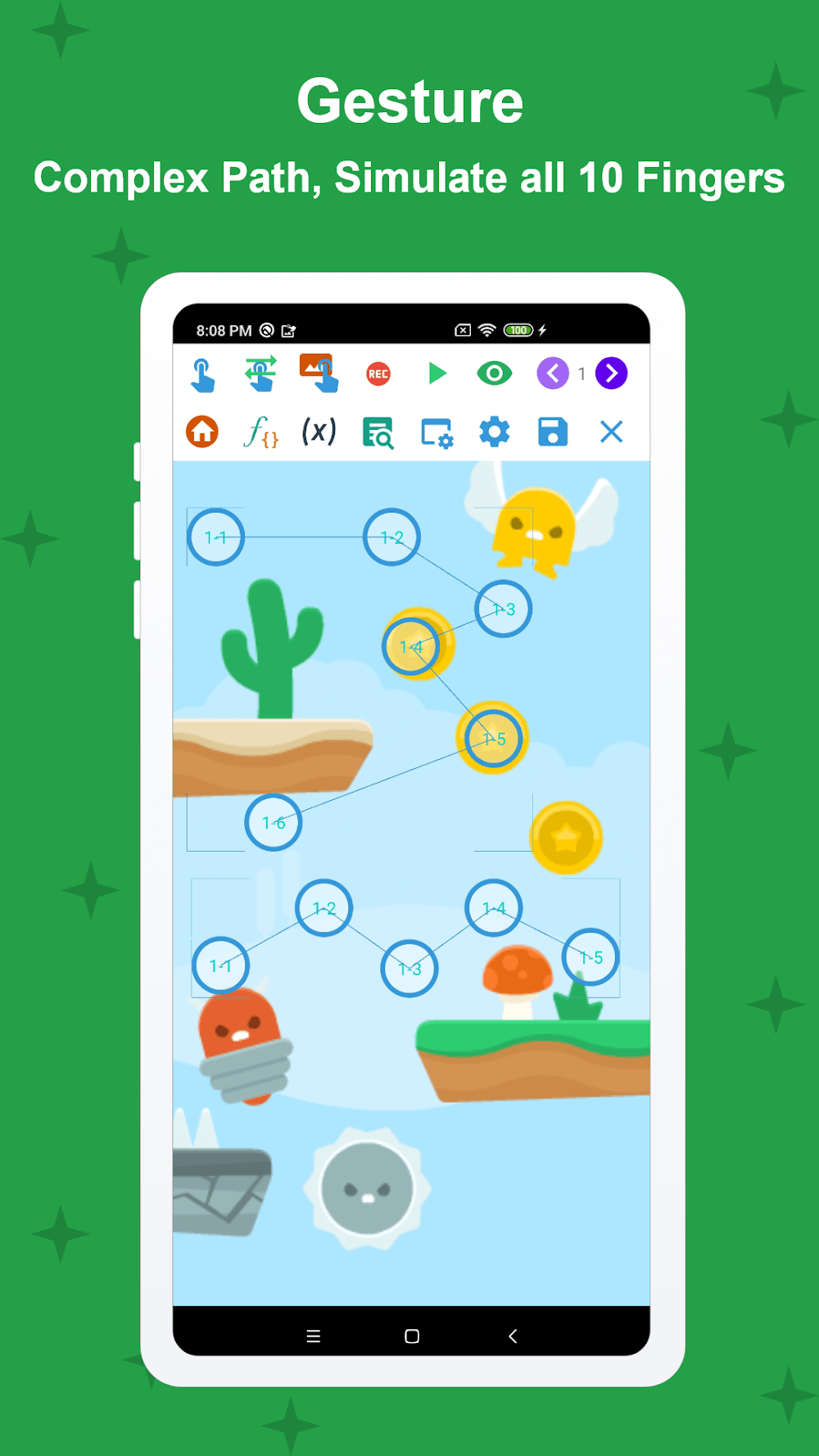
Macrorify is an advanced Android automation tool that harnesses accessibility services to simulate touch inputs, making it ideal for streamlining repetitive tasks in mobile games. It features a convenient floating control panel to trigger, pause, or end scripts on the fly. The touch action engine accommodates standard single-finger gestures (taps, double clicks, sustained presses, drag-and-drop) as well as multi-touch interactions such as pinching, spreading, and rotating. Every action can be configured with custom speeds (slow, normal, or fast) alongside specific timeout intervals for automatic repetition. On top of that, users can tailor the input overlay to their liking, with full support for up to ten simultaneous finger inputs for multi-touch games.
A built-in recording and playback system lets you capture screen interactions and transform them into automated macros. Instead of re-recording everything from scratch, you can freely edit, rearrange, and merge existing clips to build more elaborate routines while adjusting the speed and delay of each step. To bypass robotic patterns, the app can introduce coordinate and timing randomness into your gestures. This degree of editing freedom ensures you can continuously refine your macros, mix action sequences, and automate sophisticated in-game processes effortlessly.
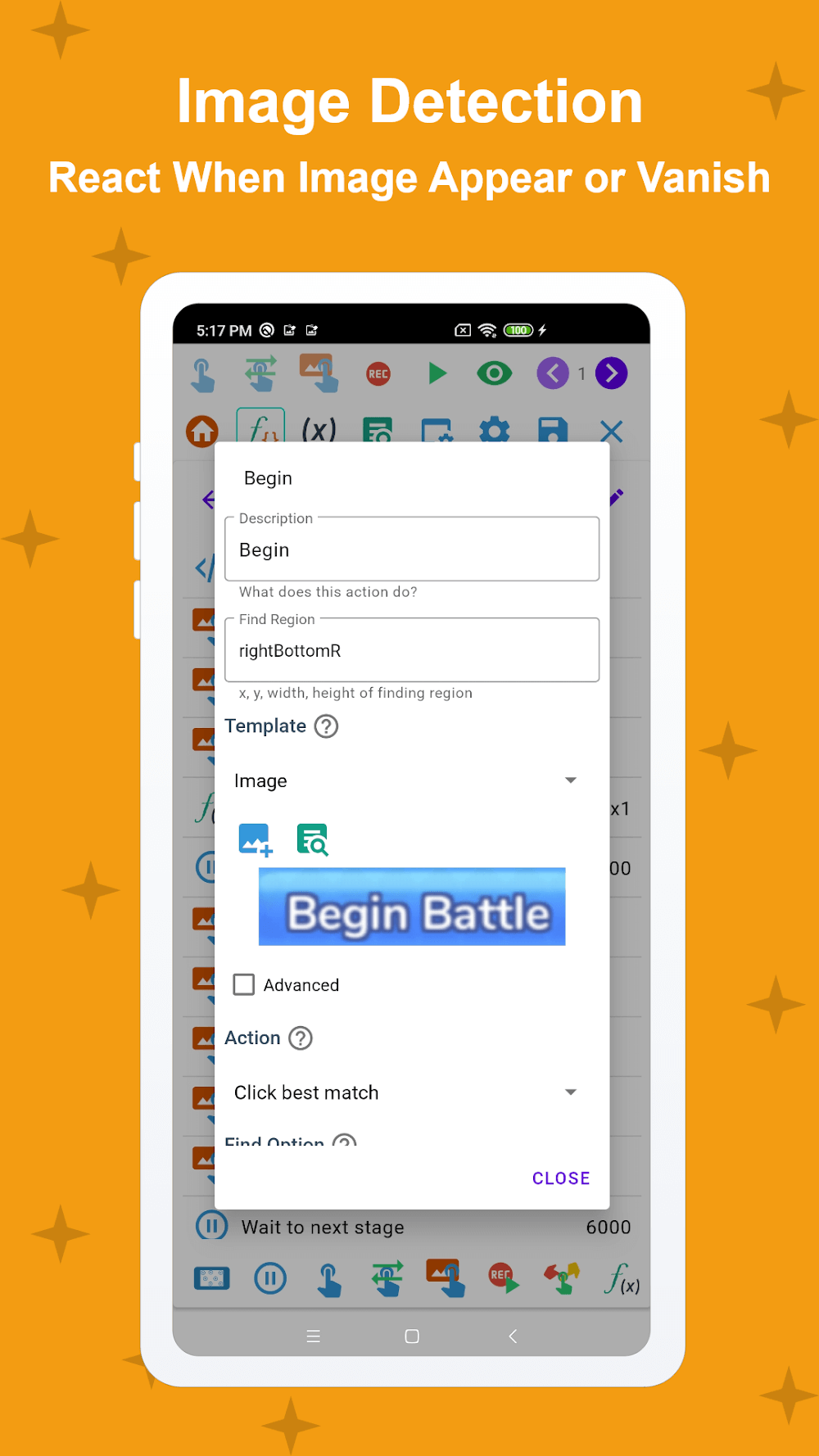
Visual recognition is arguably Macrorify’s most formidable asset, dramatically widening the scope of automated tasks. You can assign sample images as triggers, programming the engine to execute specific commands whenever a designated visual appears or disappears from the screen. The app can even evaluate image sequences, allowing macros to wait for an image to pop up and then react the moment it leaves the display. In addition, optical text recognition lets you integrate written words as macro triggers just like images or buttons. Combining image matching with text detection gives the software a deep, accurate understanding of current display states.
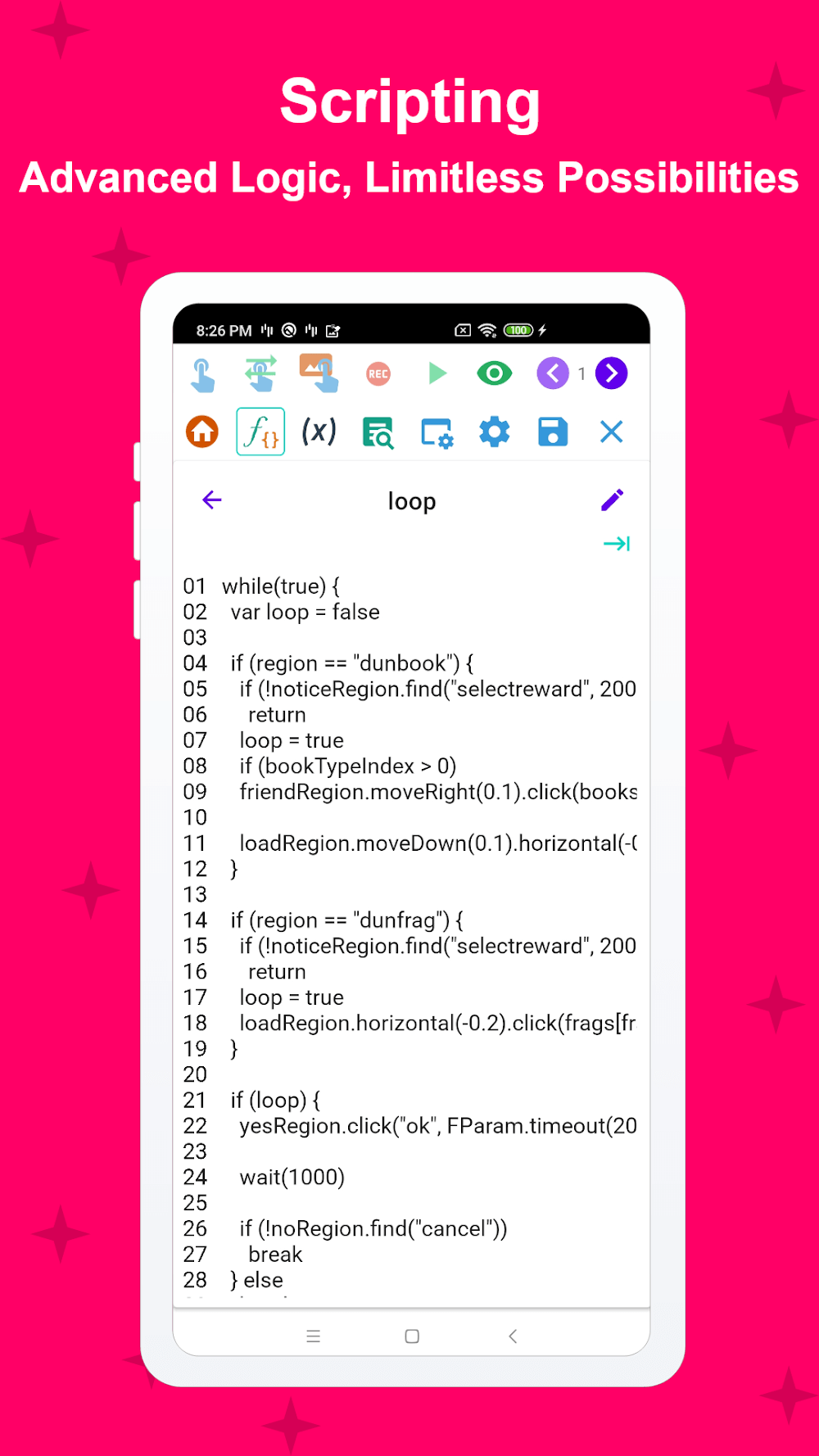
For those seeking advanced automated workflows, Macrorify provides EMScript—a dedicated scripting language that elevates it far beyond ordinary clicker apps reliant purely on a graphic interface. Writing macros with code unlocks conditional statements, logical branching, and flexible execution parameters. Furthermore, you can design custom graphical user interfaces complete with tailored buttons and monitors to trigger scripts and view status feedback. Macrorify is thoughtfully crafted for a progressive learning curve, ensuring newcomers can begin with simple tap recording while experienced users take full advantage of its powerful scripting engine.
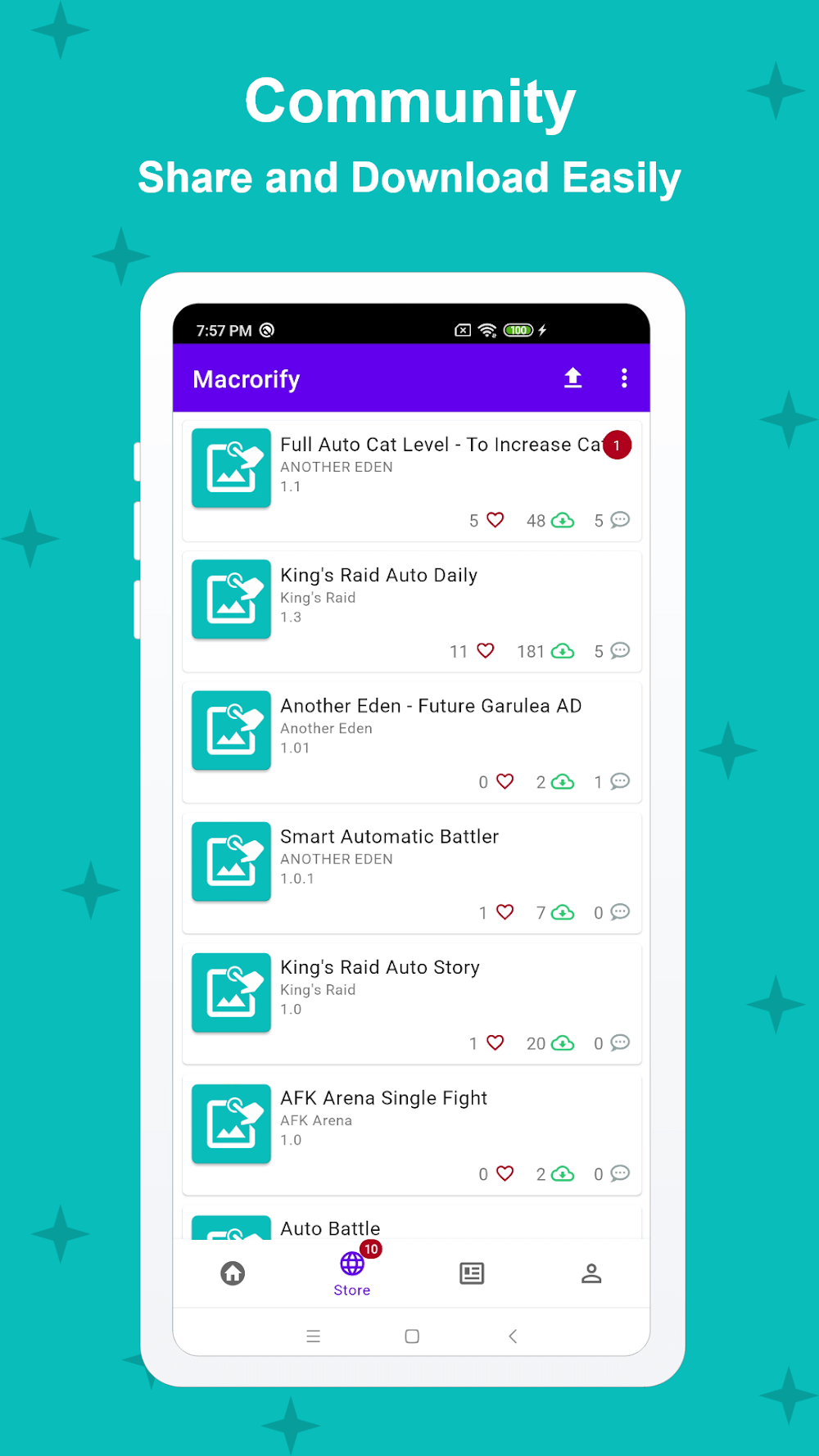
Equipped with an integrated Macro Store, this automation utility provides extensive compatibility with a wide range of Android platforms. The Macro Store serves as a community-driven repository where creators publish custom macros designed for mobile gaming and routine input automation. Users can easily browse and execute pre-built configurations for various tasks and titles without needing to script anything from scratch. Top-rated scripts gain featured spots in the store, and community contributors are rewarded for sharing. Built to run smoothly on Android emulators as well as non-rooted devices running Android KitKat or newer, it requires zero system-level alterations. A clean, user-friendly interface simplifies the setup of touch-based automations, allowing everyone to automate actions across their Android devices with ease.
Key Features
- Tap and swipe actions
- Double tap and long press
- Drag-and-drop gestures
- Multi-touch pinch and zoom
- Macro recording and playback system
- Image recognition triggers
- Text recognition (OCR)
- EMScript scripting language
- Integrated Macro Store
- Custom interface designer
Related MOD APKs
- MovieBox ID: Stream Movies, TV Shows, Anime & K-Dramas for Free
- KWGT Kustom Widget Pro
- SnapTube
- Terabox
FAQ
Is Premium Unlocked in Macrorify MOD APK?
Yes, this Macrorify build (1.6.0.2) arrives with Premium Unlocked. It retains all capabilities of the official KoK-CODE release, letting you enjoy every modified feature immediately upon installation.
What Is the Latest Version of Macrorify MOD APK?
The newest build is version 1.6.0.2, aligned with the KoK-CODE release published on August 17, 2026. GameUnlimit exclusively provides the up-to-date edition. Simply install this package over your current build to upgrade; if an installation conflict arises, uninstall the older build first.
Is Macrorify MOD APK Safe to Download?
Macrorify 1.6.0.2 is based directly on the authentic KoK-CODE application, modified only to enable Premium Unlocked. Rated 3.5/5 by 344 users, it works completely without root. A routine Play Protect alert may appear during manual installation, so always ensure you grab your installer safely from GameUnlimit.
Can I Use Macrorify MOD APK on PC or iPhone?
Because this package is tailored for Android, it cannot run natively on iPhone or iPad hardware. However, you can operate the 12M file on your PC by utilizing an Android emulator such as BlueStacks or LDPlayer—set up your chosen emulator first, then simply drag and drop the APK file inside.
Cách cài đặt
- Tải file APK ở trên về điện thoại.
- Bật “Cho phép cài đặt từ nguồn không xác định” khi được hỏi.
- Mở file APK vừa tải và bấm Cài đặt.
- Nếu có file OBB/XAPK, làm theo hướng dẫn đi kèm.
MOD APK là bản đã chỉnh sửa nên Play Protect có thể cảnh báo. Hãy chỉ cài khi bạn tin tưởng file và tự chịu trách nhiệm khi sử dụng.