

Скриншоты
Описание
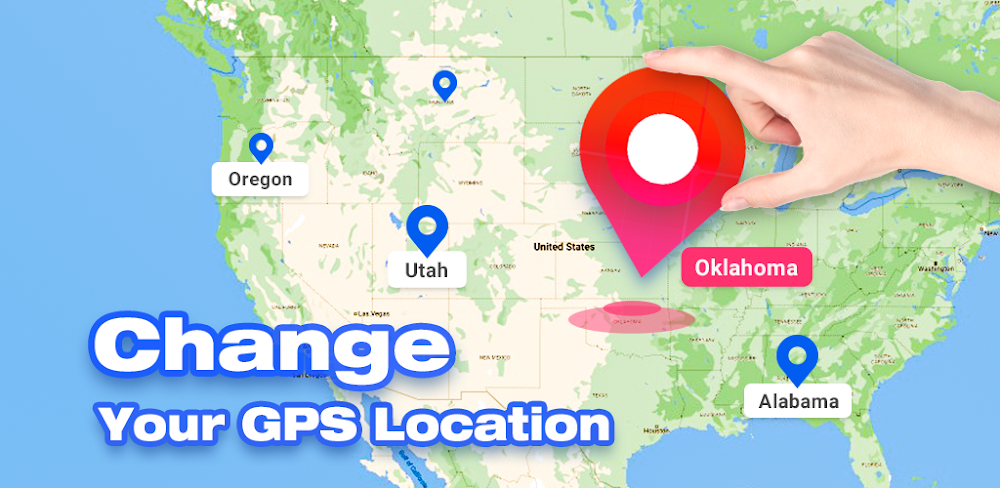
Fake your phone's GPS location anywhere without altering your IP address, ensuring privacy and avoiding IP spoofing risks.
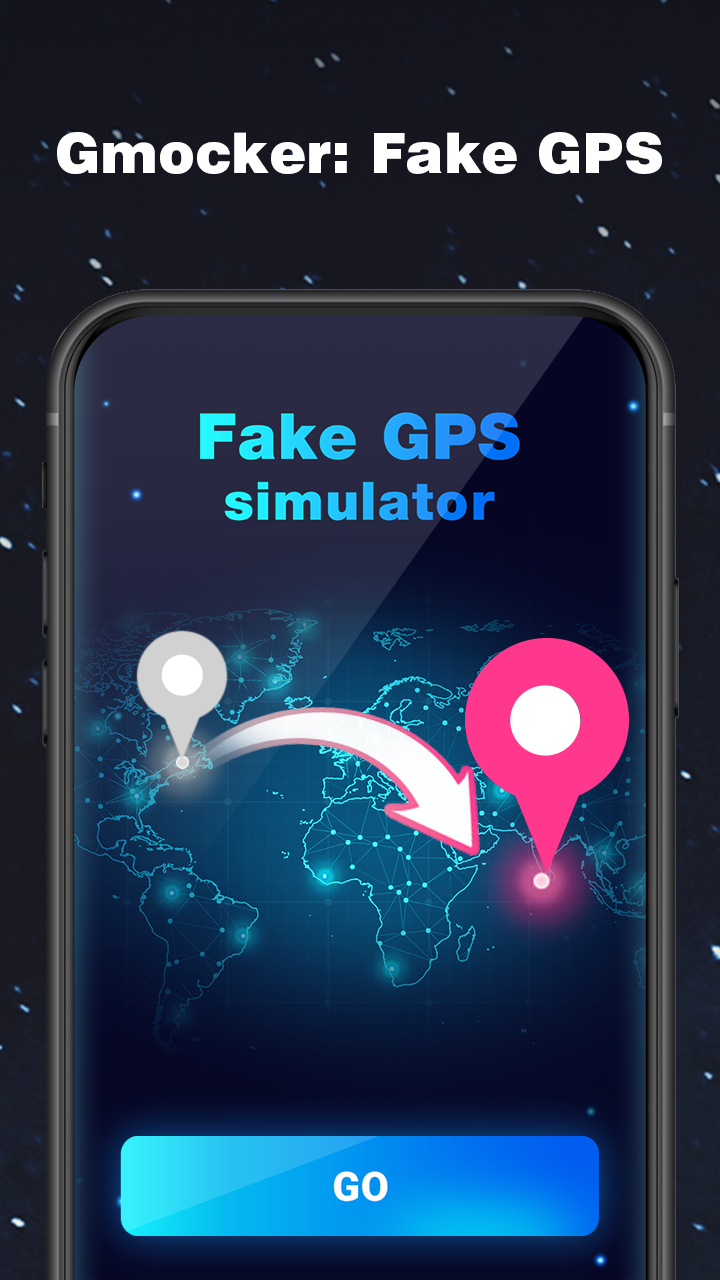
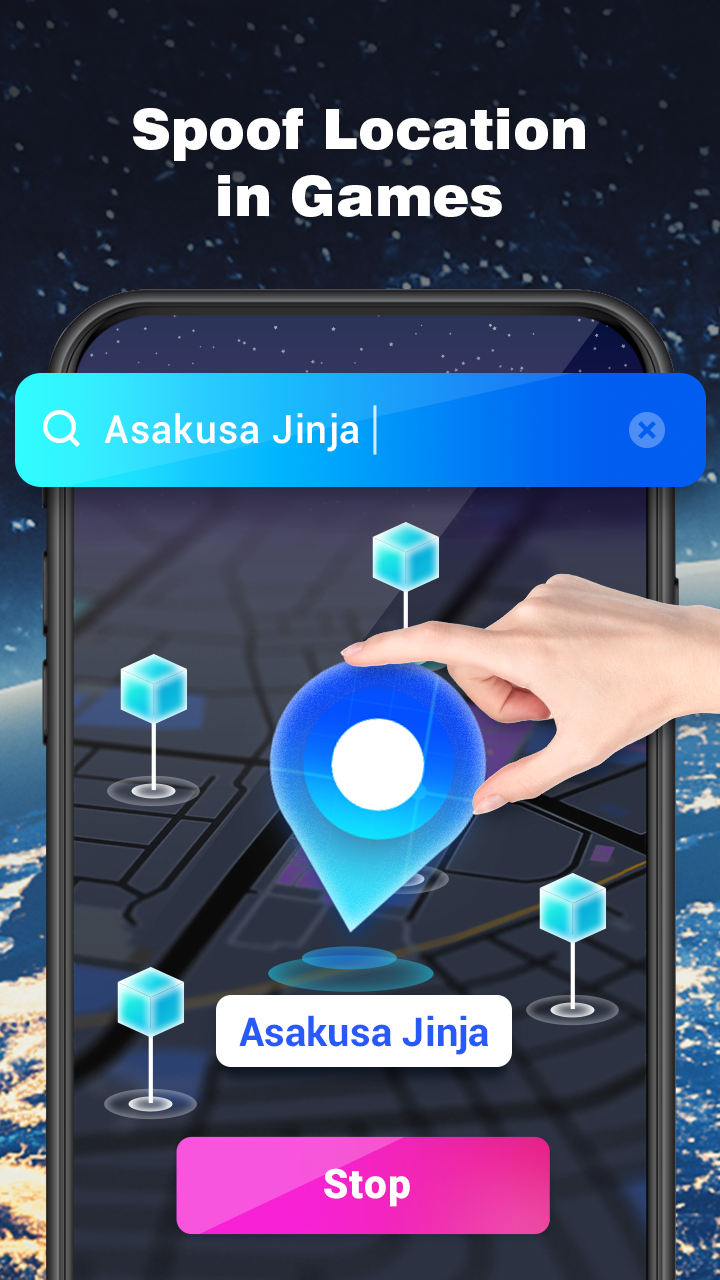
Gmocker is a powerful location changer app designed for users who want to simulate GPS locations on their mobile devices.
With the rise of the Metaverse and the demand for seamless transitions between virtual and real environments, Gmocker was created to let you access any location globally through your smartphone!
What can Gmocker: GPS Spoofing App do?
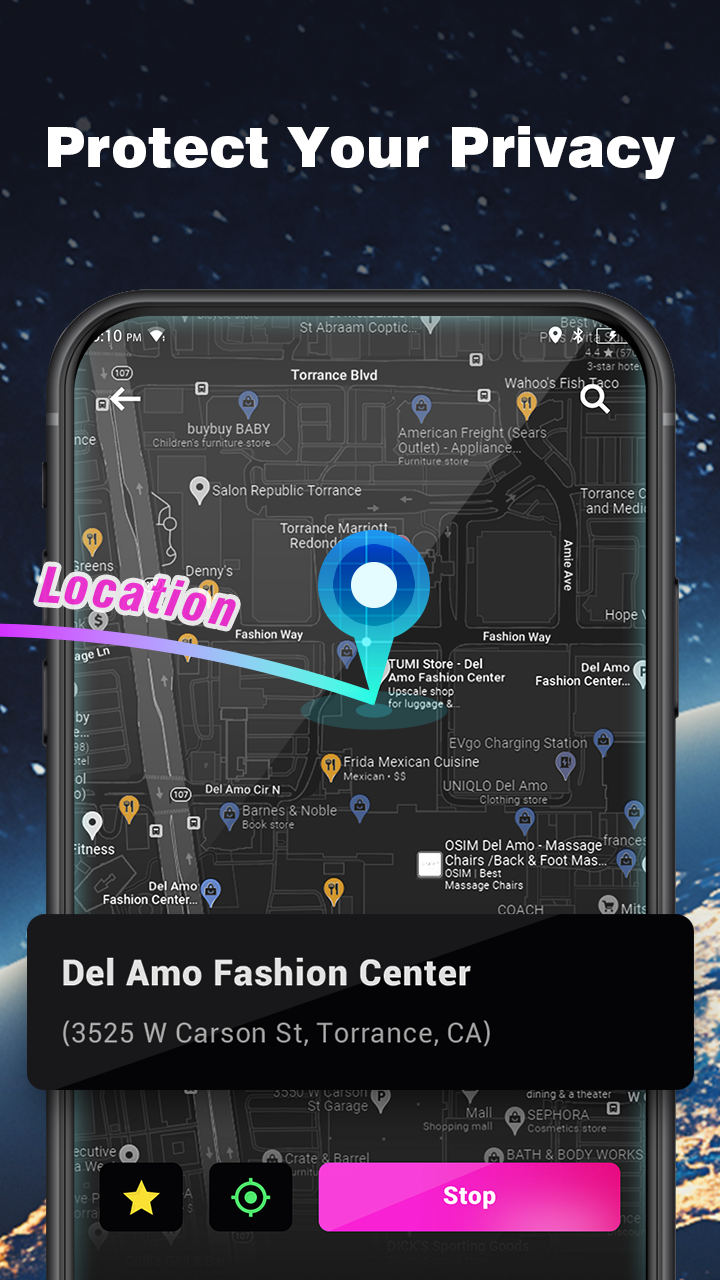
🌍 Gmocker lets you obscure your actual GPS location, enhancing privacy and preventing tracking via location services.
🥳 Share fake GPS coordinates on social media to prank friends while posting location-based photos.
👨💻 Ideal for developers to test apps by simulating GPS movement across different regions.
Using Gmocker is simple with these four steps:
1️⃣ Launch the GPS spoofing app and select 'GO' to start location simulation.
2️⣣ Allow background access and disable battery optimizations (the app can remain closed when not in use).
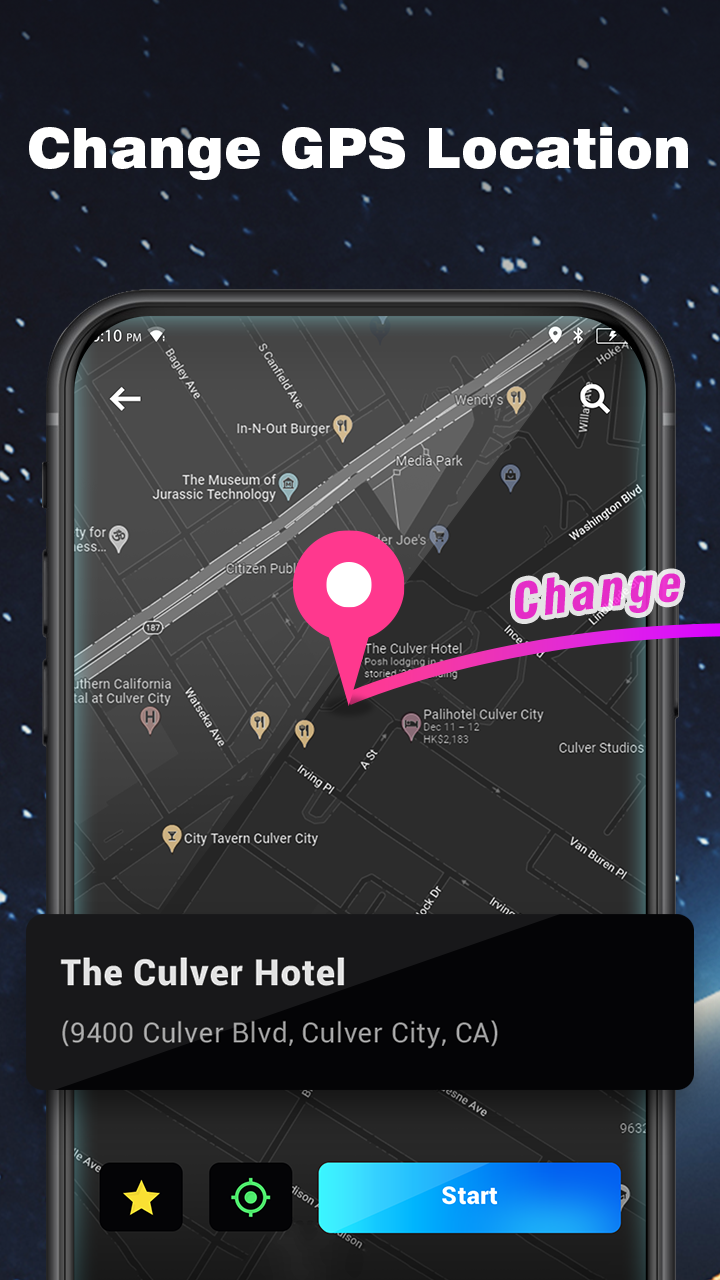
3️⃣ Zoom on the map and tap 'Change Location' to set your desired fake coordinates.
4️⃣ Confirm the location and select 'Start'—your phone's GPS is now spoofed successfully!
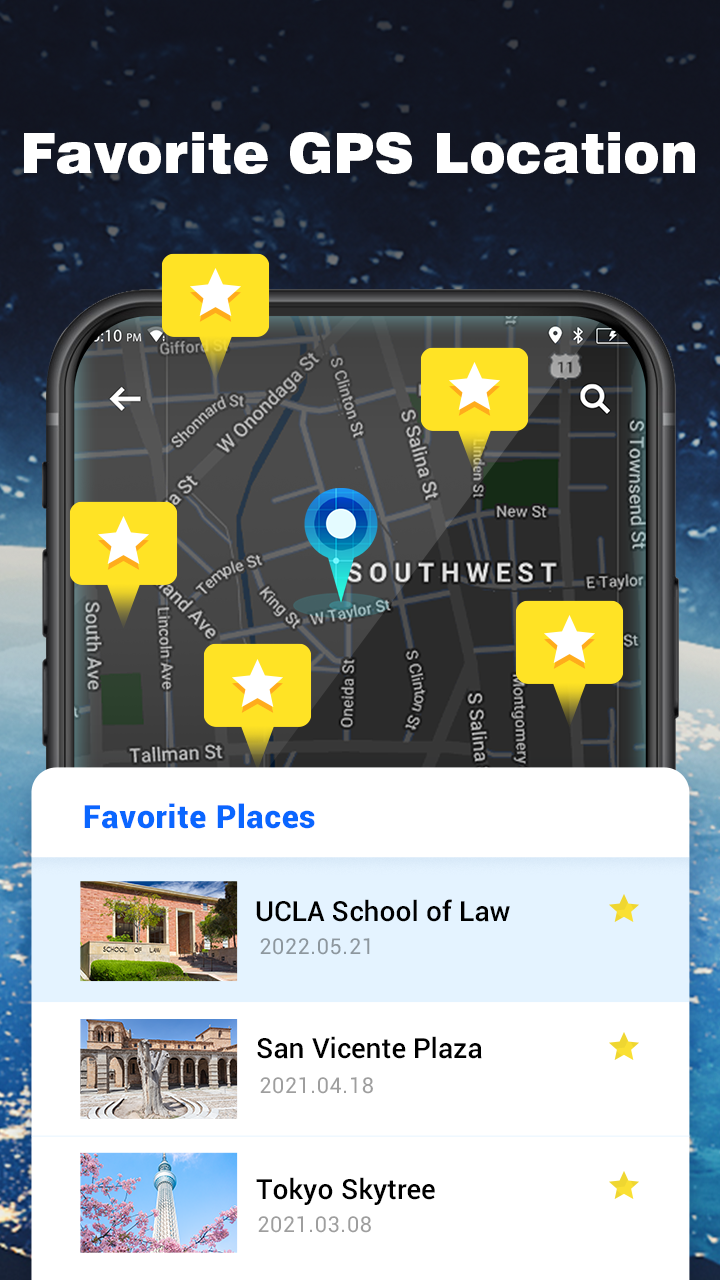
Download Gmocker to alter your location and create fake GPS coordinates. The app also includes features like Stardew Valley, a GPS joystick, and a Pokemon Go spoofer.
FAQ
- Need help accessing the user guide for the free GPS spoofing app? Tap the question mark in the top right corner. We've included version-specific instructions in the 'Help' section to ensure clarity for all Android users.
- Gmocker only modifies your GPS location, not your IP address. Your phone's network settings remain unaffected by the location spoofing process.
Как установить
- Скачайте APK-файл выше на телефон.
- Разрешите «Установку неизвестных приложений» при запросе.
- Откройте скачанный APK и нажмите «Установить».
- Если есть данные OBB/XAPK, следуйте приложенной инструкции.
MOD APK — изменённые сборки, поэтому Play Protect может предупреждать. Устанавливайте, только если доверяете файлу, на свой риск.