

スクリーンショット
説明
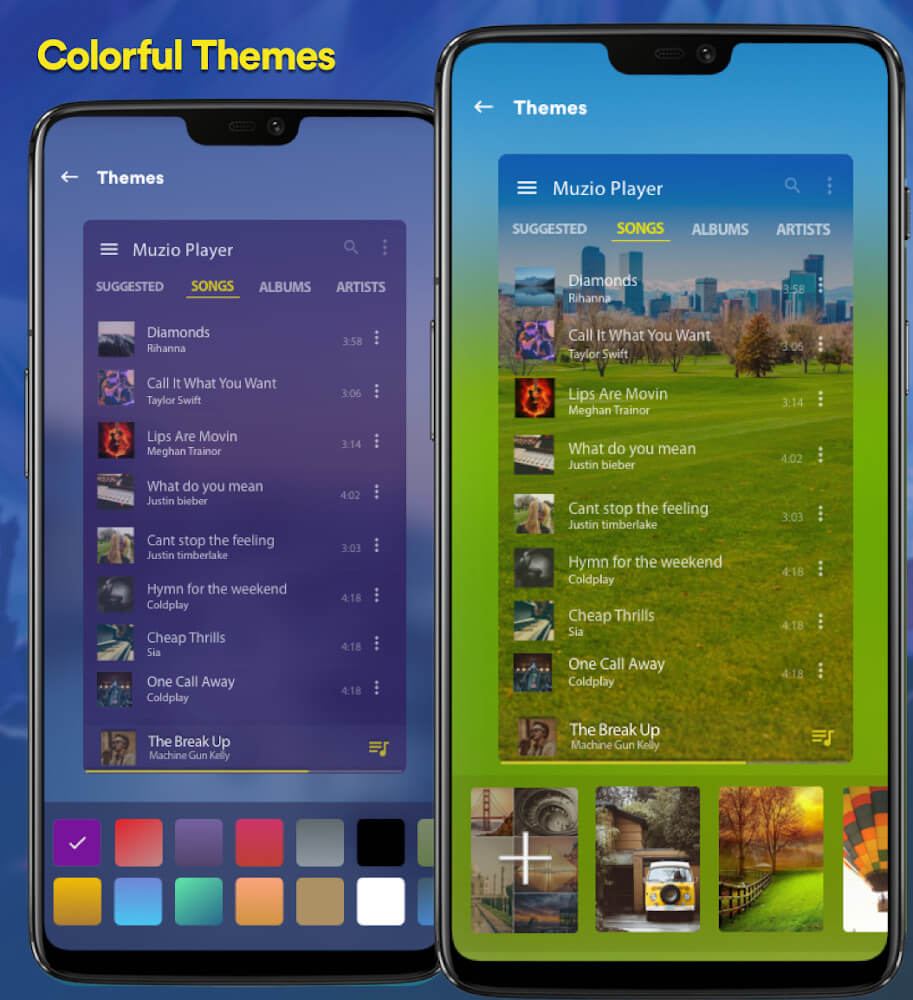
This Music Player MOD APK from GameUnlimit delivers the complete premium edition of the audio player with all paid capabilities unlocked. It provides an upgraded listening experience by lifting every restriction on the app's advanced customization and library management tools.
What’s Modified in Music Player
- Premium Unlocked: Grants full access to all paid features and advanced tools across the application without restrictions.
Carrying the package name com.shaiban.audioplayer.mplayer, this version 7.4.4 release comes in at a compact 15M. Please note that this file is re-signed, meaning you cannot install it directly over an existing Play Store installation.
About Music Player
Music Player
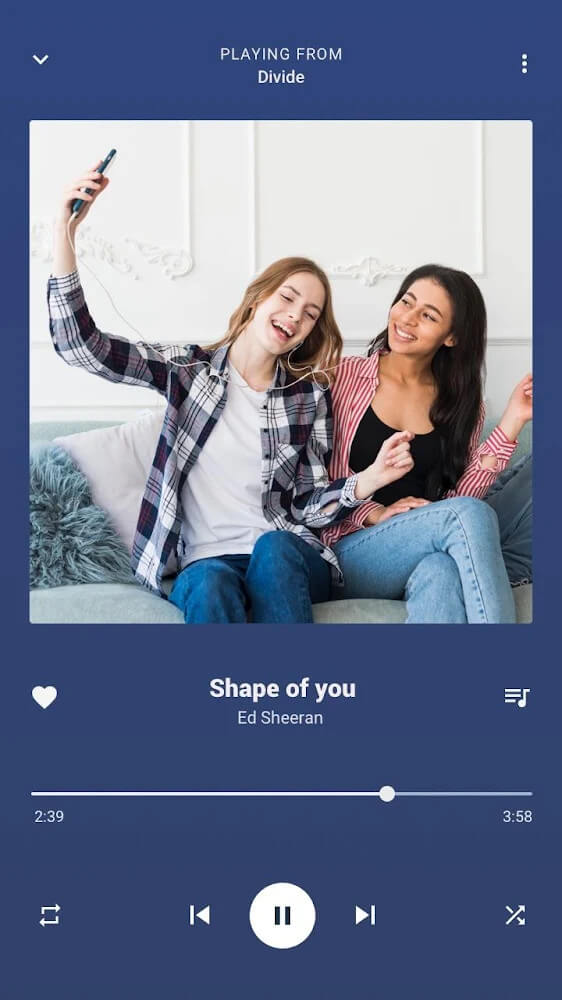
MP3 Player stands out as a lightweight, lightning-fast audio player built specifically for Android users who prefer playing their offline music library. Instead of depending on an active internet connection, it taps straight into your local storage so your favorite songs are ready to play anywhere—whether you are commuting on a bus, waiting for an appointment, or taking a casual stroll. Listening to offline files also delivers pristine sound quality, bypassing the compression artifacts and buffering delays typical of online streaming services. Built to handle a broad range of audio formats with ease, the app delivers an ideal balance of stylish design and practical performance.
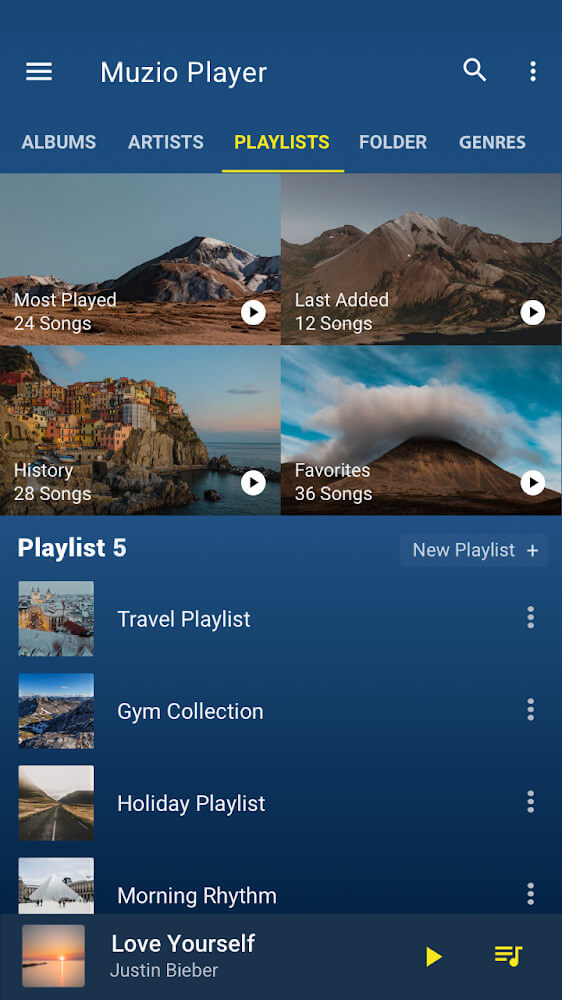
Sorting your audio collection is straightforward thanks to the dedicated folder management system, giving you complete control over your library setup. You can neatly arrange tracks according to specific moods or daily routines, such as an energetic playlist for your morning workout or relaxing sounds to help you unwind at bedtime. The folder navigation is quick and responsive, making organization and track retrieval effortless. By organizing files this way, you never have to spend time searching through cluttered directories just to find the right tune for any moment.
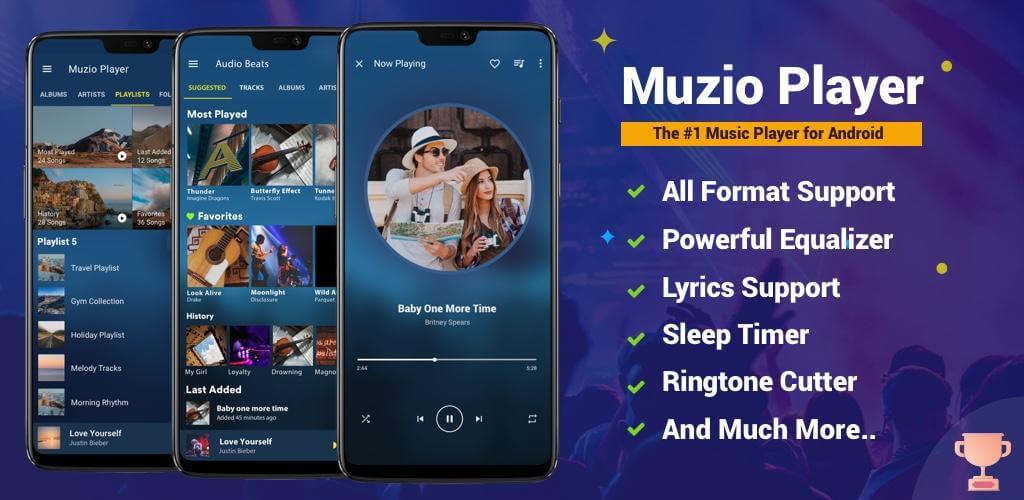
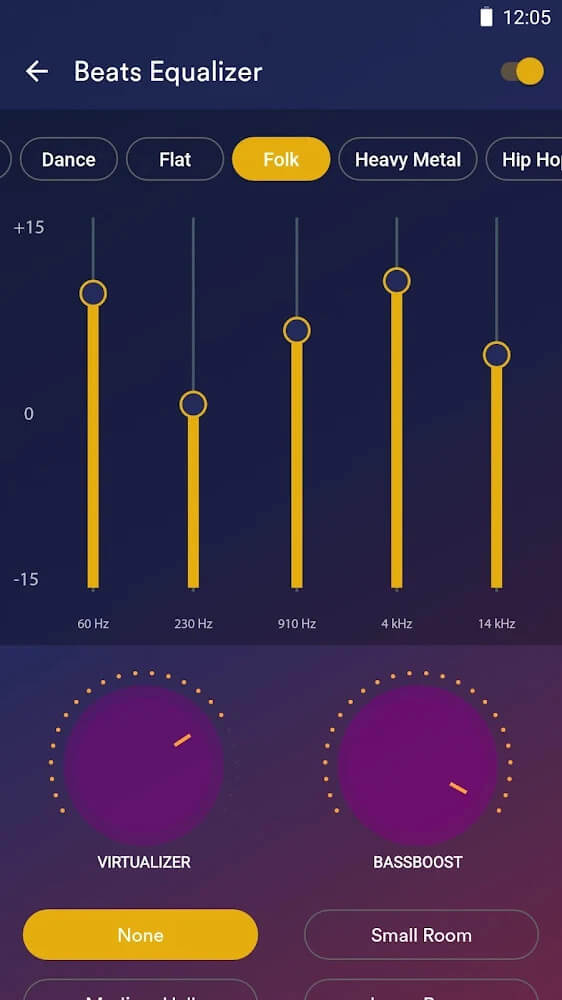
Sound fidelity is a major highlight of this app, which comes packed with various audio adjusters headlined by an advanced equalizer. Listeners can quickly switch between genre-tailored presets like Jazz, Rock, Pop, and Classical, or adjust the frequency sliders manually for total acoustic control. This makes it easy to tone down unwanted noise or tweak sound profiles to perfection, which is especially useful for vocal-heavy podcasts or raw recordings. With a few quick adjustments, the equalizer can add depth and richness to make any standard track far more enjoyable.
Beyond reliable playback, this application offers impressive audio processing features. Its standout capability is extracting high-fidelity audio directly from video files, letting you pull soundtracks or background music effortlessly. It also includes a handy format converter that turns other audio types into universal MP3 files for seamless playback inside the app. On top of that, the built-in audio cutter allows you to trim any track segment and set it as a custom ringtone, giving you multiple ways to edit and enjoy your audio files.
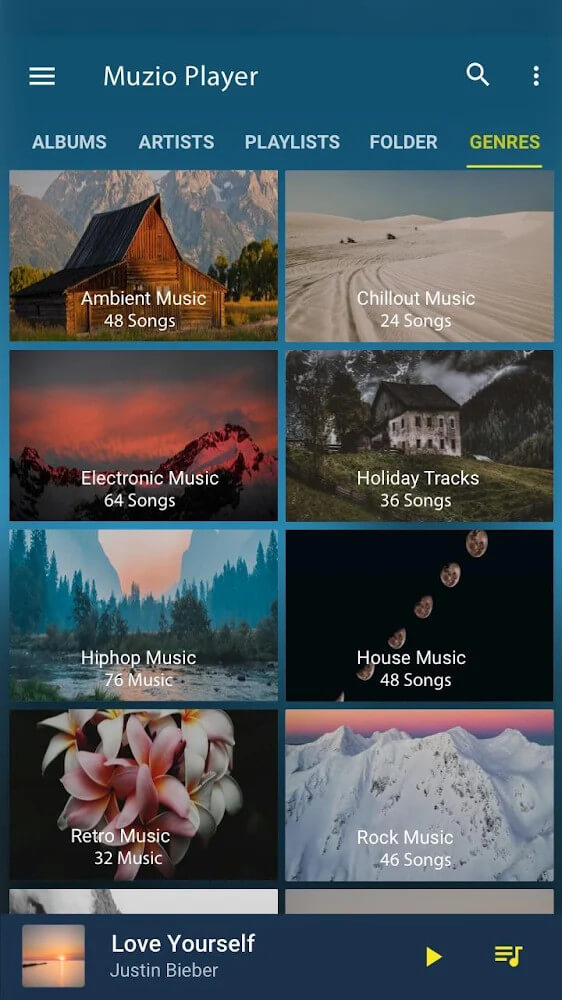
Navigating a large offline collection is seamless thanks to a responsive built-in search tool. Users can instantly filter their tracks by artist name or music genre, uncovering classic favorites or recently added hits in seconds. Selecting any genre or artist immediately groups all matching songs for easy browsing. Designed with a clean, user-friendly interface and fast responsiveness, the app eliminates playback delays and lets you manage thousands of local audio tracks with absolute ease.
A built-in Sleep Timer has been integrated into the app to help users balance their digital habits and personal wellness. Many people enjoy drifting off to their favorite songs, but leaving music playing throughout the night can drain battery life and disrupt sound sleep. To prevent uninterrupted playback, this smart Sleep Timer allows you to schedule when the music player automatically shuts down. This way, you can enjoy a restful night without having to manually close the app or worry about device usage. Combined with versatile playback and audio management tools, the Sleep Timer ensures you get a premium music experience while safeguarding your well-being.
Key Features
- Local music playback directly from device storage
- Smart folders organized by musical mood
- Robust equalizer featuring Rock and Jazz presets
- Extract audio directly from video files
- Integrated MP3 audio converter
- Built-in ringtone creator and cutter
- Browse tracks by genre and artist
- Battery-saving sleep timer
Related MOD APKs
- Muzio Player
- Spotify Music
- Spotify X Gold
- YouTube Music
FAQ
Is Premium unlocked in Music Player – Mp3 Player MOD APK?
Yes, this 7.4.4 version of Music Player – Mp3 Player comes with Premium Unlocked features included. It works seamlessly just like the official Apps10X release, with every pro function activated right after installation.
What is the latest version of Music Player – Mp3 Player MOD APK?
The current build is version 7.4.4, corresponding to the Apps10X release from May 16, 2025. GameUnlimit exclusively provides the latest edition. To upgrade, install this file directly over your existing app; if Android flags a signature conflict, simply uninstall the older version first.
Is Music Player – Mp3 Player MOD APK safe to download?
Yes, it is completely secure. The Music Player – Mp3 Player 7.4.4 release on GameUnlimit from Apps10X only includes the Premium Unlocked mod with no unwanted modifications. It holds a 3.9 rating from 46 users here and requires no root access. A standard Play Protect prompt may show up during setup, so always download directly from this page.
Can I use Music Player – Mp3 Player MOD APK on PC or iPhone?
This package is designed exclusively for Android systems and will not run on an iPhone or iPad. To launch the 15M APK on a computer, install an Android emulator such as LDPlayer or BlueStacks, then drop the APK file right into the emulator interface.
インストール方法
- 上のAPKファイルをスマートフォンにダウンロードします。
- 確認が表示されたら「不明なアプリのインストール」を許可します。
- ダウンロードしたAPKを開き「インストール」をタップします。
- OBB/XAPKデータが含まれる場合は、同梱の手順に従ってください。
MOD APKは改変版のため、Play Protectが警告を表示することがあります。ファイルを信頼できる場合のみ、自己責任でインストールしてください。