
Screenshot
Descrizione
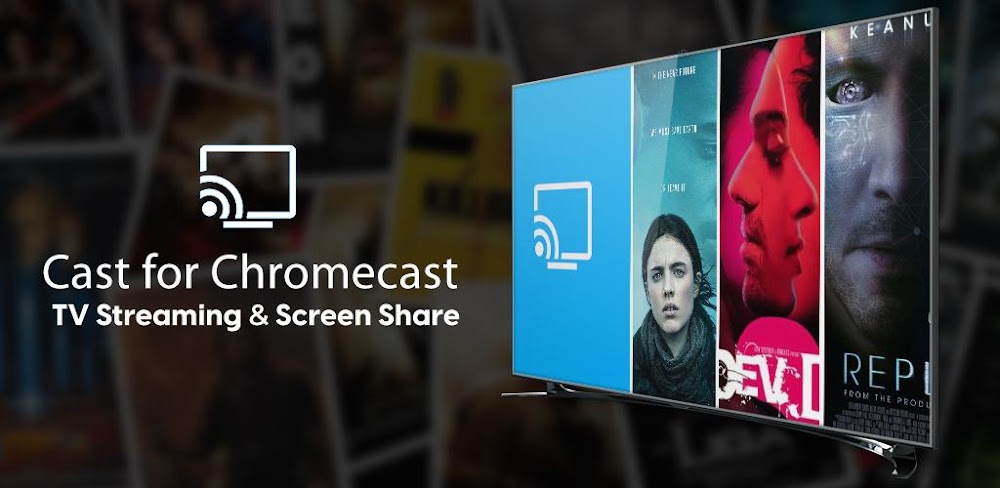
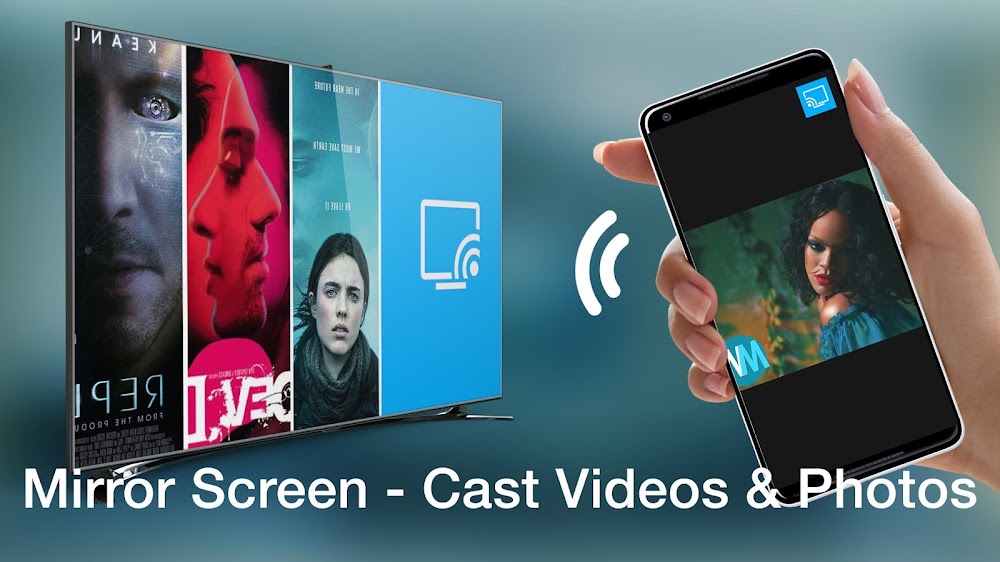
Cast music, stream videos, enjoy mobile games, and mirror your display directly to any Chromecast TV.
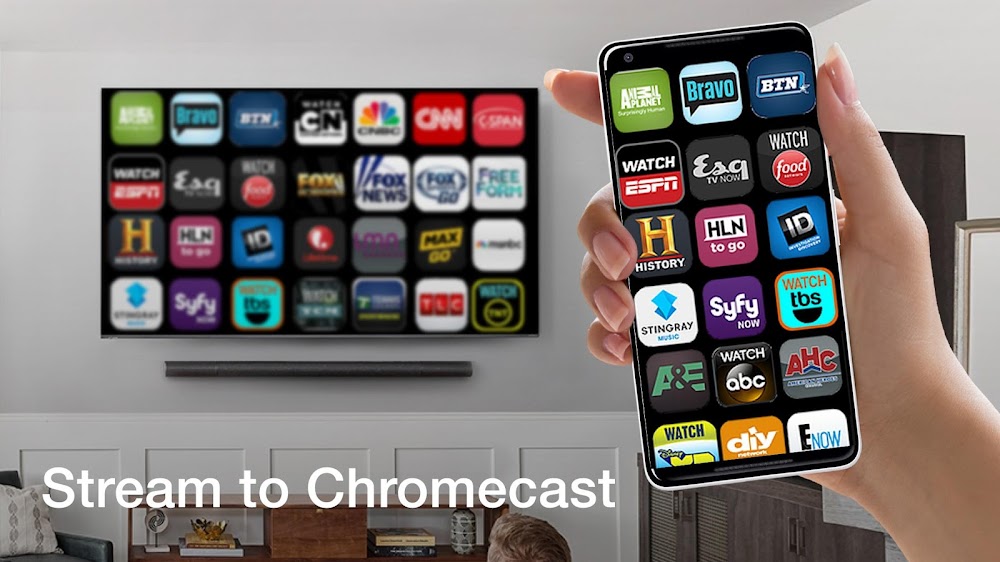
An all-in-one Android application designed to mirror your smartphone display, stream top videos, and broadcast memorable photos seamlessly onto your Chromecast-enabled television. In just a couple of taps, link your device to the big screen and relish your favorite media in high definition. From showing family albums to playing the newest trending movies, Cast for Chromecast provides smooth, hassle-free connectivity. Featuring a clean and intuitive layout, Cast for Chromecast serves as the go-to utility to upgrade your home entertainment setup.
Key Features:
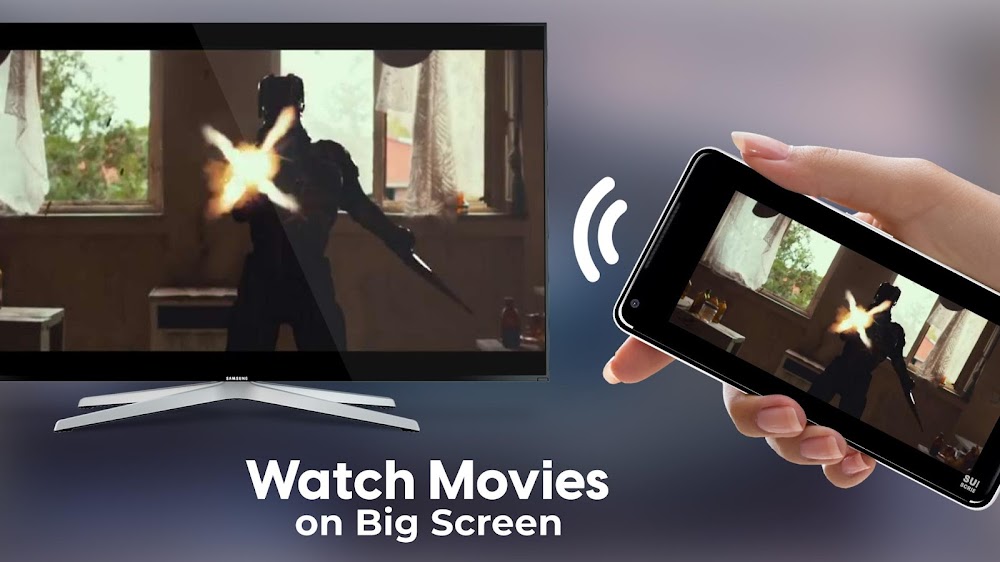
+ Cast pictures, audio tracks, and videos directly to your Chromecast TV. + Enjoy high-definition movie playback on Chromecast devices. + Broadcast your smartphone camera feed live to the screen. + Share your phone screen in real time with optimal video resolution. + Plus numerous other handy tools and functions.
How to Use: 1. Ensure that both your smartphone and Chromecast hardware share the identical Wi-Fi network. 2. Launch the application and pair it with your Chromecast receiver. 3. Start enjoying all features immediately:
Accessing the screen mirroring capability requires an upgrade to the Premium edition. A 3-day free trial is available to test Premium perks before starting the auto-renewing yearly subscription plan.
Chromecast is a registered trademark of Google LLC. This application is an independent product and is not affiliated with Google LLC.
Come installare
- Scarica sul telefono il file APK qui sopra.
- Consenti «Installa app sconosciute» quando richiesto.
- Apri l’APK scaricato e tocca Installa.
- Se il pacchetto include dati OBB/XAPK, segui le istruzioni allegate.
Gli APK MOD sono versioni modificate, quindi Play Protect potrebbe mostrare un avviso. Installa solo se ti fidi del file; l’uso è a tuo rischio.