

Screenshot



Descrizione
With Puffin Browser Pro MOD APK from GameUnlimit, you gain complete access to all premium tools and paid functionalities without spending a dime. This modified edition unlocks the full capabilities of the application, letting you enjoy every advanced feature without having to purchase the browser from the official app store.
What’s Modified in Puffin Browser Pro
- Unlocked: Enjoy full access to all premium and paid browser features.
Featuring the package name com.cloudmosa.puffin, version 10.5.0.61369 comes with a compact file size of 39M. Because this custom package has been re-signed, please note that it cannot be installed directly over an existing installation from the official app store.
About Puffin Browser Pro
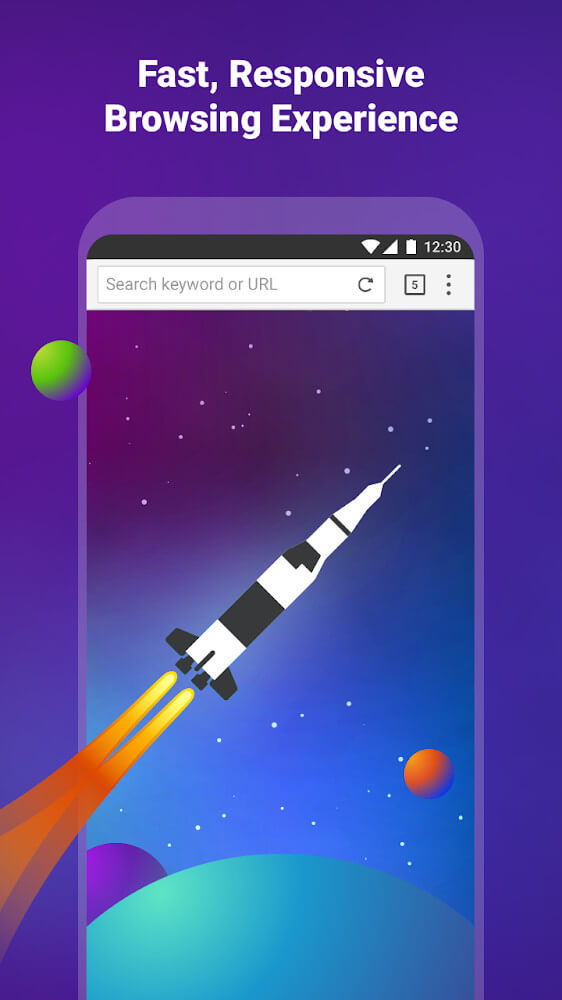
Created by CloudMosa Inc, Puffin Browser Pro is a dedicated communication and web browsing utility that relies on an innovative cloud infrastructure. Ever since its rollout in 2010, the application has set itself apart through remote server-side rendering, offloading complex webpage processing and script execution to external data centers before transmitting the results to your phone. This approach completely transforms traditional mobile browsing by relieving local hardware of resource-heavy rendering workloads. Visually recognized by its distinctive parrot icon across the UI, the browser offers a clean, straightforward interface that makes navigation comfortable. By running web assets in the cloud, it delivers superior speed, smooth responsiveness, and heightened security beyond what ordinary mobile browsers constrained by local CPU and RAM can provide.
Security stands at the core of Puffin Browser Pro, driven largely by its cloud-first isolation model. The app creates a secure barrier that shields your Android device from malware, malicious links, and infected web files. Because all target websites are loaded and evaluated on distant cloud servers rather than locally, zero hostile code is ever executed on your physical smartphone or tablet. At the same time, users should be mindful of CloudMosa's stated privacy guidelines regarding session records. While the developer maintains that users are not tracked during standard online activities, internet traffic logs are archived for diagnostic and compliance reasons. These activity logs can be made available for legal review by authorities whenever required, providing heavy-duty defense against software infections alongside strict regulatory oversight.
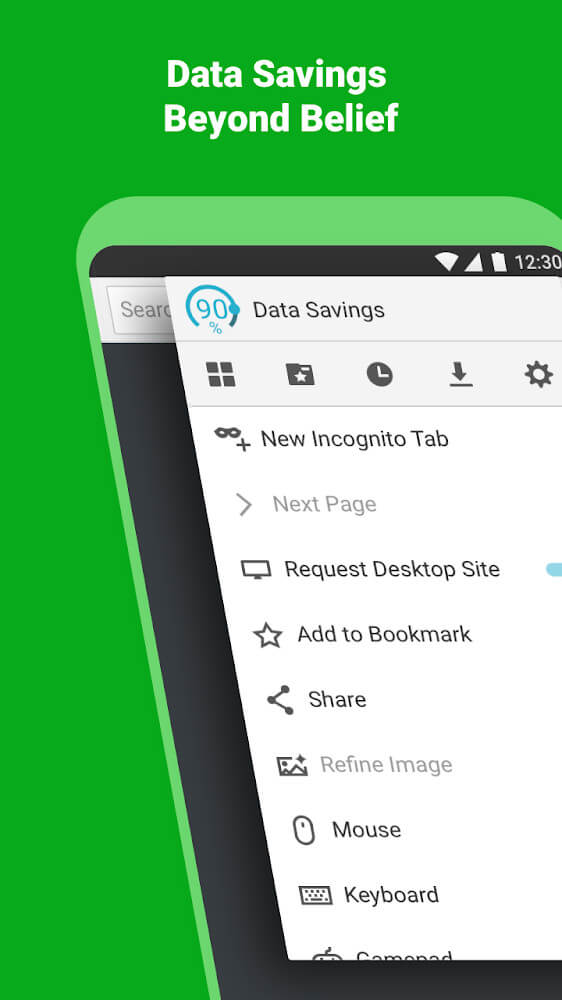
Data conservation is another key advantage, providing built-in utilities that help mobile users slash their bandwidth consumption. The browser achieves this by actively compressing webpage assets and filtering out clutter that typically slows down your internet connection. Users can easily customize these compression behaviors to fit their needs, choosing to engage heavy savings on cellular connections while disabling it on stable Wi-Fi networks. An essential part of this bandwidth saver is adaptive image downscaling, which reduces graphic dimensions and file weight before delivery. Whenever you need crisp original visuals, you can tap the fine-tune image option directly within the main menu. This lets you flexibly balance image quality with bandwidth savings, keeping your browsing experience fast and reliable even under poor network coverage.
Crafted for smartphones and tablets, the interface focuses on efficiency and streamlined ease of use. It features an intuitive layout containing essential navigation buttons, an address bar, and a dedicated menu, all sequenced naturally from left to right to align with standard mobile screen viewing. The main menu functions as an all-in-one dashboard where you can effortlessly access your bookmarks, download records, and system settings. On top of that, an integrated speed dial shortcut system gives you instant access to your favorite websites, while an embedded newsreader keeps you informed about trending headlines without leaving the browser. Together, these tools provide an organized, responsive browsing environment free of unnecessary submenus or clunky external utilities.
To elevate visual comfort and personal style, the browser integrates interchangeable light and dark themes. Users can effortlessly switch interface appearances to suit their immediate environment or time of day. Activating dark mode is especially effective at curbing eye fatigue caused by prolonged exposure to blue light. Through these ergonomic display choices, the app helps safeguard your eyesight and ensures long reading sessions remain comfortable. In addition, this flexible browser supports multiple platforms, offering dedicated editions for Android, iOS, and Windows. Each build is finely tuned to harness the strengths of its respective operating system while delivering a consistent core experience. A standout highlight provided by the developer is the built-in ad-blocking engine, which filters out intrusive advertisements natively so you never have to install third-party ad blockers.
Overall, this browser stands out as an exceptional choice for anyone seeking isolated security and uncompromising online privacy. Its innovative architecture protects users from cyber threats, trackers, and malicious scripts by processing web sessions securely within remote cloud servers. The integrated ad blocker further streamlines browsing by decluttering web pages without extra add-ons. By combining cloud-based rendering, intelligent data compression, and an integrated newsfeed, the application provides a versatile hub for efficient web navigation. Furthermore, convenient options to fine-tune image quality and switch visual themes ensure that the browser adapts seamlessly to your preferences while maintaining optimal speed and defense.
Key Features
- Cloud-based page rendering
- Server-side web processing
- Protection against malware and online threats
- Data compression for faster browsing
- Image quality adjustment toggle
- Quick dial shortcut tool
- Integrated newsreader
- Light and dark theme modes
- Built-in ad-blocking engine
- Multi-platform operating system support
Related MOD APKs
- Truecaller
- Telegram
- Truecaller
- Psiphon Pro
FAQ
Is Premium unlocked in Puffin Browser Pro MOD APK?
Our Puffin Browser Pro build (version 10.5.0.61369) comes with Premium Unlocked right out of the box. All tools perform just like the official CloudMosa Inc release, and every modified perk is ready to use immediately after installation.
What is the latest version of Puffin Browser Pro MOD APK?
The current edition available on GameUnlimit is version 10.5.0.61369, matching the official CloudMosa Inc update from June 29, 2025. We only provide the newest releases here. To update, simply install this file over your existing app; if you run into a signature conflict, remove your older installation before proceeding.
Is Puffin Browser Pro MOD APK safe to download?
Yes, downloading the Puffin Browser Pro 10.5.0.61369 package by CloudMosa Inc from GameUnlimit is completely secure, offering Premium Unlocked without requiring root access. Rated 3.6/5 by 163 users, it may trigger a routine Play Protect prompt during installation, so always ensure you grab the authentic file directly from this page.
Can I use Puffin Browser Pro MOD APK on PC or iPhone?
Because this is an Android APK, it cannot run natively on iOS devices like the iPhone or iPad. If you want to use the 39M file on a Windows PC or Mac, open it through an Android emulator such as BlueStacks or LDPlayer by simply dragging the file into the emulator window.
Come installare
- Scarica sul telefono il file APK qui sopra.
- Consenti «Installa app sconosciute» quando richiesto.
- Apri l’APK scaricato e tocca Installa.
- Se il pacchetto include dati OBB/XAPK, segui le istruzioni allegate.
Gli APK MOD sono versioni modificate, quindi Play Protect potrebbe mostrare un avviso. Installa solo se ti fidi del file; l’uso è a tuo rischio.