

Screenshot
Descrizione
Effortless Note-Taking! Annotate PDFs, Design Custom Notebooks, Memos & Digital Planners
With Flexcil Notes MOD APK from GameUnlimit, all pro features are completely unlocked, giving you instant access to advanced document editing and markup tools free of charge. This tailored release delivers an all-inclusive, professional workspace to handle your digital notebooks and PDF documents smoothly.
What’s Modified in Flexcil Notes
- Premium Unlocked: Enjoy complete access to every advanced feature and pro tool without paying for a subscription or in-app purchase.
This release comes as version 1.4.4.7, carries a download size of 179.81 MB, and uses the package name com.flexcil.flexcilnote. Because the APK is re-signed, you cannot install it directly over the official Google Play build.
About Flexcil Notes
Flexcil Notes stands out as a versatile productivity tool designed to streamline PDF editing and note-taking in one place. It lets you structure diverse documents, customize digital planners, and annotate or summarize PDF files on the fly. Whether you are a student or a professional balancing piles of reading material, the app keeps everything neatly sorted. Flexcil Notes MOD APK transforms your screen into an open digital canvas tailored for personalized note-taking, much like Iris Notes.
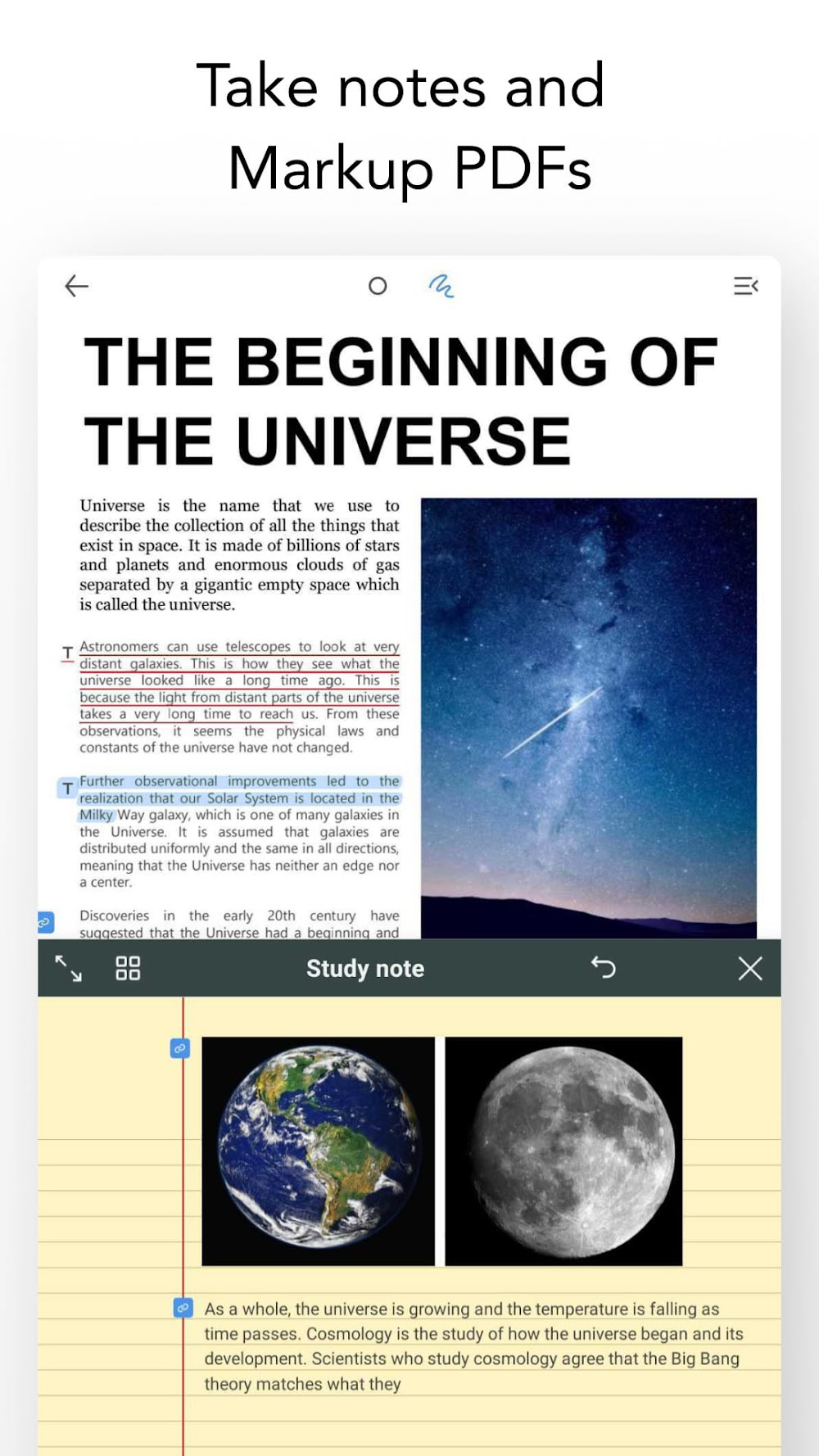
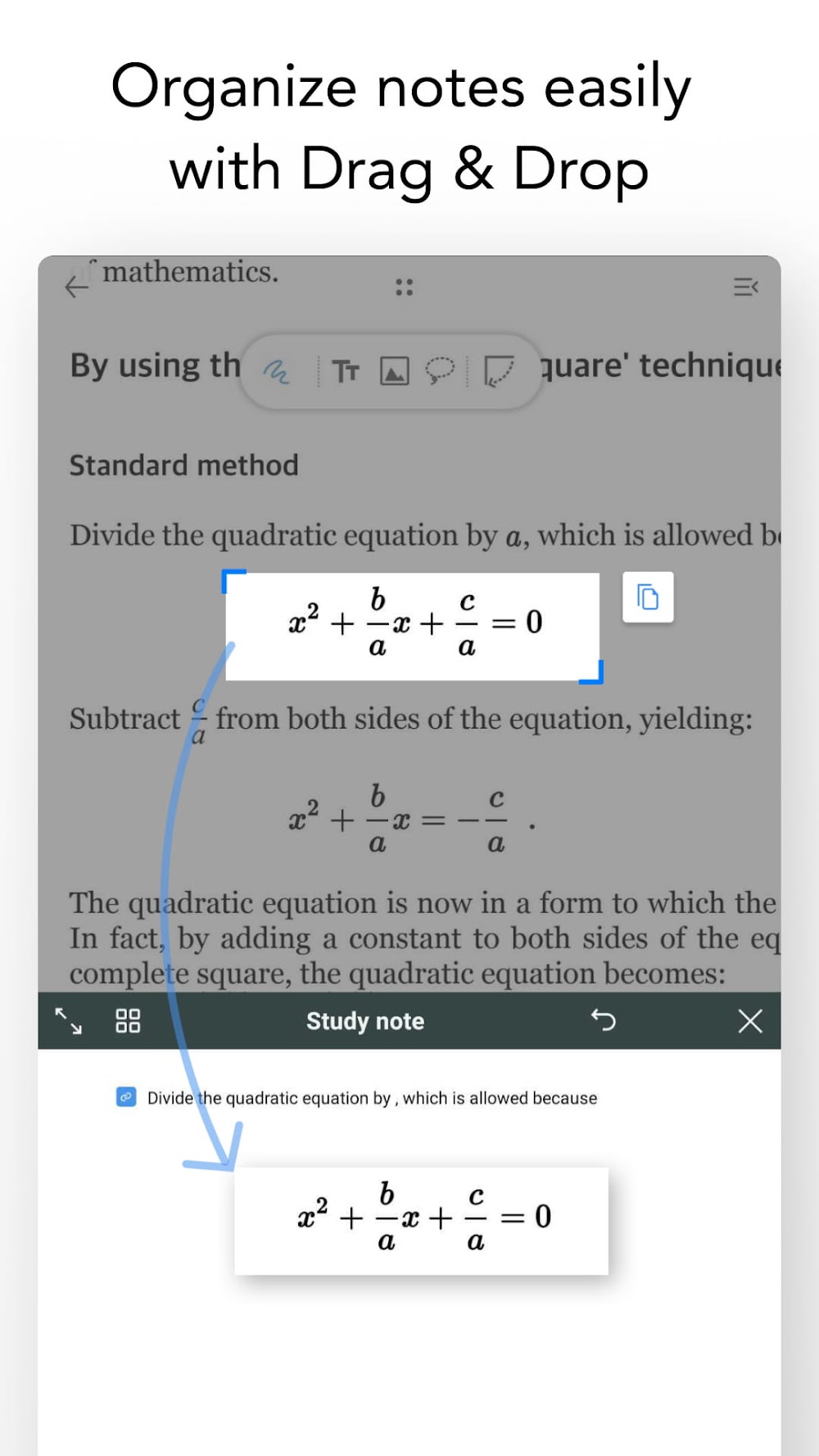
A standout highlight of the application is its intuitive Pen Gesture mode, engineered to make document interaction feel seamless. Instead of digging through menus, you can underline or highlight text with quick, natural stylus motions. Simple gestures also let you clip passages or graphics straight from a PDF and drop them right into your notebook. This replaces clunky conventional methods with fluid navigation between the document reader and your scratchpad. Moving images, quotes, and files back and forth is practically effortless, allowing you to annotate freely, tackle lengthy reference files, and condense complex information with minimal friction.
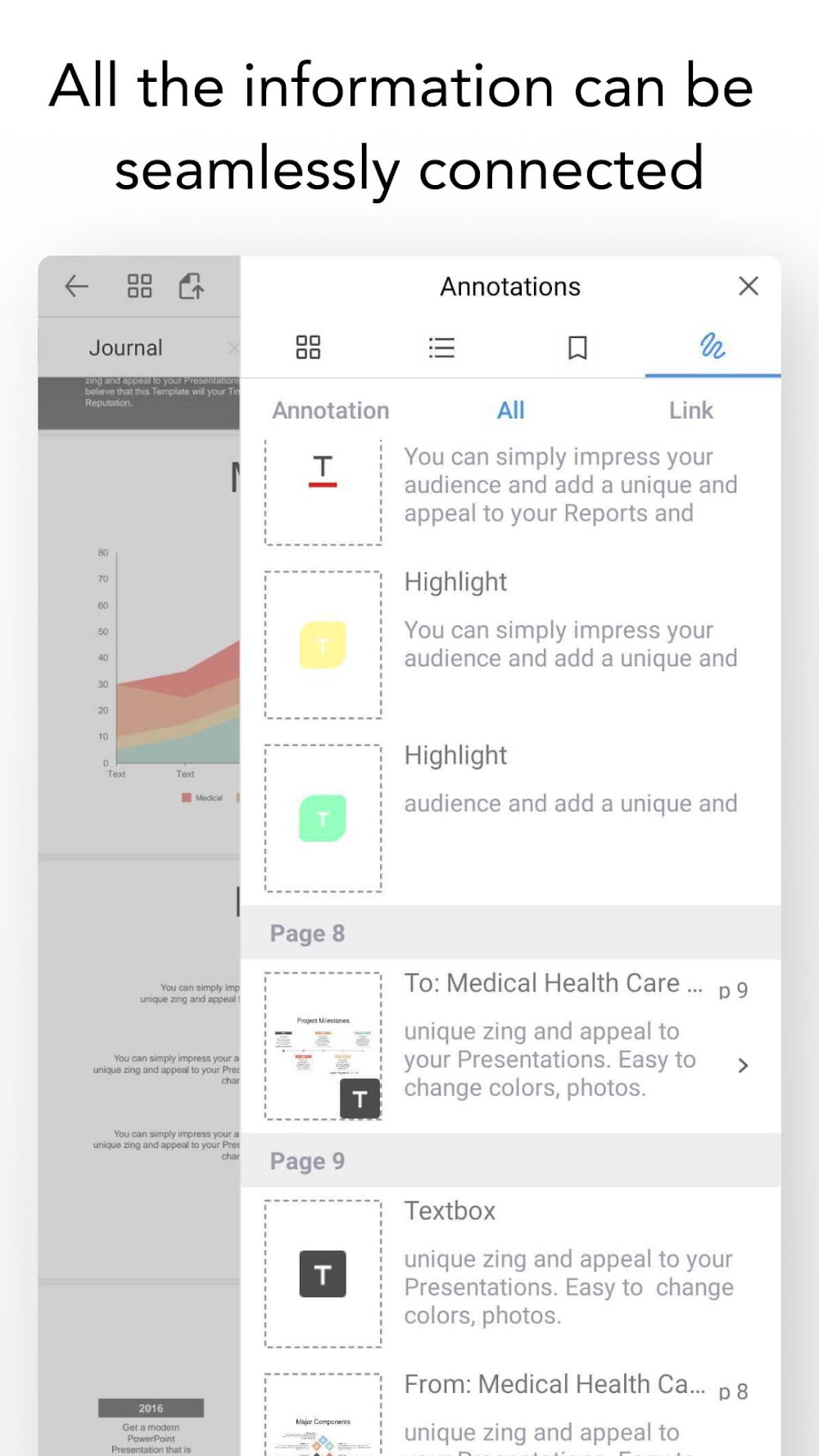
Your notes remain dynamically linked to their original sources through an intelligent background referencing system. Whenever you paste an excerpt or snapshot into your study guide, you can jump straight back to the exact passage in the source document with a single tap. This eliminates the hassle of tracking down missing context, saving you precious research time. By bridging your personal notes with source materials and offering granular control over captured assets, the platform helps you catalog complex ideas systematically—an indispensable asset for rigorous project research and thorough study routines.
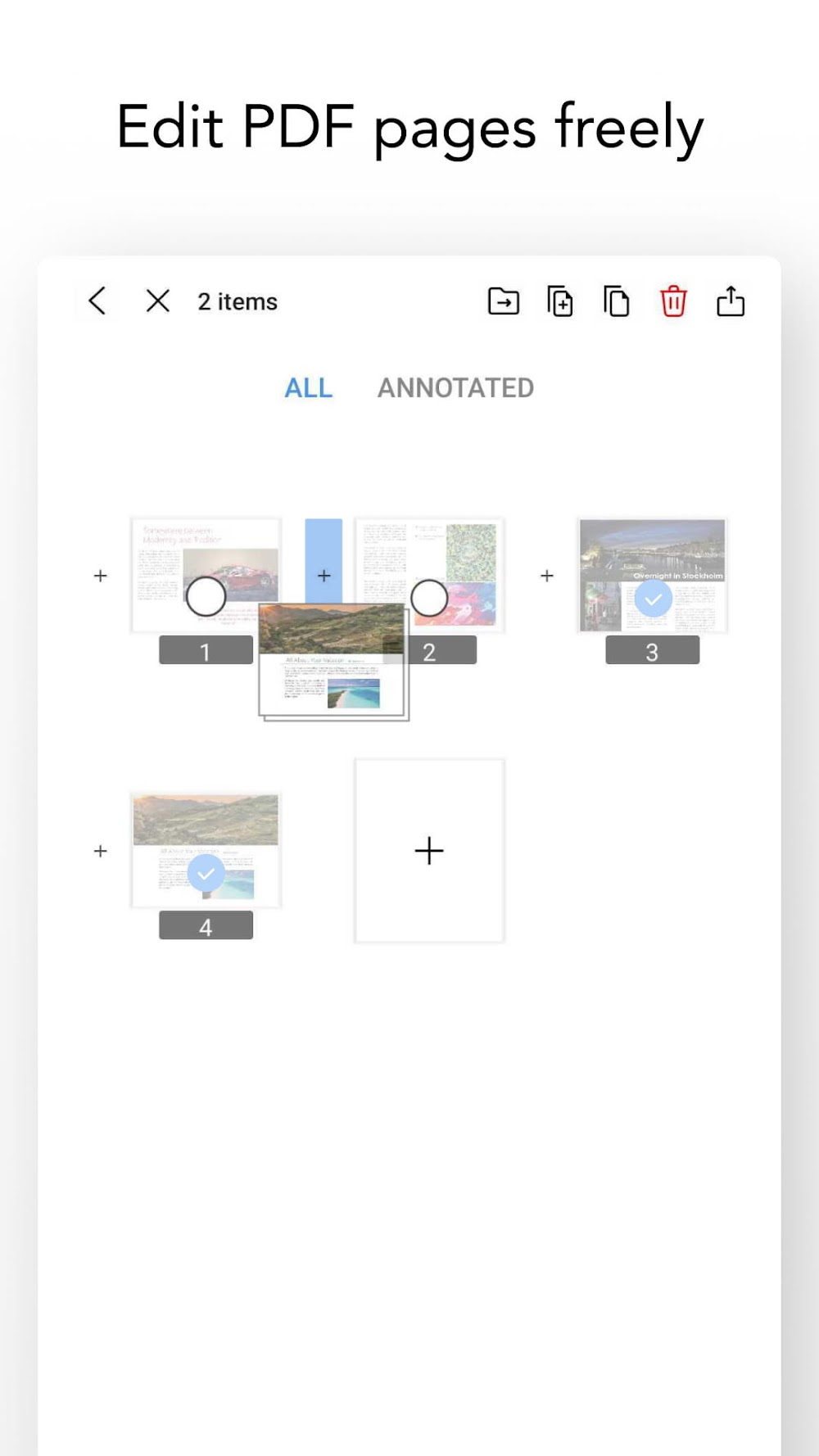
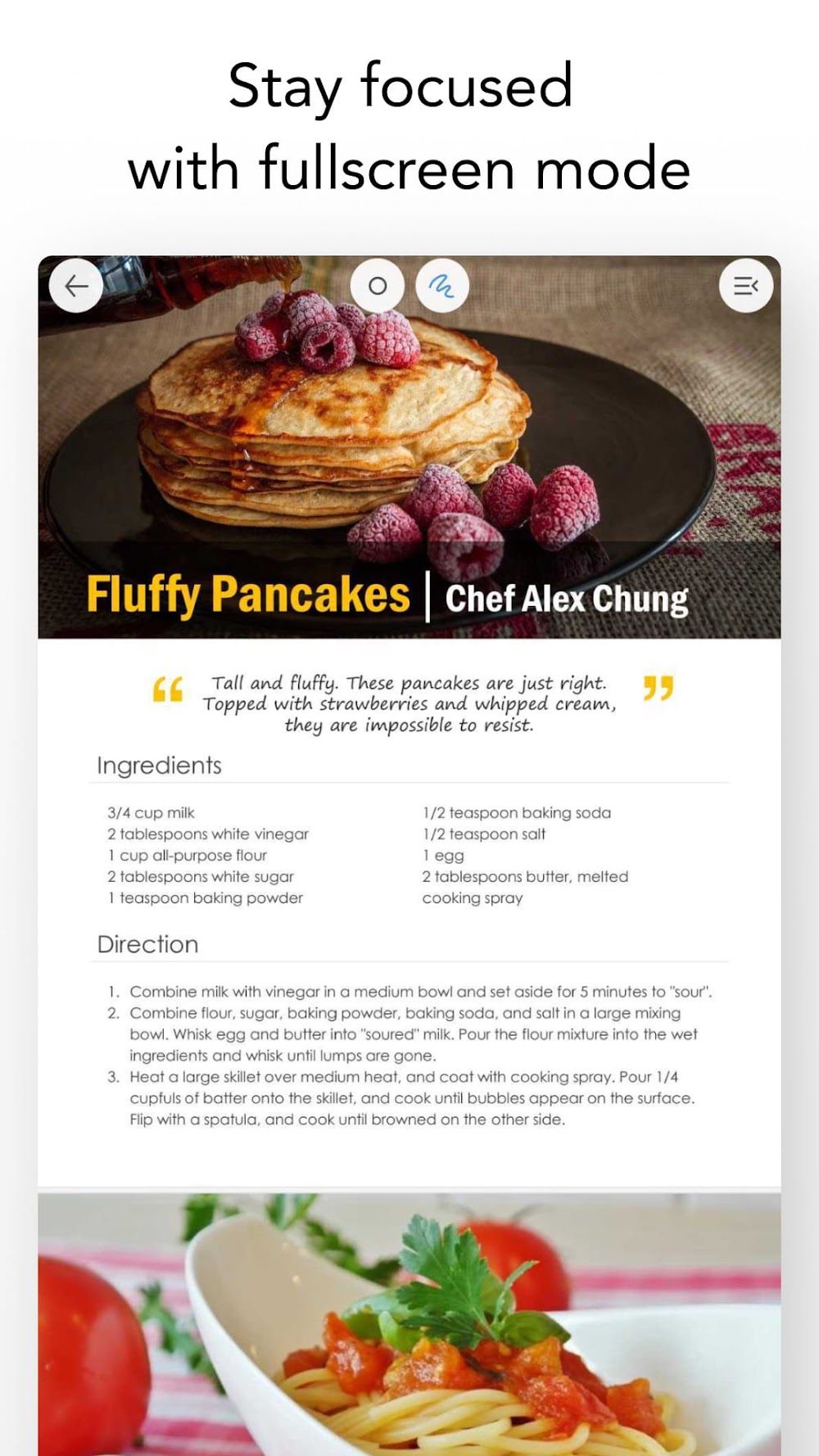
Multi-tasking is at the heart of the app, enabling you to browse PDFs and draft notes simultaneously side by side. It equips you with versatile reading settings, including vertical scrolling, multi-page spreads, and full-screen view modes, alongside tools to reorganize document pages to your liking. Thanks to responsive drag-and-drop support, importing text snippets or images directly into your ongoing notebook is fast and simple. Designed for handling multiple files at once, the software makes reading, compiling, and annotating numerous PDFs simultaneously feel remarkably smooth.
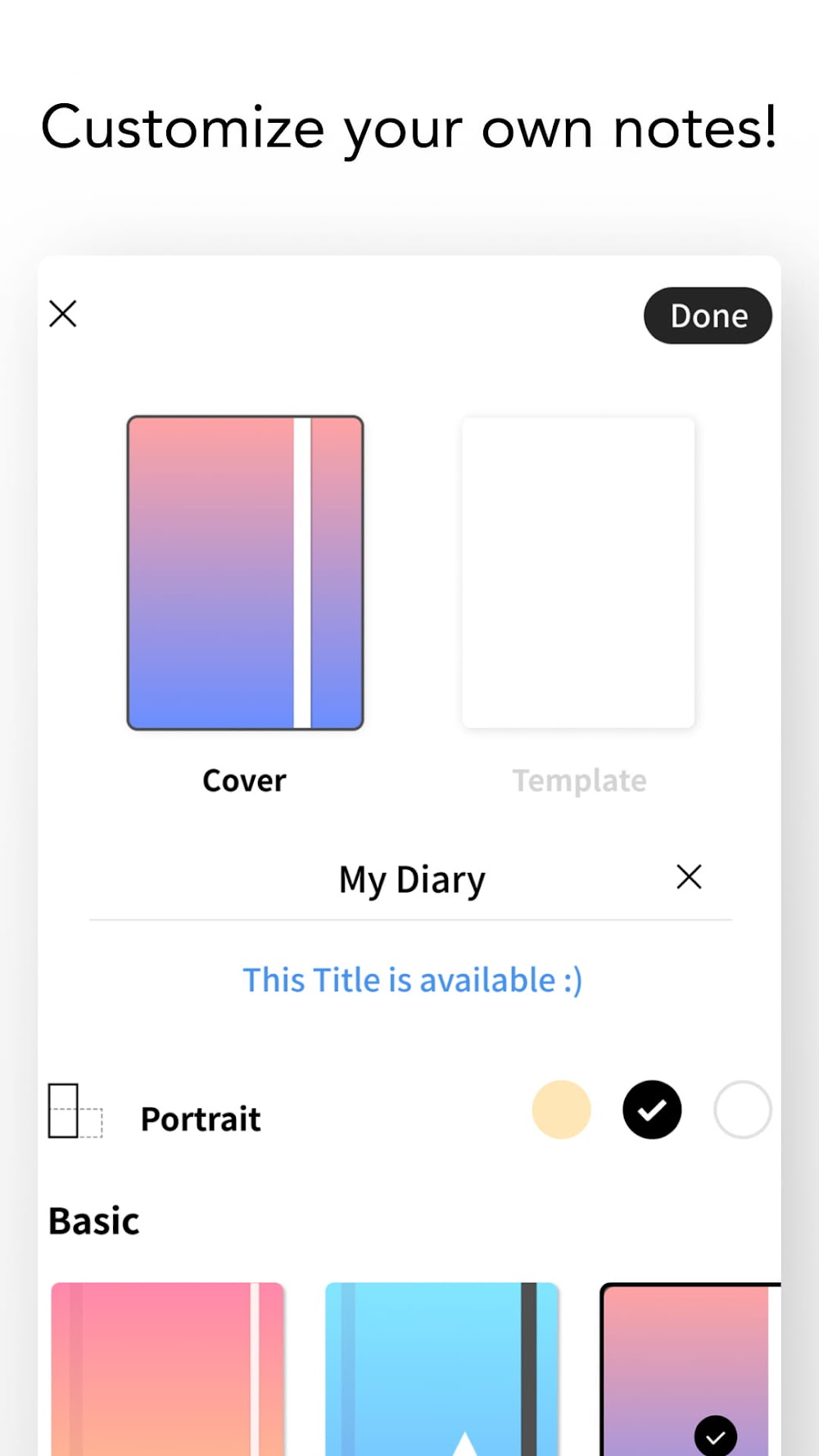
Beyond basic document handling, the integrated digital planner offers extensive creative and scheduling flexibility. Users can personalize their notebooks with a broad selection of exclusive covers and tailored page layouts suited for diverse professions, creative writers, and artists. The toolkit accommodates varied handwriting styles and personal workflows with ease. Moreover, it expands beyond visual notes by supporting voice recording alongside written content, synchronizing audio and text for an immersive, multi-sensory review experience that boosts both productivity and retention.
Engineered with diverse mobile hardware in mind, this app delivers an exceptionally optimized experience for Samsung tablet and phone users equipped with an S-Pen. Leveraging Air Actions alongside the physical stylus button, it grants intuitive, context-sensitive controls for navigating documents and marking up content. To ensure seamless handwriting precision, intelligent palm rejection filters out unintended touch inputs from your fingers and hands. On top of that, the application effortlessly connects with essential productivity and collaboration platforms, including Zoom, Notion, Google Meet, and Google Classroom, as well as cloud storage solutions like Google Drive, Dropbox, Box, and personal NAS setups. With full compatibility for PDF digital textbooks and e-books, it unifies your digital workspace for an effortless e-learning and document management workflow.
Key Features
- Advanced vector handwriting engine for smooth stylus strokes
- Smart gesture controls for quick underlining and text highlighting
- Instant hyperlinking connecting reference sources directly to your notes
- Dual-window multitasking to read and take notes side by side
- Real-time audio recording synced with written notes
- Native integration with Samsung S-Pen buttons and Air Actions
- Customizable digital notebook covers and organizer templates
- Continuous vertical scrolling with a convenient four-page layout
- Seamless drag-and-drop support for inserting external text and images
- Direct cloud sync with Google Drive, Dropbox, and Box
Related MOD APKs
- Grok – AI Assistant
- ChatGPT
- CamScanner
- Kling AI
FAQ
Does Flexcil Notes MOD APK come with Premium Unlocked?
Yes, this 1.4.4.7 release of Flexcil Notes comes with Premium Unlocked right out of the box. It works just like the official release from Flexcil Inc., offering all upgraded perks active immediately after installation.
What is the latest version of Flexcil Notes MOD APK?
The current build is version 1.4.4.7, corresponding to the Flexcil Inc. update from August 19, 2026. At GameUnlimit, we only provide the newest releases. You can upgrade by installing this APK directly over your current build; if a signature conflict occurs, simply uninstall the older version first.
Is it safe to download Flexcil Notes MOD APK?
Absolutely. This Flexcil Notes 1.4.4.7 build from Flexcil Inc. features Premium Unlocked and runs without root access, holding a 3.8 rating from 84 reviewers. If a Play Protect warning appears, you can safely disregard it and proceed with your download directly from GameUnlimit.
Can I run Flexcil Notes MOD APK on a PC or iPhone?
Because this package is tailored specifically for Android, iOS devices like iPhones are not supported. If you want to use the 179.81 MB file on a computer, set up an Android emulator such as BlueStacks or LDPlayer and launch the APK inside it.
Come installare
- Scarica sul telefono il file APK qui sopra.
- Consenti «Installa app sconosciute» quando richiesto.
- Apri l’APK scaricato e tocca Installa.
- Se il pacchetto include dati OBB/XAPK, segui le istruzioni allegate.
Gli APK MOD sono versioni modificate, quindi Play Protect potrebbe mostrare un avviso. Installa solo se ti fidi del file; l’uso è a tuo rischio.