

Tangkapan layar

Deskripsi
GPS Emulator makes spoofing your location straightforward thanks to its clean, user-friendly interface. Before accessing its core tools, you simply need to complete a few basic setup steps on your device.
Designed specifically for virtual location spoofing, GPS Emulator lets you pinpoint and teleport to any coordinates on the map. You can look up destinations using multiple search methods and save them for future use. The app automatically logs your past activity in a history list and tracks your most frequented spots under favorites. Plus, you can easily get rid of annoying ads for an uninterrupted experience.
Change GPS Easily
GPS Emulator offers an intuitive way to alter your device's geographical position without any hassle. Users can quickly locate target coordinates and use their new virtual location for testing or gaming. To activate its spoofing capabilities, you just need to follow a few straightforward setup instructions, starting with unlocking your device's developer options.
Open Developer Mode to Use the App
Before taking advantage of GPS Emulator, you must turn on developer mode on your Android device. Head into your phone settings, locate the build number under device info, and tap it several times until developer privileges are unlocked (entering your screen lock PIN if prompted). Next, access Developer Options, find the mock location setting, and select GPS Emulator as your designated app.
Choose the Place You Want
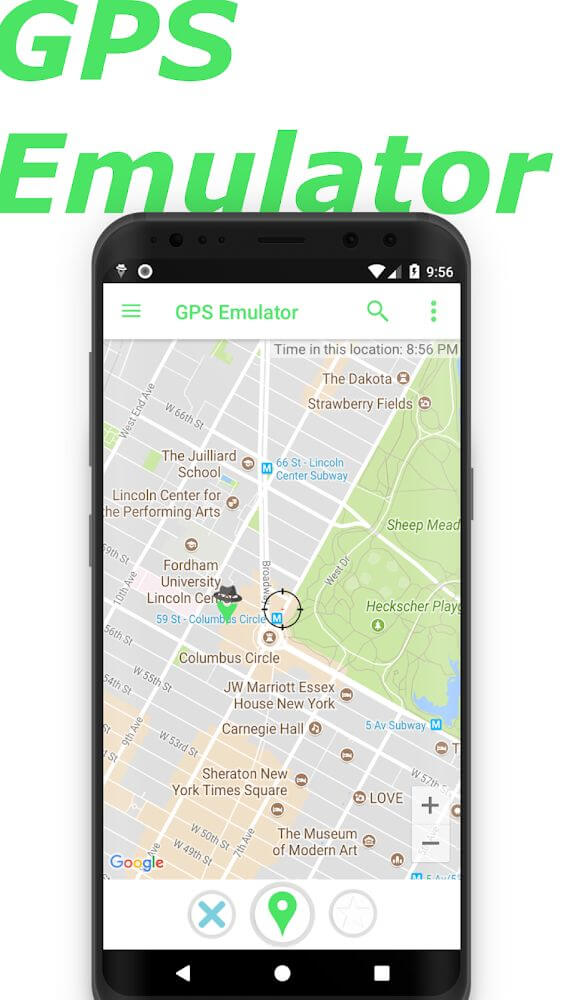
After finishing the setup, you are ready to explore everything GPS Emulator has to offer through its clean, beginner-friendly interface. Designed very similarly to Google Maps, it ensures a smooth and familiar browsing experience. You can effortlessly discover and simulate positions anywhere in the world using several convenient lookup tools.
Perform a Simple Search
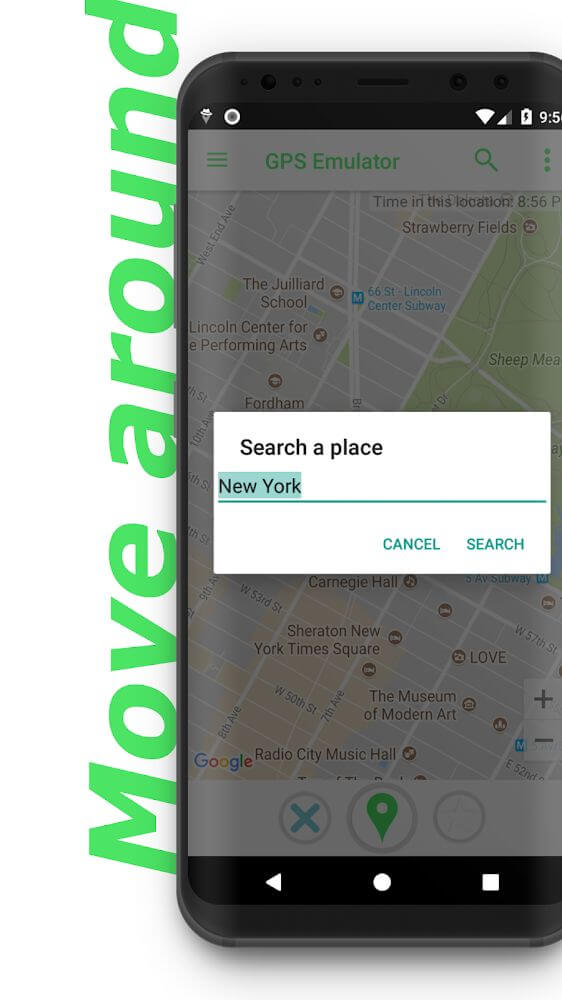
A movable targeting reticle is displayed on the map, allowing you to select and lock onto any specific area manually. Whenever you find a spot you plan to revisit, simply bookmark it along with its simulated coordinates. The app also features a handy keyword search bar, enabling you to jump straight to your desired address or landmark in seconds.
Search in the App's History
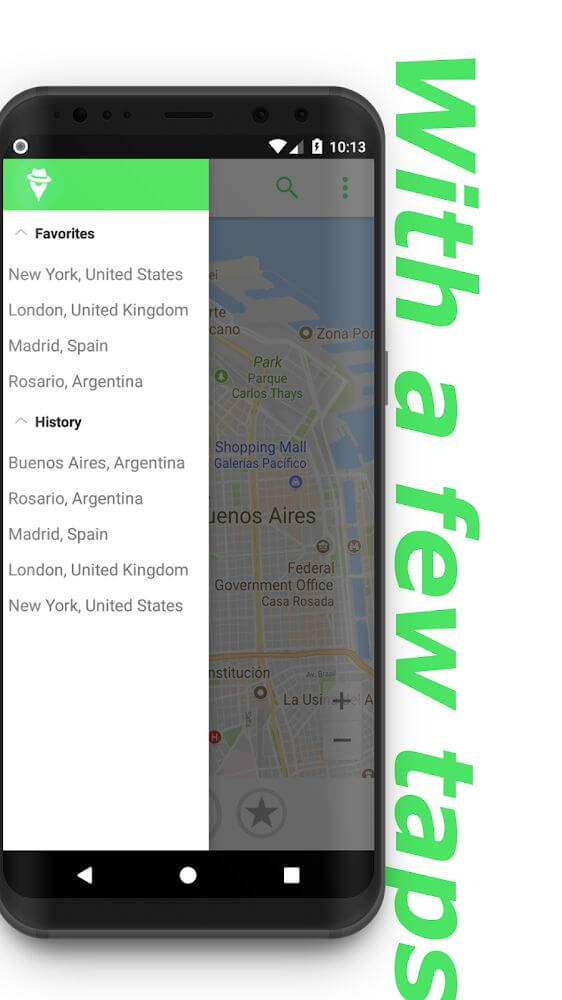
Every query and route action you perform is recorded automatically within the app. By opening the history tab, you can review a comprehensive list of all previously searched spots as it builds up over time. While direct map searches might feel quicker, the history log ensures you can always retrieve full details on past destinations.
Places That You Love
When you frequently spoof your GPS to specific hotspots, saving them makes navigation much faster. Rather than manually scanning the map each time, you can add recurrent destinations to your favorites list. This curated section keeps your most important coordinates readily accessible whenever you need them.
Remove Ads Easily
While using the application, unexpected banner and popup ads can sometimes disrupt your workflow. Upgrading to the PRO version completely eliminates these interruptions so you can enjoy a distraction-free experience with No Ads. The streamlined interface makes it much easier to browse maps and manage your custom locations on GameUnlimit.
Easily spoof your GPS location with these key highlights:
- Before using the core features, users must complete a quick setup by enabling developer mode and selecting the mock location provider.
- Once the initial settings are properly configured, you can immediately access the tool and search for any destination.
- You can find locations using multiple search methods, with every query safely recorded in your personal history.
- Explore countless coordinates across the globe and store your top-visited destinations in your favorites list.
- To eliminate annoying popups while using the app, you can upgrade to the PRO edition for a seamless, ad-free experience.
Cara memasang
- Unduh file APK di atas ke ponsel Anda.
- Izinkan “Instal aplikasi tidak dikenal” saat diminta.
- Buka APK yang diunduh lalu ketuk Instal.
- Jika ada data OBB/XAPK, ikuti petunjuk yang disertakan.
APK MOD adalah versi modifikasi sehingga Play Protect bisa memberi peringatan. Pasang hanya jika Anda memercayai file; risiko ditanggung sendiri.