
Captures d’écran
Description
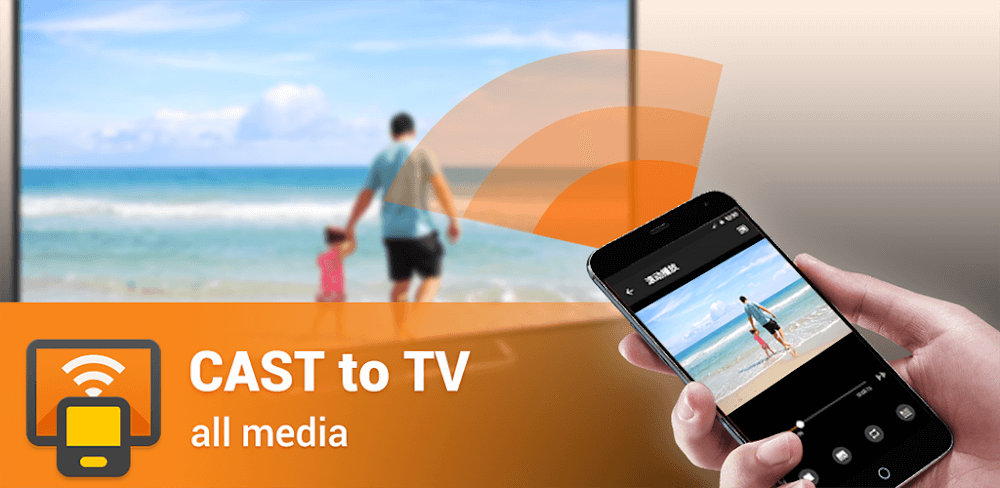
Cast to TV lets you beam multimedia directly to smart televisions and various connected screens, turning your Android device into a handy remote control tailored to whatever content you choose to play.
This edition unlocks all pro functionalities right out of the box. With the Cast to TV MOD APK from GameUnlimit, you gain unrestricted access to full casting features and advanced interface controls without the limitations of the free version.
What’s Modified in Cast to TV
- Premium Unlocked: Every VIP feature across the application is fully accessible without needing in-app purchases or paid subscriptions.
This release is version 2.5.2 with a download size of 12M under the package name cast.video.screenmirroring.casttotv; because it features a custom signature, you cannot install it directly over the official store release.
About Cast to TV
Cast to TV - XCast offers a smooth way to beam media files straight from an Android phone or tablet onto a television screen. The developers behind XCast designed the tool because mobile screens and speakers often fail to deliver the best audio-visual impact. By simplifying wireless projection, XCast lets you enjoy photos, music, and videos on a much bigger screen effortlessly. To guarantee uninterrupted streaming, a stable Wi-Fi connection is required since all media is transmitted over the air, and both the television and your Android device must be connected to the identical local network.
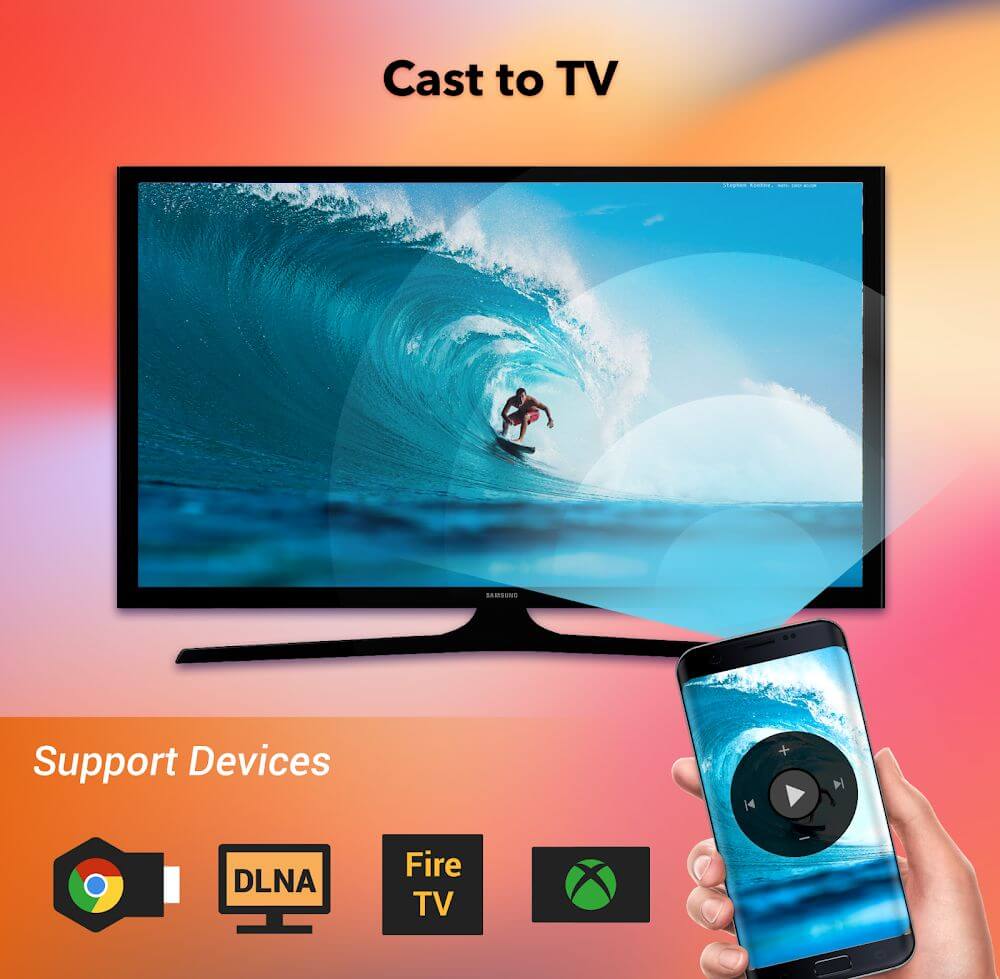
Broad hardware compatibility allows the application to work seamlessly across many TV brands and streaming units. It can cast content to Smart TVs, Chromecast devices, Amazon Fire TV, Roku players, and any hardware supporting DLNA protocols. When pairing with a DLNA device, simply ensure both devices share the same Wi-Fi connection so they can discover each other. The app presents an auto-refreshing list of detected hardware and services, letting you link up with a simple tap.
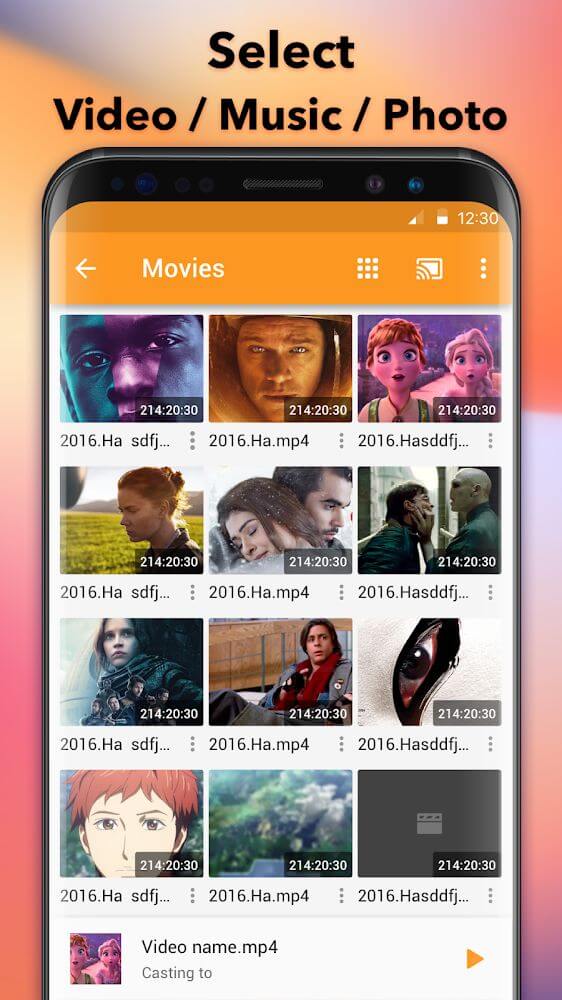
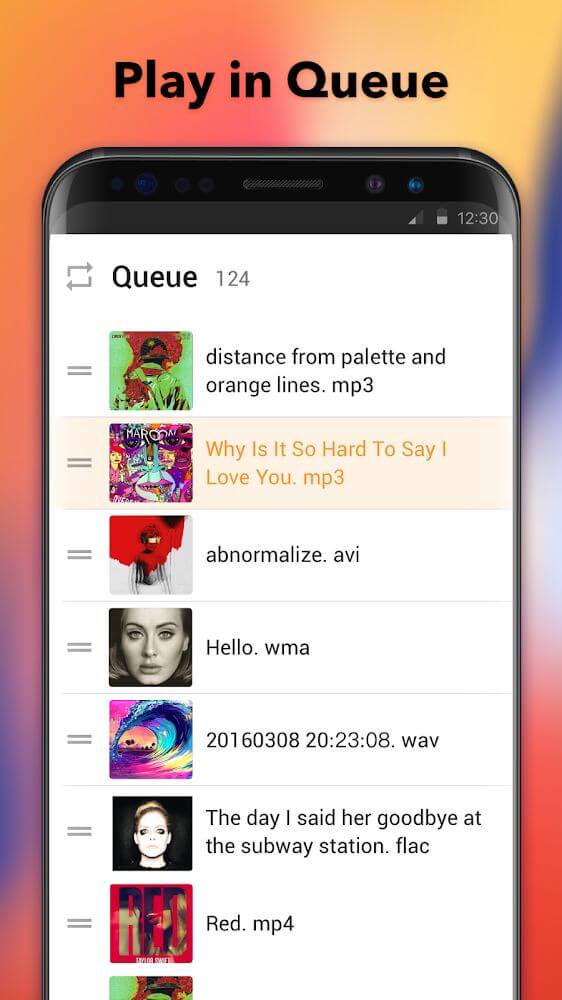
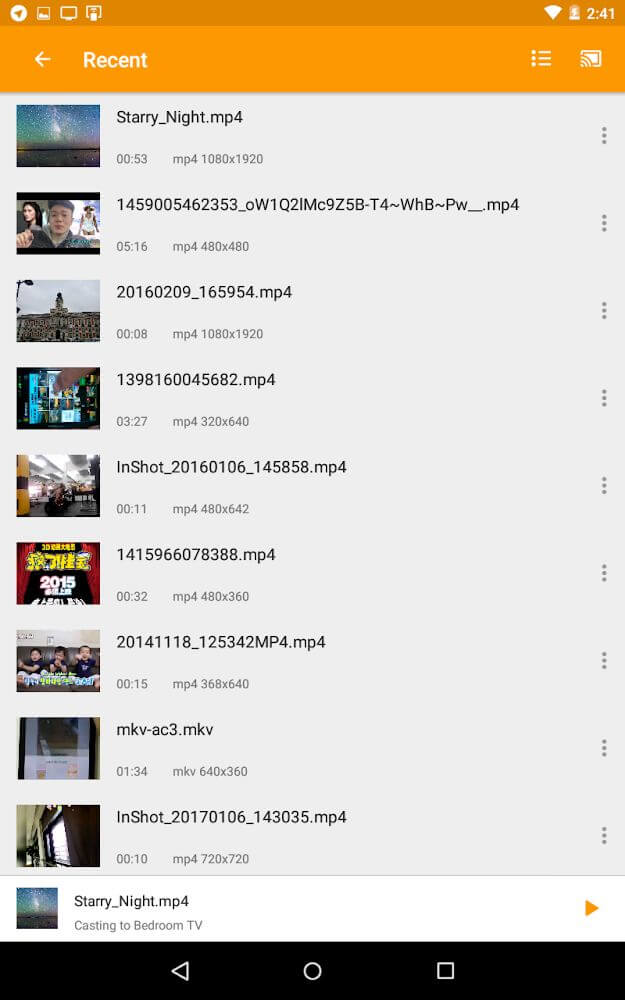
Once connected to your television, the app automatically scans your phone or tablet's internal and external storage to organize your media files clearly. You can easily queue up videos or audio tracks into playlists, enabling continuous playback of entire series or music albums without having to select the next file manually.
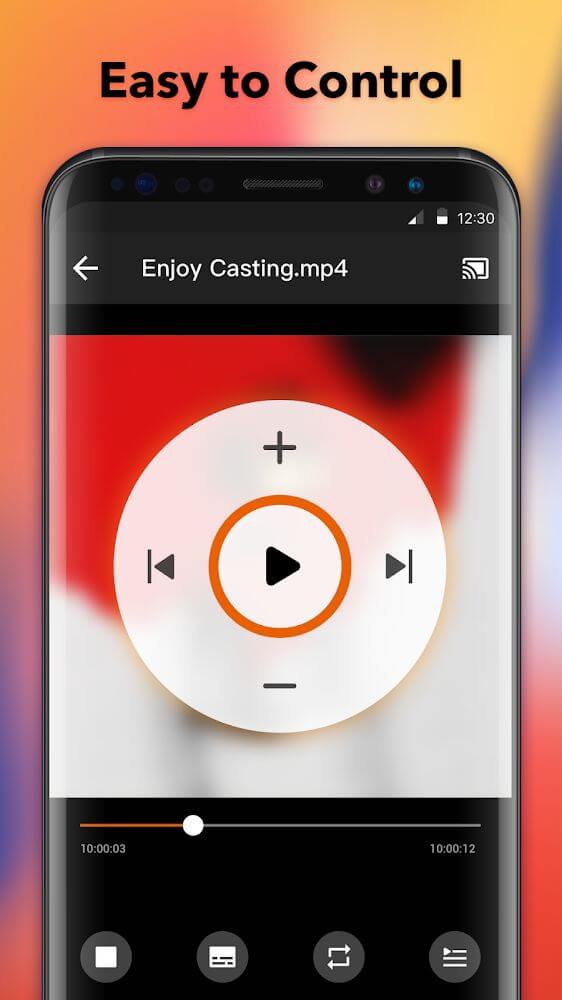
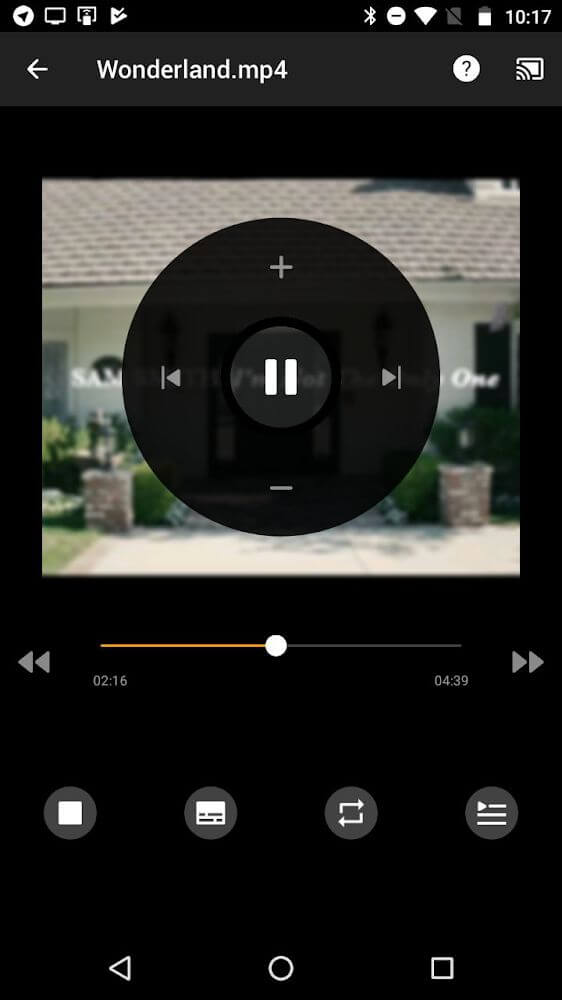
Your Android device functions as a full-fledged remote while the TV acts as the playback monitor, removing the need to search for physical television controllers. Through the mobile app, you can pause streaming, skip to upcoming tracks, or jump back to previous items. For music lovers, the app also features a shuffle option to play audio files in random order for a more diverse listening experience.
Mirroring your display to a larger screen offers clear advantages in both personal and professional environments. It enables you to present slides or work projects to colleagues with ease, keeping you in control from your phone while everyone enjoys a clear viewing angle from their seats. Outside the workplace, the app lets you manage group entertainment effortlessly, such as queuing up a film or playlist for your guests while moving freely around the room.
Crafted with an emphasis on intuitive operation, the development team has made streaming media from small devices to large displays remarkably straightforward with minimal steps. A rock-solid connection remains vital during playback, and users naturally want an uninterrupted experience free from stuttering or buffering. The app intelligently identifies your media type—whether audio or video—and tailors its interface on the fly. It can also organize and cast local files with ease. By uniting local media streaming with playback queue handling and integrated remote control capabilities, it allows you to govern your entire home entertainment setup without extra cords or dedicated hardware.
Key Features
- Broad Compatibility With Chromecast and Smart TVs
- Full Support for Roku and Amazon Fire TV
- Smooth DLNA Device Streaming
- Automated Local Media Detection
- Smart Playback Queue Organizer
- Intuitive Remote Playback Controls
- Random Audio Shuffle Mode
- Real-Time Device Discovery Updates
Related MOD APKs
- XRecorder
- XPlayer
- YouCut
- Background Eraser
Frequently Asked Questions
Is Premium unlocked in Cast to TV – XCast MOD APK?
Yes, this 2.5.2 edition of Cast to TV – XCast comes with Premium Unlocked. It functions just like the official release by InShot Inc., and all premium perks become accessible as soon as the installation finishes on your Android device.
What is the latest version of Cast to TV – XCast MOD APK?
The newest build from InShot Inc. is version 2.5.2, released on August 17, 2026. GameUnlimit does not host outdated releases. To upgrade, install this file directly over your existing app; if a signature conflict appears, please uninstall the older build first.
Is Cast to TV – XCast MOD APK safe to download?
Yes, this 2.5.2 release of Cast to TV – XCast from InShot Inc. modifies only the Premium Unlocked privileges. It carries a 3.7 rating from 52 users and requires no root access. While Google Play Protect might show a standard installation prompt, downloading from GameUnlimit is completely safe.
Does Cast to TV – XCast MOD APK remove the watermark?
This package features Premium Unlocked. Since watermark removal is a Pro feature in Cast to TV – XCast, you can simply open the export menu once you have installed the app to confirm.
Comment installer
- Téléchargez le fichier APK ci-dessus sur votre téléphone.
- Autorisez « Installer des applis inconnues » si demandé.
- Ouvrez l’APK téléchargé et appuyez sur Installer.
- S’il y a des données OBB/XAPK, suivez les instructions fournies.
Les APK MOD sont des versions modifiées, Play Protect peut donc avertir. Installez seulement si vous faites confiance au fichier, à vos risques.