

Screenshots


Description
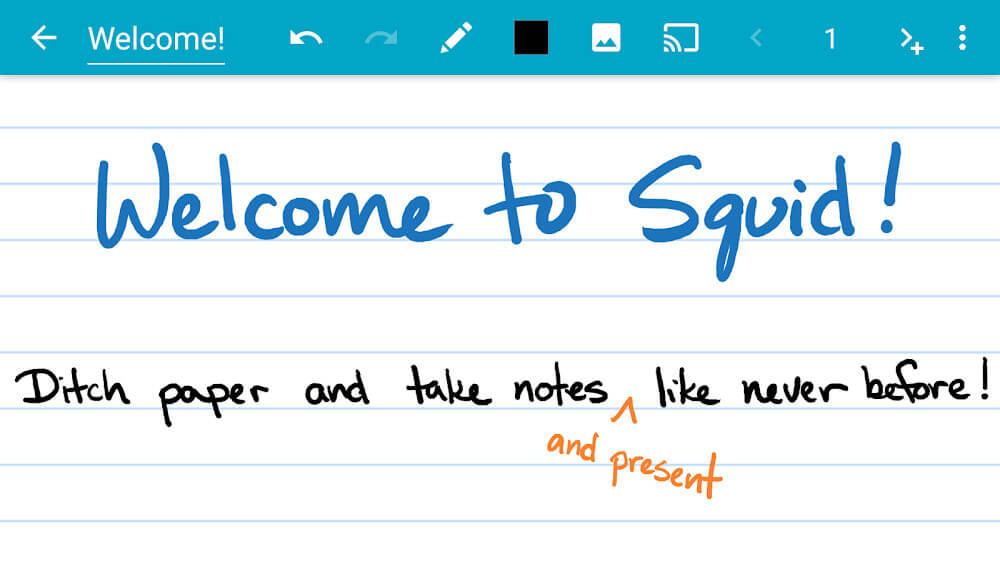
Squid – Take Notes & Markup PDFs is a versatile Android productivity tool designed for natural handwriting, sketching, and structured note-taking. Featuring an intuitive and clean layout, the app lets you annotate PDF documents, organize digital paperwork, and jot down thoughts smoothly with a stylus or your fingertip. Download it for your device today from GameUnlimit and upgrade your daily mobile workflow.
What's New in the App
Recent updates have introduced several performance enhancements and practical refinements. In version 3.9.3, the application transitioned to an updated Dropbox authentication system, boosting data security and streamlining cloud sync. Version 3.9.2 improved overall stability and optimized support for Android 11+. Critical PDF rendering issues have been addressed to ensure seamless document display. Additionally, unused or faulty fonts are automatically purged to trim the app footprint down to 4MB, while text display bugs for Chinese, Japanese, and Korean scripts have been resolved alongside general bug fixes.
Convenient Note-Taking Tool
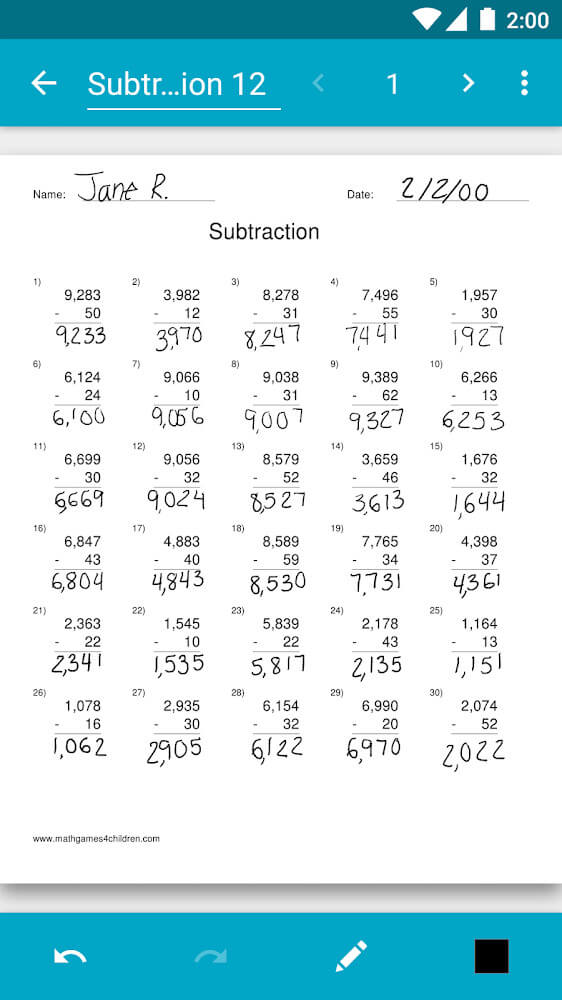
An ideal companion for students and working professionals alike, Squid delivers a responsive handwriting experience using either a stylus pen or your finger. Never misplace crucial information again with this practical workspace. The app makes reviewing, editing, and annotating PDF files effortless—perfect for signing digital contracts or filling out paperwork. You can also insert images, draw clean shapes, and freely copy, move, or rearrange content blocks to keep your notes neat.
Packed With Powerful Features
Turn your Android device into a flexible digital whiteboard, making it easy to lead classroom lectures or deliver business presentations via wireless projector casting. Once finished, export your work as crisp PDF or PNG files to back up to the cloud or share with peers across social platforms. Thanks to vector-based rendering, your handwriting stays sharp at any zoom level, and you can easily tweak pen thickness and ink colors on the fly.
Smart and Intuitive Organization
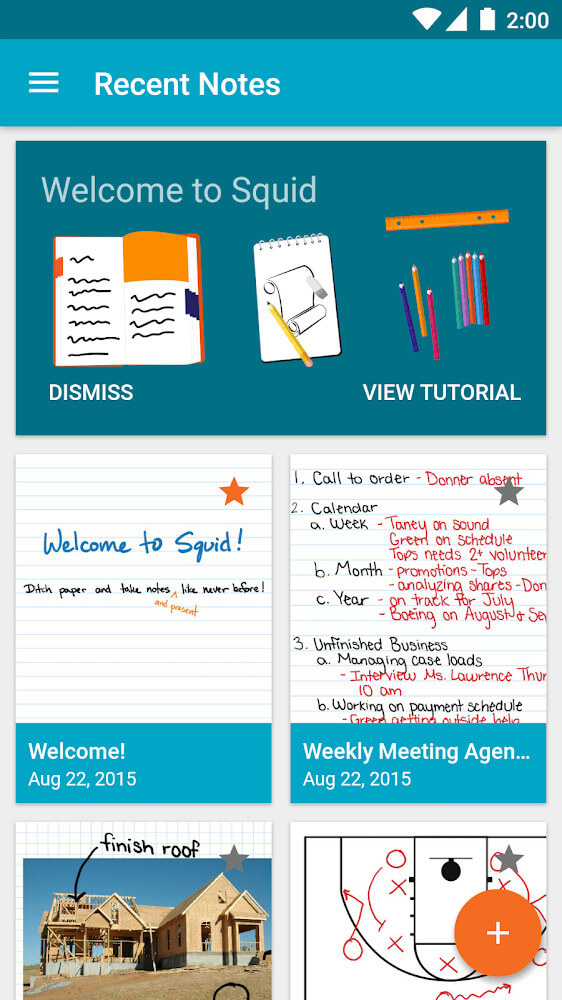
Easily categorize and manage multi-layered content, ranging from mathematical formulas and diagrams to photo-rich memos. With its smart organization tools and user-friendly interface, Squid has earned the trust of millions of satisfied users across the globe.
How to install
- Download the APK file above to your phone.
- Allow “Install unknown apps” when prompted.
- Open the downloaded APK and tap Install.
- If the package includes OBB/XAPK data, follow the bundled instructions.
MOD APKs are modified builds, so Play Protect may show a warning. Install only if you trust the file; use at your own risk.