

MOD features
- Next Track Functionality Unlocked;
- Previous Track Feature Enabled;
- Seek Forward/Backward Functionality Enabled;
- Custom Song/Album Selection Access;
- Repeat Once/All Feature Activated;
- Shuffle Mode Accessibility Enabled;
- Force Shuffle Feature Disabled;
- Advertisement Removal Enabled;
- Upsell Prompts Disabled;
- Promotional Content Disabled;
- Third-Party Ads Disabled.
- Published by xC3FFF0E.
Screenshots
Description
Spotify Lite serves as a stripped-down alternative to standard Spotify. Weighing in at a mere 15MB compared to the 85MB standard Android build, this lightweight release is the perfect choice for devices with tight internal storage. It runs seamlessly on older Android OS releases, demands far fewer system resources, and cuts down on battery drain while delivering the core Spotify streaming experience.
A Heavily Revamped Interface
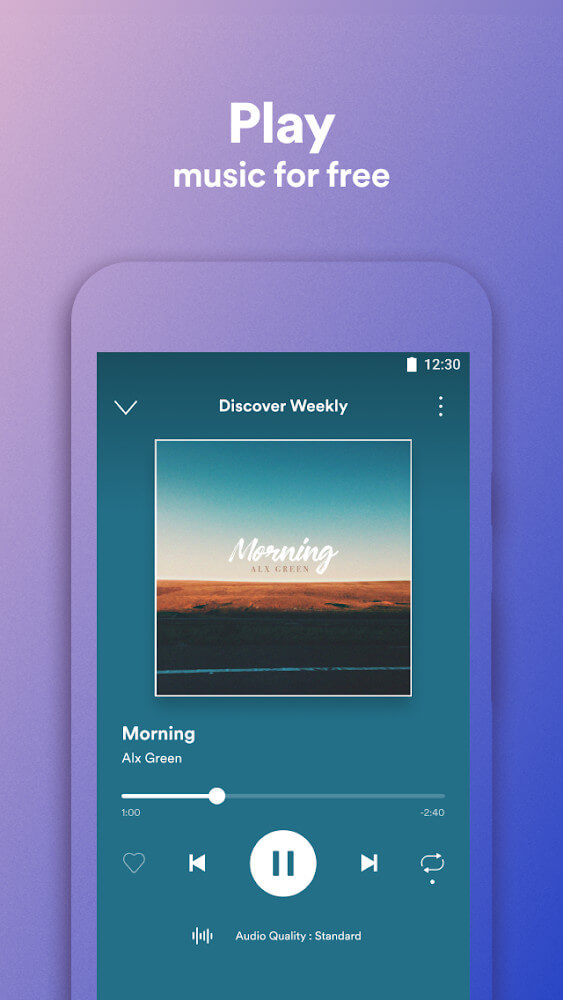
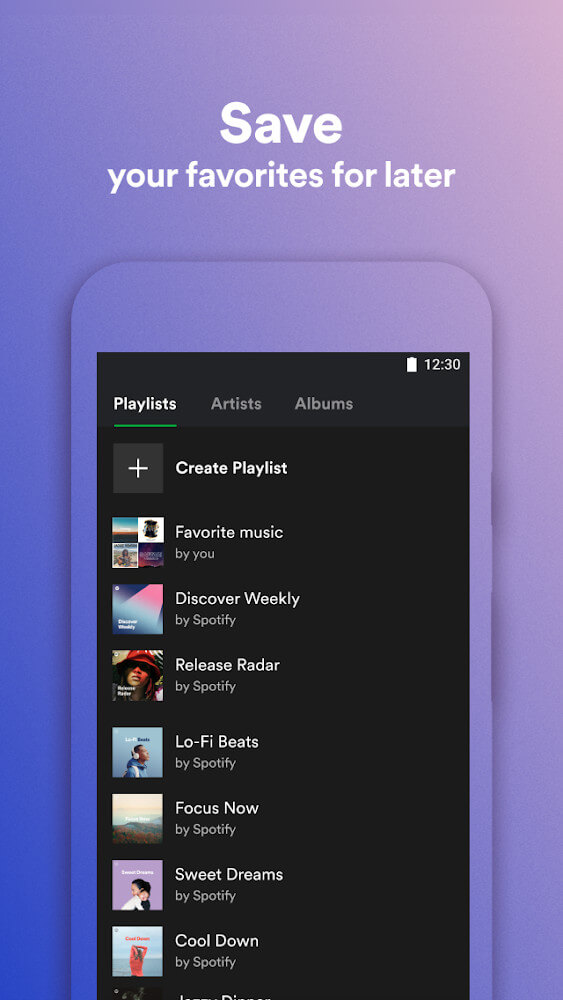
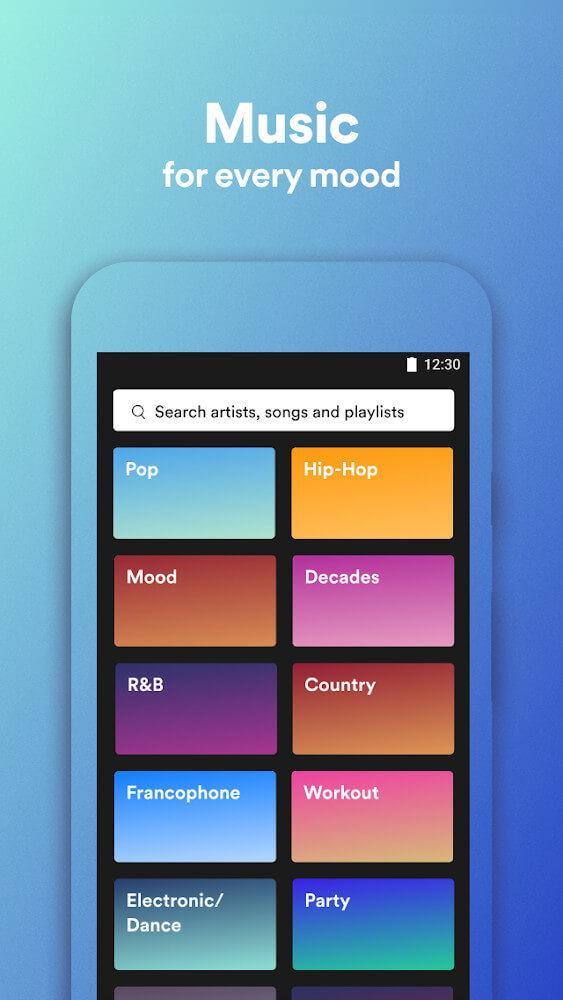
Living up to its name, Spotify Lite features a streamlined layout crafted to feel uncluttered while retaining the familiar aesthetic of the main app. Look closely at the bottom navigation bar and you will spot the primary differences: Spotify Lite simplifies navigation to just Home, Search, and Favorites, whereas the standard edition includes tabs for Home, Browse, Search, Radio, and Your Library.
A Drastically Simplified Settings Menu
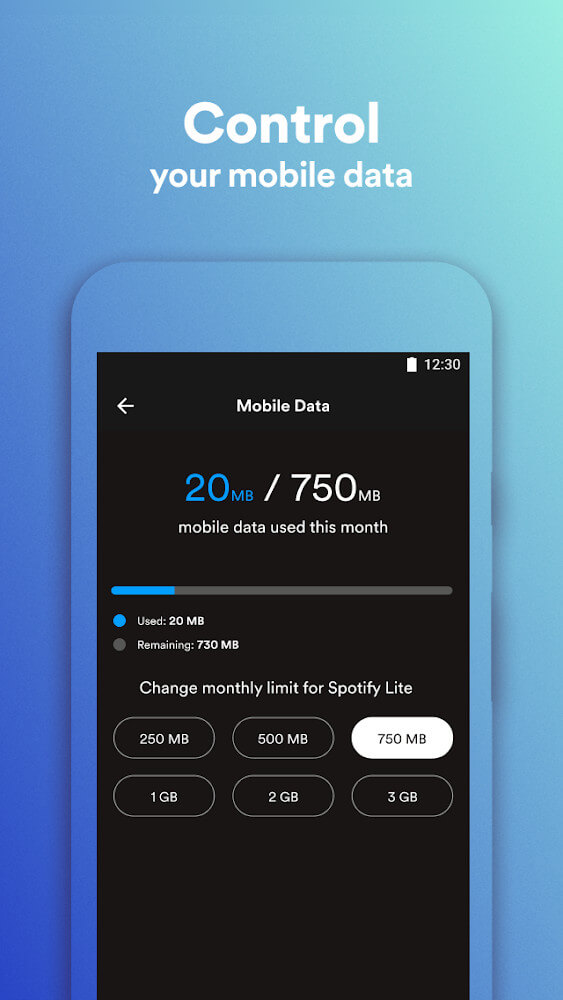
The settings section in Spotify Lite takes a minimalist route, stripping away granular preferences like streaming audio quality and volume normalization. Instead, users are primarily given oversight of their cellular data consumption alongside the exact local storage footprint taken up by the application.
Users can take charge of their mobile bandwidth by capping monthly data allowances directly within the app, choosing from preset limits like 500MB, 2GB, or 3GB.
A Stripped-Down Feature Set
While standard Spotify unlocks a complete suite of capabilities—such as offline listening, device connectivity, social sharing, audio filters, volume leveling, and high-fidelity sound—Spotify Lite scales back many of these extras to ensure smooth, responsive playback on entry-level smartphones.
Key Drawbacks in Music Playback
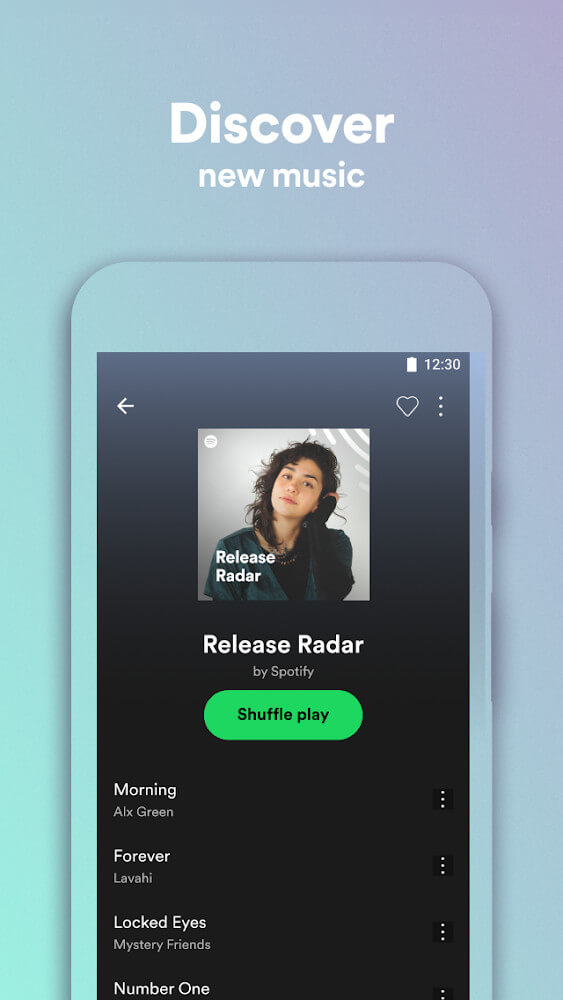
On the flagship Spotify release, subscribers can pick individual tracks on demand and download their favorite tunes for offline listening. Spotify Lite, however, strips this functionality away almost entirely; whether you have a premium subscription or a free account, you cannot pick specific tracks to play directly or save offline, leaving you limited to shuffle-style playlists. This restriction represents a noticeable drawback for the Lite edition.
While dropping secondary perks like animated visuals or Car View makes complete sense for optimization, paring back core music controls can feel like a letdown for many listeners trying Spotify Lite.
Limited Availability by Region
Currently, Spotify Lite has rolled out officially across just 36 countries, focusing primarily on emerging markets where budget-friendly smartphones dominate, spanning regions throughout Latin America, the Middle East, Africa, and Asia.
Lite builds have always been practical tools for trimming away background bloat and intrusive extras, helping users conserve valuable battery life and keep device storage free.
How to install
- Download the APK file above to your phone.
- Allow “Install unknown apps” when prompted.
- Open the downloaded APK and tap Install.
- If the package includes OBB/XAPK data, follow the bundled instructions.
MOD APKs are modified builds, so Play Protect may show a warning. Install only if you trust the file; use at your own risk.