
Screenshots


Description
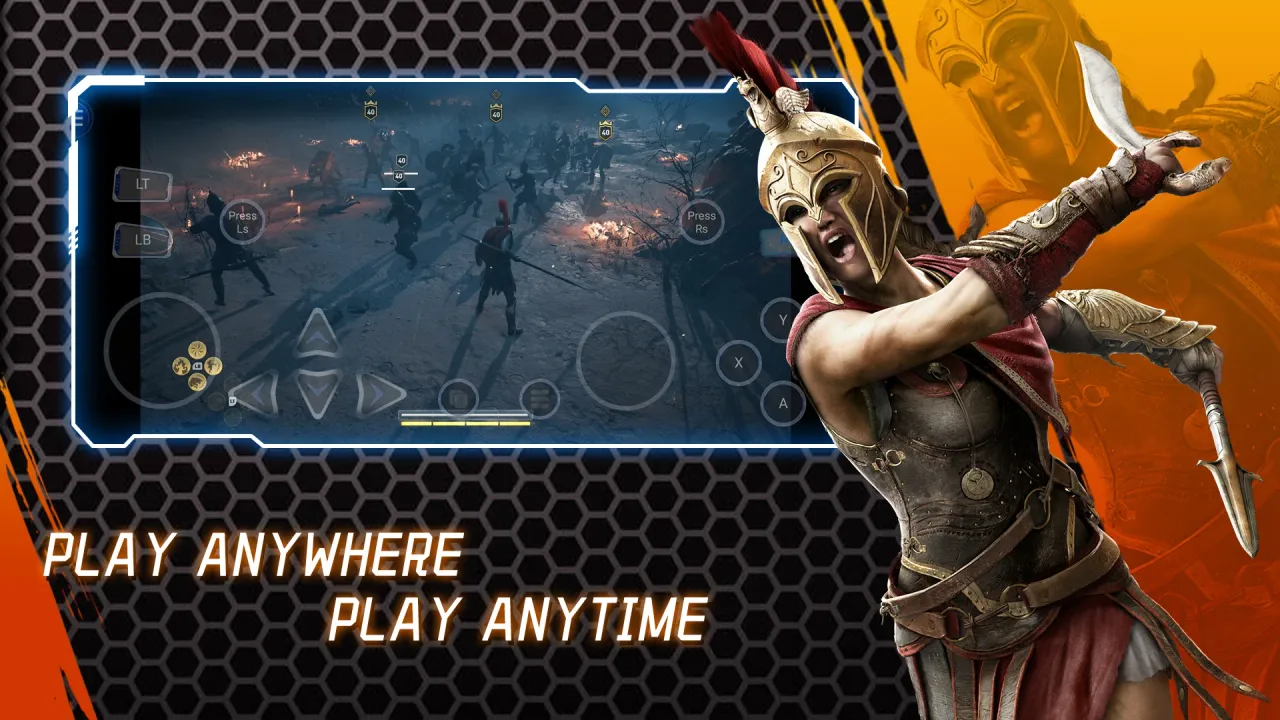
NetBoom APK serves as an advanced cloud gaming service, letting players stream and run premium PC titles directly on Android smartphones and tablets.
What Is NetBoom?
NetBoom APK for Android represents a groundbreaking cloud service designed to bring top-tier PC titles straight to your fingertips with ultimate convenience. Thanks to NetBoom, players worldwide can dive into trending AAA releases instantly on supported Android smartphones and tablets.
Pre-order Games
A clean and user-friendly interface lets you effortlessly explore a massive catalog of thousands of titles before choosing what to play, completely eliminating the need for high-end computer hardware or lengthy installations.
Furthermore, the state-of-the-art streaming engine delivers fluid, stable gameplay across diverse network environments, backed by a versatile library spanning action-adventure, racing simulations, and numerous other fan-favorite categories.
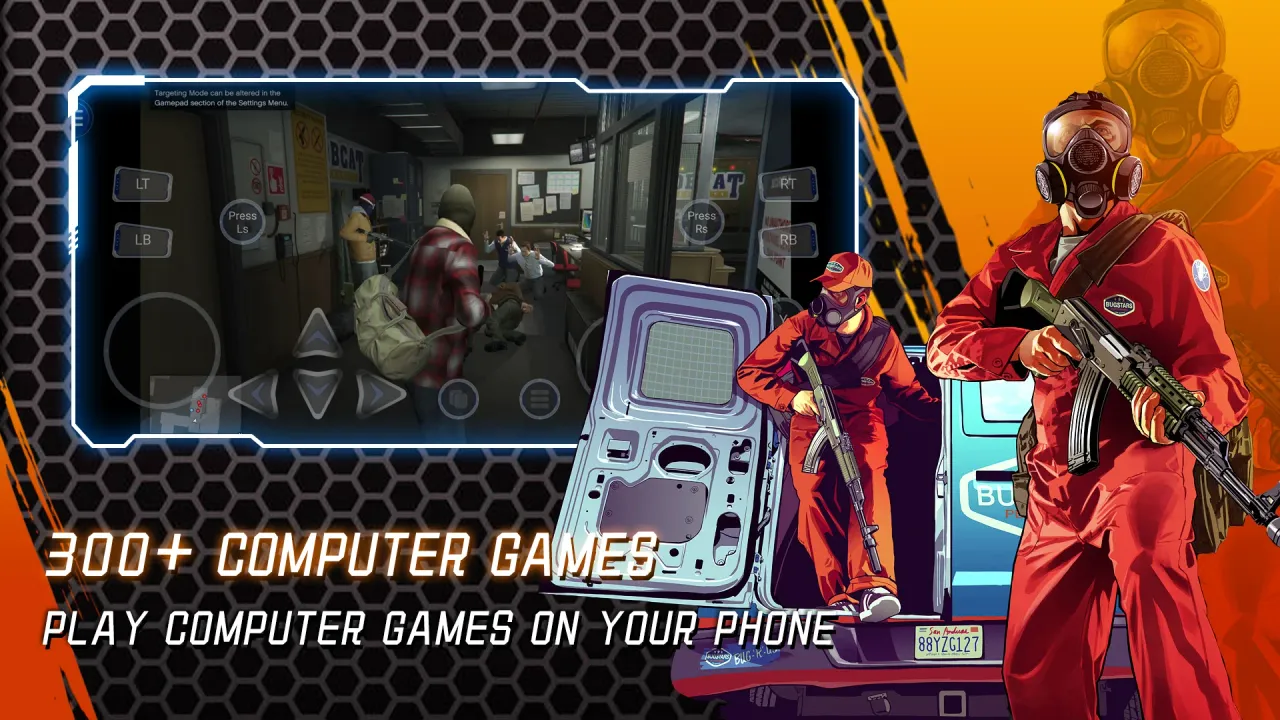
Whether your goal is to revisit timeless masterpieces like Grand Theft Auto V or explore brand-new virtual worlds, this modern app offers the ideal gateway into your upcoming gaming journey.
Features of NetBoom for Android
As a dedicated Android application, NetBoom transforms mobile devices into portable powerhouses capable of running high-profile PC and console titles with ultra-smooth delivery and minimal input delay.
From casual players seeking nostalgic retro adventures to dedicated enthusiasts craving the newest major AAA blockbusters, NetBoom caters to every playstyle.
Pre-order Games
- Instant access to a library containing more than 1000+ PC titles right on your mobile screen.
- Delivers a premium gaming session featuring high frame rates and ultra-responsive, low-latency performance.
- Harnesses next-gen cloud streaming to guarantee fluid, uninterrupted action free of stutters.
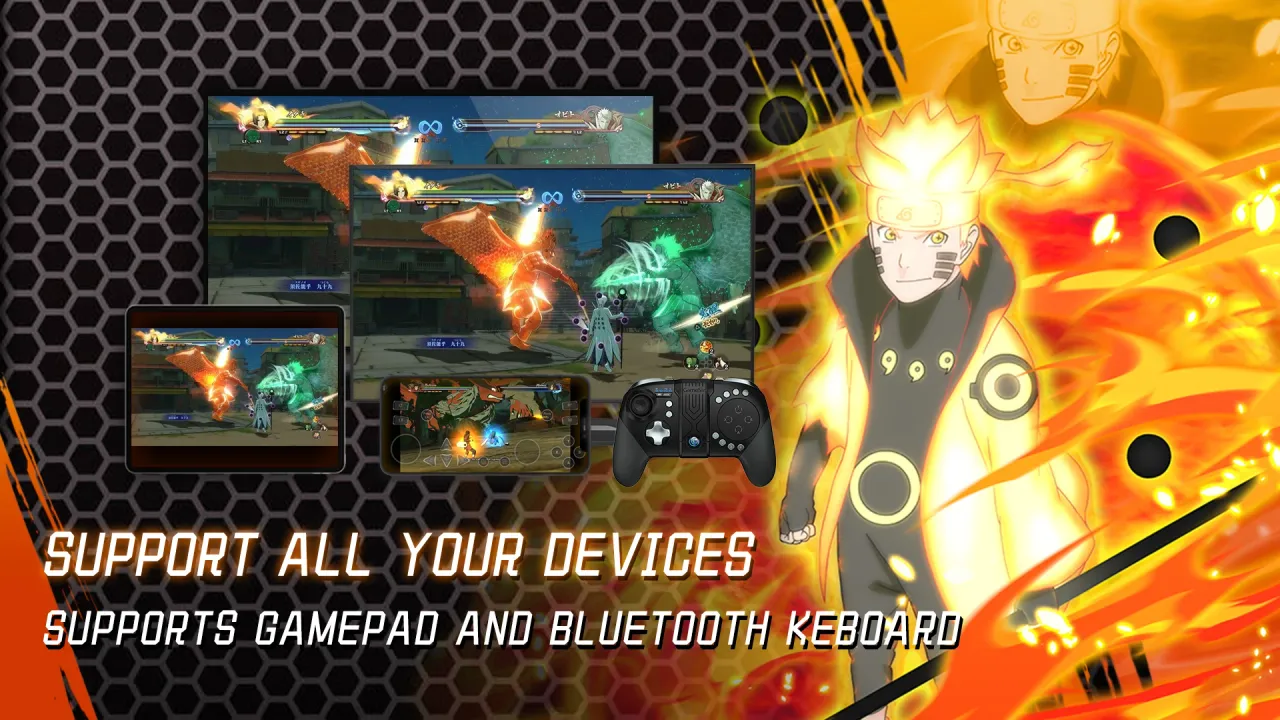
- Compatible with various gamepads, such as PlayStation 4 DualShock 4, Xbox One/360, and other popular controllers.
- Enjoy flexible cross-platform support across Android TV, Amazon FireTV, and additional connected devices.
- Includes built-in video capture so you can easily record and preserve your finest gameplay moments.
- Set up personalized player profiles and rely on automated cloud saves to resume your campaign at any moment.
Pros and Cons of NetBoom
Pros
- Enables gamers to launch graphically intensive AAA PC games on Android hardware without experiencing lag.
- Provides a cost-effective catalog packed with renowned classics and modern hits from major studios such as EA, Ubisoft, and Capcom.
- Optimized cloud streaming ensures steady, enjoyable performance even when connected via mobile data or slower Wi-Fi networks.
- Features special bonus material, including exclusive stages and characters absent from standard releases.
- Supports dynamic multiplayer options to challenge real players online or battle AI bots offline without buying dedicated gaming consoles or costly peripherals.
Cons
- Restricted regional availability – NetBoom operates exclusively in select territories, preventing access for users in unsupported areas.
- High membership pricing – The recurring monthly subscription rates can feel rather steep for budget-conscious players.
- Narrow genre selection – Despite having numerous titles, the catalog heavily concentrates on specific genres, which may feel repetitive over extended play.
- Inconsistent visual fidelity – Several players have reported lower graphical resolution and visual detail compared to native PC or console counterparts.
- Potential security and privacy concerns – Because this app requests device permissions before launching any game, unauthorized data sharing could potentially compromise user privacy.
Frequently Asked Questions About Netboom for Android
Netboom is an advanced cloud gaming service that empowers players to enjoy high-end PC releases directly on Android devices. Featuring a clean, intuitive layout, it allows anyone to stream major titles from leading game studios without investing in a costly computer or console.
This handy FAQ covers the most common questions regarding this innovative platform so you can start enjoying your favorite titles immediately!
Q: What is NetBoom?
A: NetBoom is an Android application that transforms your smartphone or tablet into a virtual gaming PC. It provides seamless access to a vast catalog of popular games from top publishers across Steam and Epic Games.
Through this platform, gamers can take advantage of full mouse and keyboard control options alongside graphics optimized specifically for mobile hardware. Furthermore, integrated cloud streaming lets you dive into games instantly without downloading massive installation files to your phone.
Q: How do I get started with Netboom?
A: To begin gaming on NetBoom, you only need two things: an active Wi-Fi or cellular data connection and the latest version of the application installed on a supported device running Android 5.0 or higher.
Once your setup is ready, simply open the app to explore various access options, including free trial sessions as well as premium subscription plans tailored to your gaming habits.
After logging in with your Google Play account or creating a brand-new profile inside the app, head to the "My Library" tab at the bottom-right corner to pick a game—the platform will handle the setup and file preparation before launching your session!
Once the stream initializes, you can freely explore a massive lineup of genres across several gaming platforms while experiencing smooth, responsive performance fine-tuned for modern smartphones and tablets.
Conclusion
Netboom APK is a stellar choice for gamers who want to experience their favorite PC titles on the go. Offering an extensive game library and versatile features, it makes discovering great entertainment seamless.
With its straightforward interface and impressive visual quality, Netboom delivers a satisfying gaming experience wherever you are. Whether you love deep single-player adventures or fast-paced multiplayer combat, this platform has something for every player—so give it a spin on GameUnlimit!
How to install
- Download the APK file above to your phone.
- Allow “Install unknown apps” when prompted.
- Open the downloaded APK and tap Install.
- If the package includes OBB/XAPK data, follow the bundled instructions.
MOD APKs are modified builds, so Play Protect may show a warning. Install only if you trust the file; use at your own risk.