

Screenshots
Description
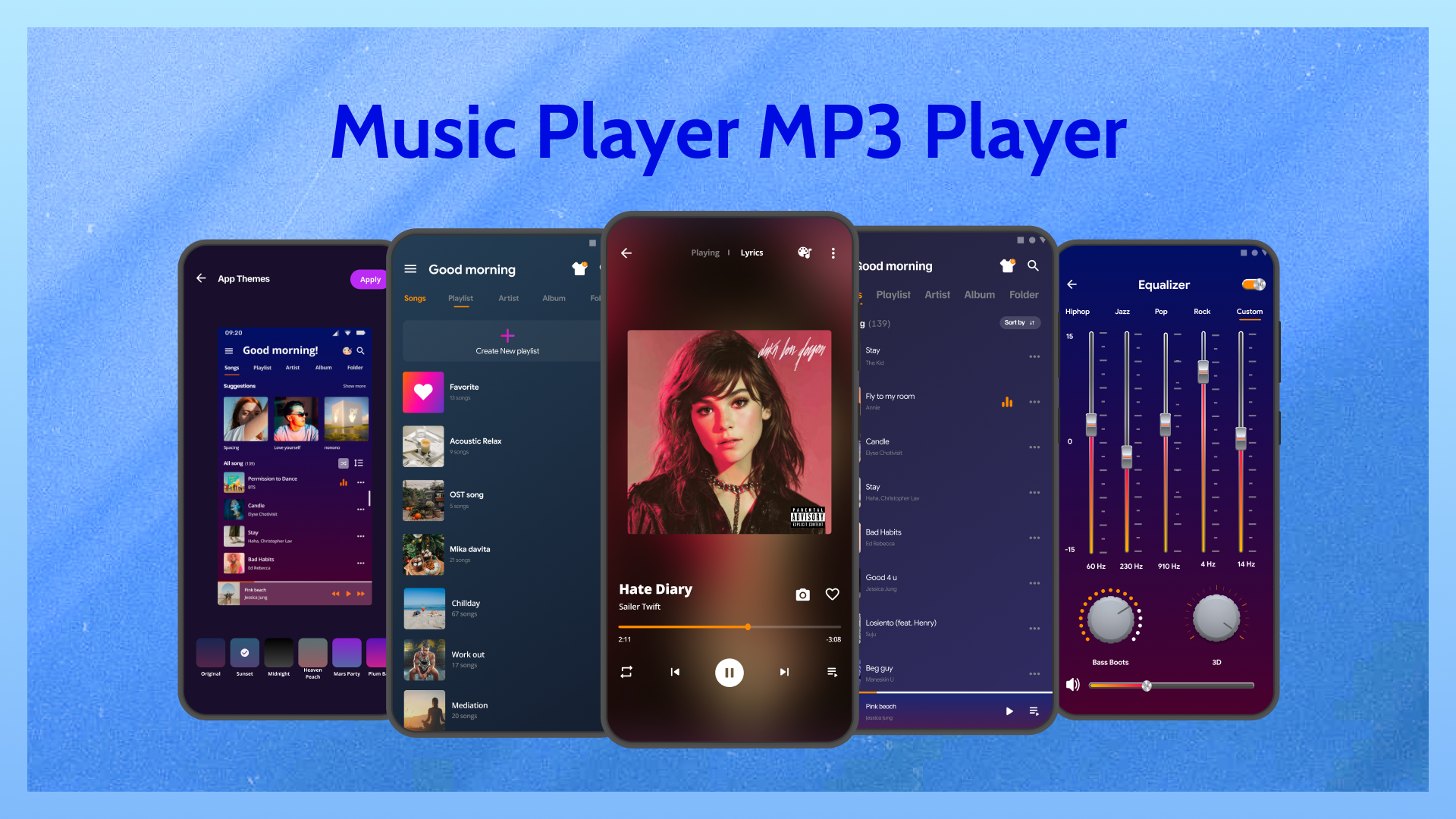
Experience a robust MP3 music player featuring an equalizer, offline playback, customizable playlists, and high-definition sound quality. Immerse yourself in a refined and intuitive audio experience anytime, anywhere.
This update delivers a version where premium functionalities are now fully accessible. The Music Player MOD APK grants complete access to all tools within the app, bypassing standard limitations. It's crafted to deliver the premium audio experience without any restrictions.
What’s Modified in Music Player
- Full access to premium features is now available, granting users all the tools typically reserved for paid subscribers.
This build includes version 4.0.36, with a file size of 14 MB and package name com.eco.musicplayer.audioplayer.music; due to being re-signed, it cannot be installed as an update over the official store version.
About Music Player
Tailored specifically for listeners who store their audio tracks locally, Music Player – MP3 Player delivers a smooth listening experience completely free from network requirements or connectivity issues. Serving as a comprehensive local audio hub, it simplifies music management by stripping away the cluttered, unnecessary features typical of online streaming apps. Instead, it provides an intuitive, functional interface that grants you effortless control over your offline sound environment.
Extensive format compatibility forms the core of this audio player. In addition to standard MP3 files, the application seamlessly plays lossless and alternative formats including FLAC, WAV, and AAC, eliminating the need to convert your music files beforehand. To enrich your sound quality, it incorporates a versatile built-in equalizer featuring genre-based presets rather than a simple volume booster. Listeners can also fine-tune individual audio frequencies to match the acoustic profile of their premium headphones or external speakers.
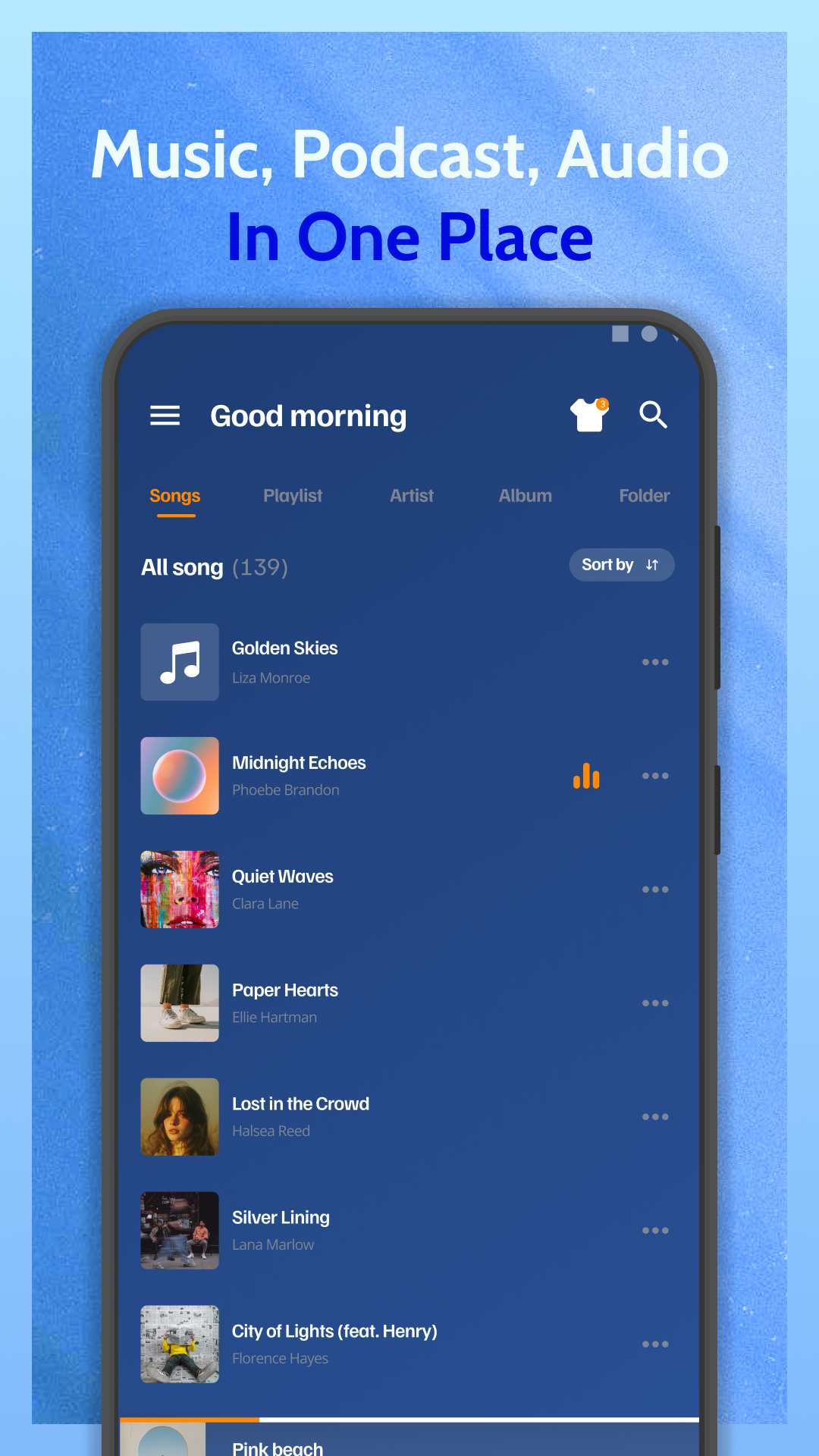
Smart library management makes organizing your songs much quicker than doing it manually. Upon first launch, the app scans your device's internal and external storage to index every compatible audio file into a structured music library. You can conveniently browse your collection across multiple tiers—by artist, album, genre, or track. For those who prefer their own folder structure, the app also includes a dedicated folder browsing mode to navigate files exactly as they are arranged in your local directories.
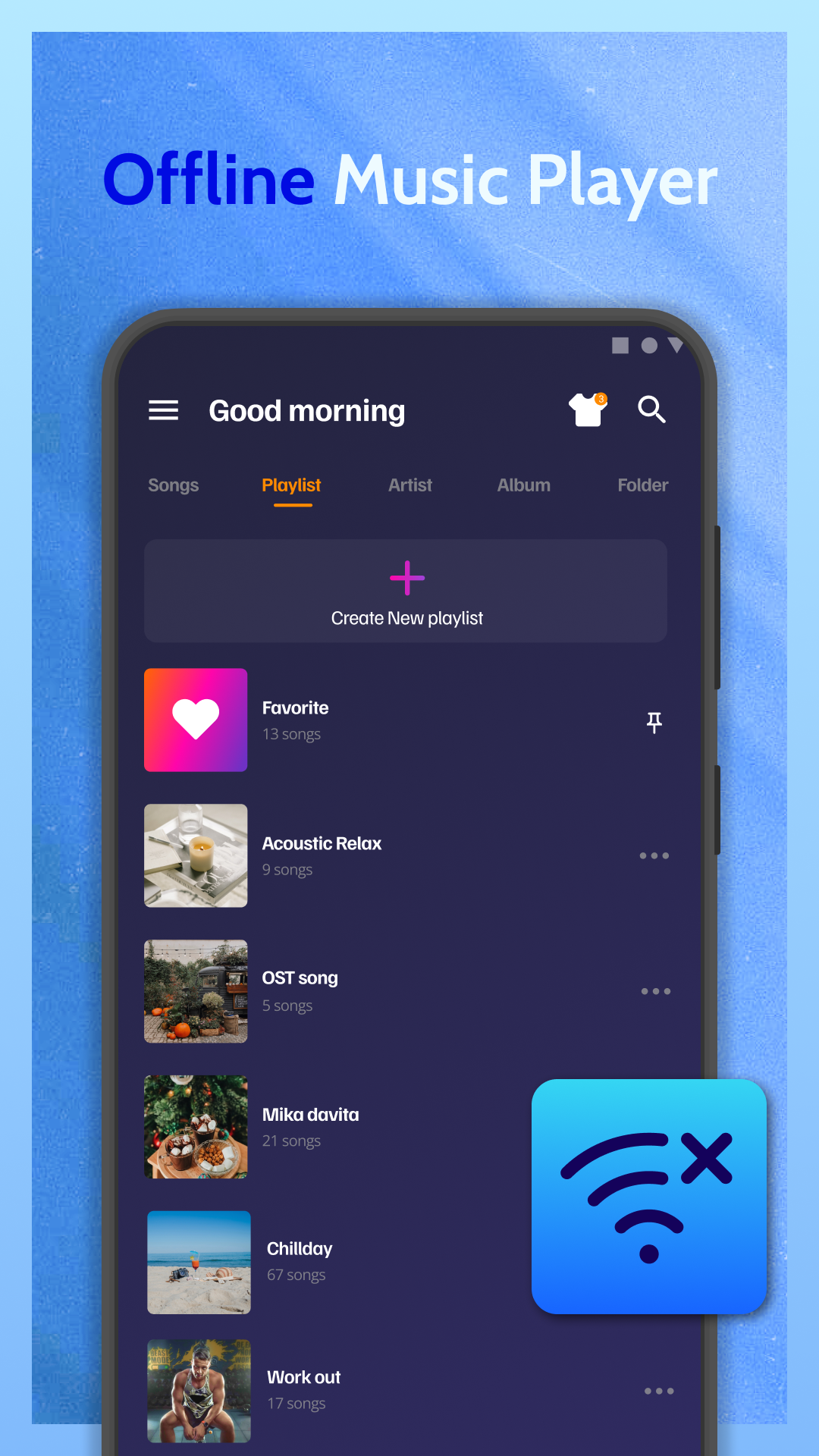
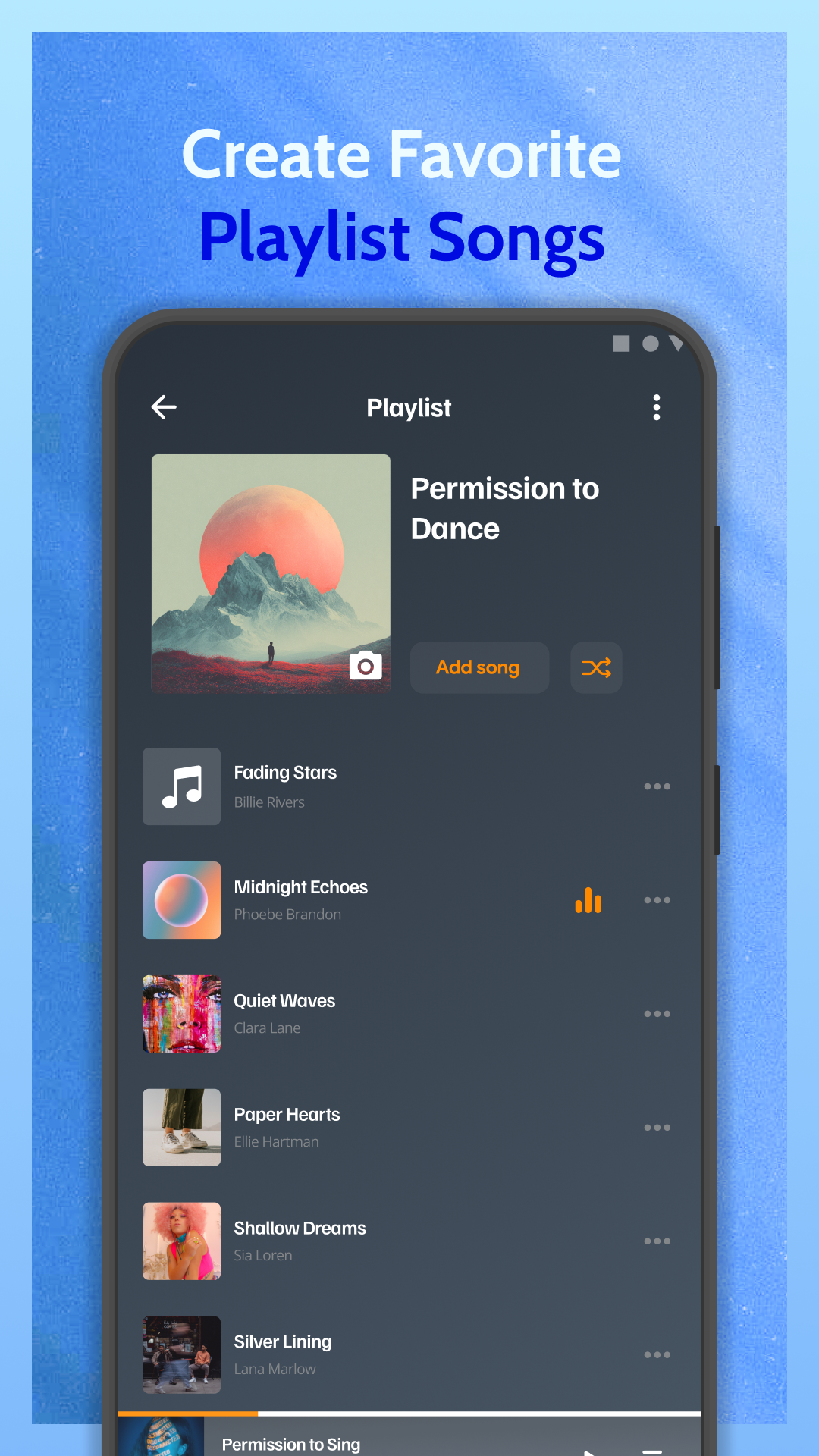
Creating and customizing playlists is straightforward, allowing you to curate custom mixes for workouts, relaxation, or specific daily routines. You can adjust your tracklists on the go by adding or removing songs with ease. Because playback does not rely on internet connectivity, your music continues seamlessly even in remote areas without signal. Thanks to full background playback support and responsive lock screen and notification controls, your audio keeps playing uninterrupted while you browse other applications or turn off your screen.
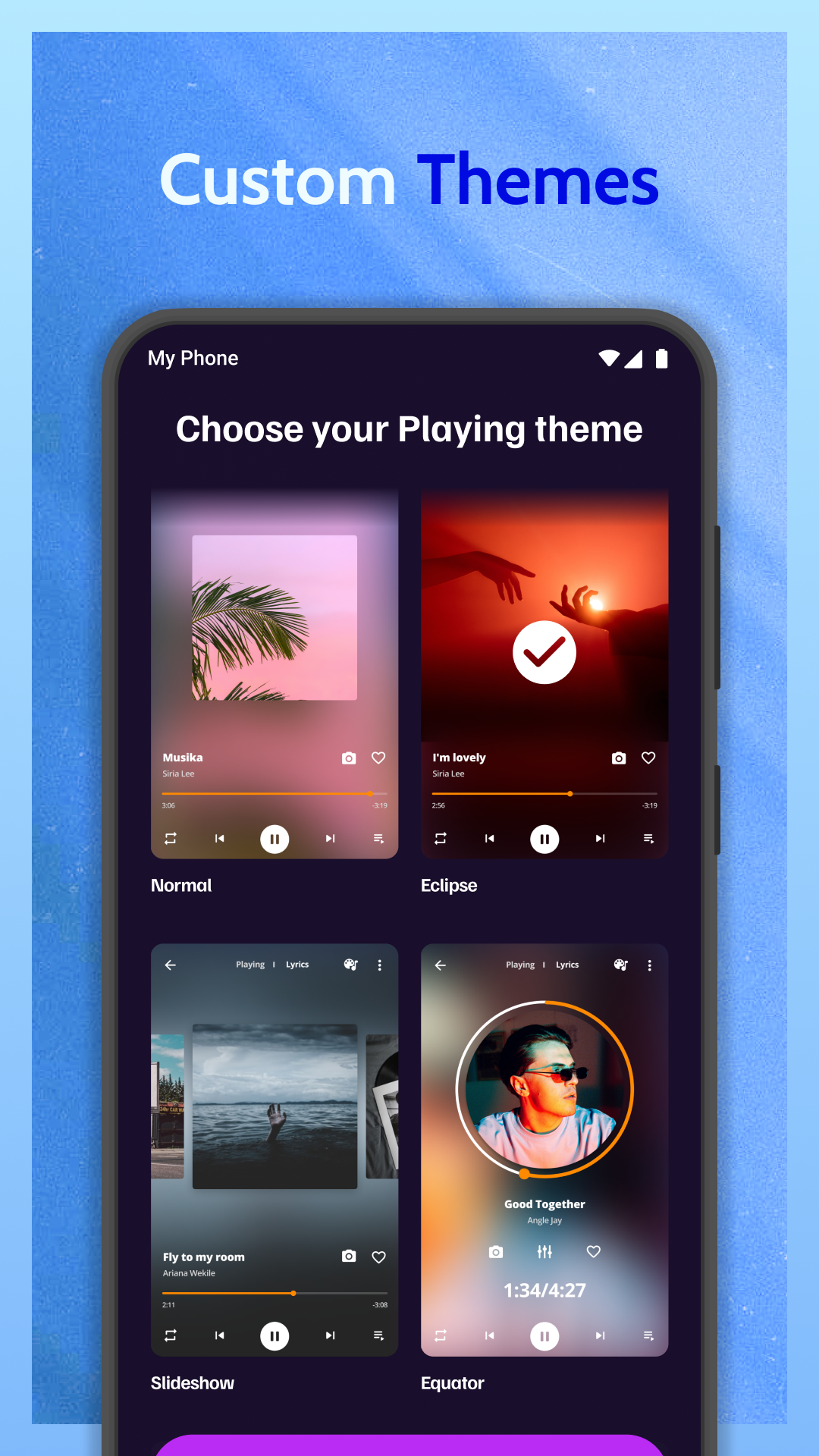
The app offers ample personalization features, highlighted by a rich selection of attractive themes to customize the user interface. It is lightweight and optimized for low battery consumption, making it ideal for extended listening sessions. Even with very large audio files and vast music libraries, the player delivers fluid, reliable performance without causing device stutter or slowdowns.
Rounding out its capabilities are flexible playback controls such as shuffle and loop modes. The player also features an integrated quick search tool with predictive typing, allowing you to pinpoint any song or artist in seconds by typing just a few characters.
Enables high-fidelity audio playback and offers customizable tools for organizing a user's local music collection.
Key Features
- Supports MP3, WAV, FLAC, and AAC file formats for versatile playback options
- Integrated equalizer with pre-set configurations and user-defined adjustments
- Automated library scanning and intelligent organization tools
- Browse music by album, artist, genre, or folder structure
- Create and manage personalized playlists with ease
- Supports background playback and lock-screen control options
- Efficient search functionality for rapid track location
- Customizable interface themes and personalization options
- Offline playback capability for uninterrupted listening
- Shuffle, repeat, and queue management features
Related MOD APKs
- Photo Editor & AI Video Maker
- Crop, Trim Video Editor
- Photo Video Maker With Music
- Background Changer, Remove BG
FAQ
Does the MOD APK unlock Premium features in Music Player – MP3 player?
This MOD APK version 4.0.36 includes Premium features unlocked, functioning similarly to the Eco Mobile Editor release with all modifications active post-installation.
What is the latest version of Music Player – MP3 player MOD APK?
Version 4.0.36 corresponds to the Eco Mobile Editor build from April 15, 2026. Older versions are not maintained here. Update by installing this file over your existing app. If you encounter a signature error, delete the old version before reinstalling.
Is the Music Player – MP3 player MOD APK safe to download?
This MOD APK includes Premium features and has a 4.4 rating from 70 users, with no root requirement. You may see a Play Protect alert, so always download from this page.
Can I use Music Player – MP3 player MOD APK on PC or iPhone?
This file is optimized for Android devices and is not compatible with iOS. To use on a PC, install an emulator like BlueStacks or LDPlayer and run the app within the emulator.
How to install
- Download the APK file above to your phone.
- Allow “Install unknown apps” when prompted.
- Open the downloaded APK and tap Install.
- If the package includes OBB/XAPK data, follow the bundled instructions.
MOD APKs are modified builds, so Play Protect may show a warning. Install only if you trust the file; use at your own risk.