
Screenshots
Description
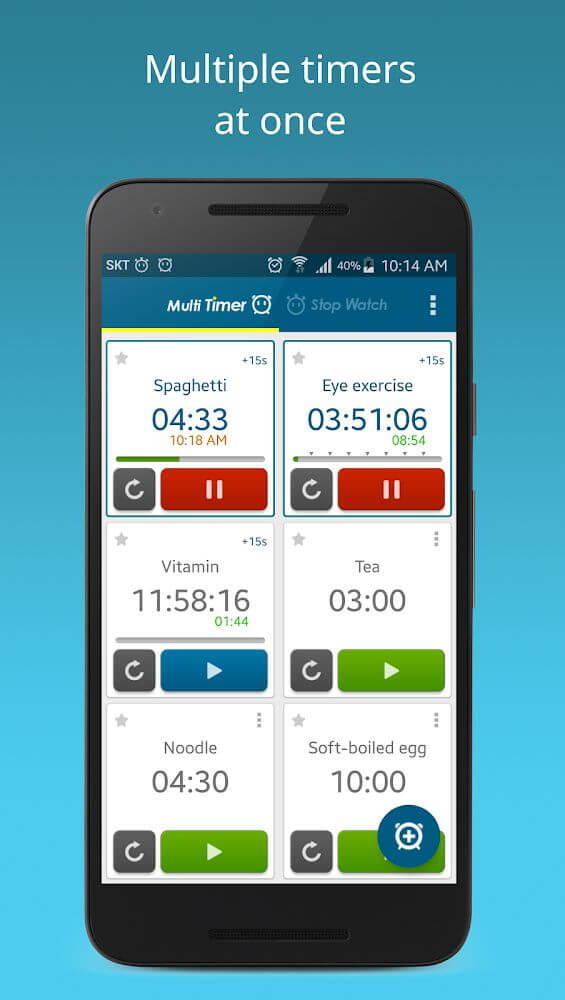
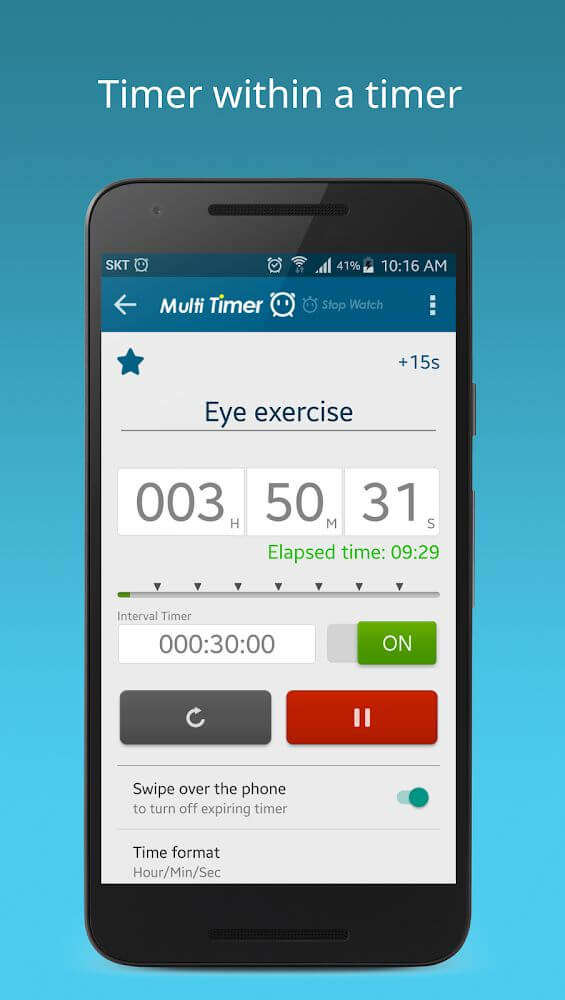
Designed for users juggling multiple countdowns simultaneously, this handy utility lets you assign distinct alerts to individual timers or utilize text-to-speech functionality so your device verbally announces which timer has finished.
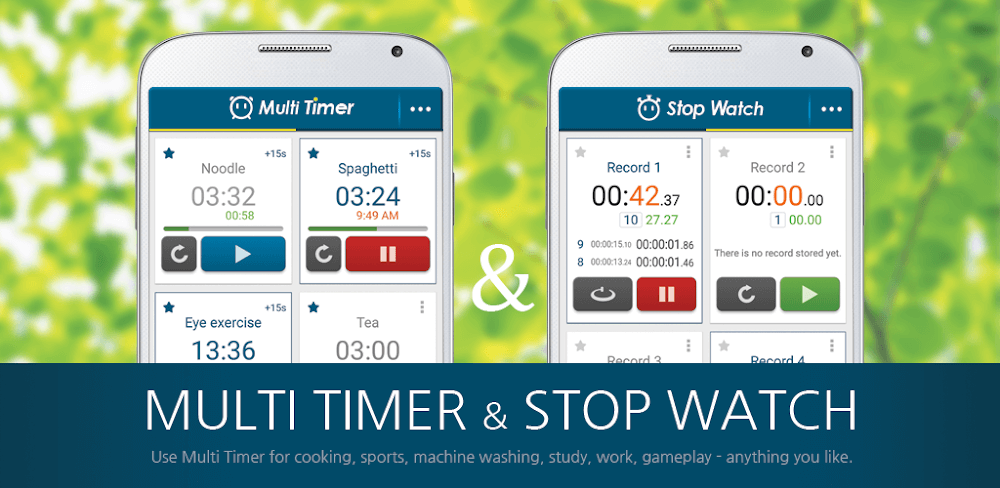
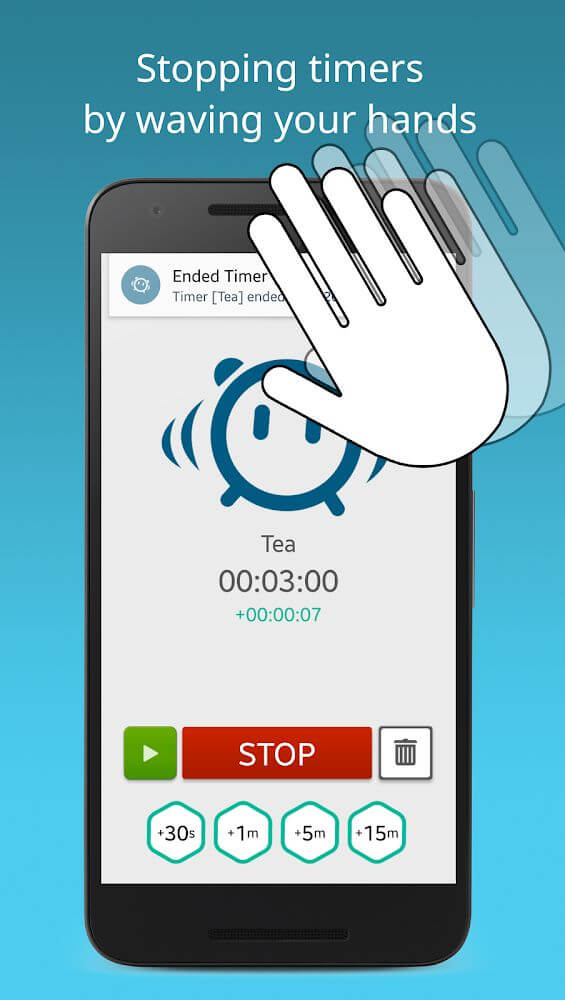
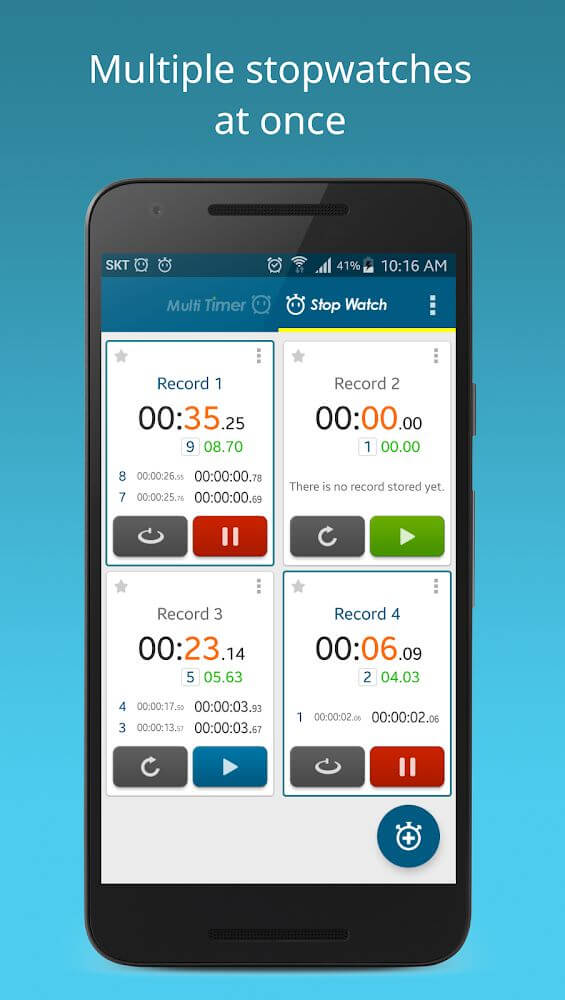
Multi Timer StopWatch stands out as an exceptional tool for running and monitoring several counters at the same time. Every counter features a dedicated alert sound alongside custom notification options tailored to your specific needs. Thanks to integrated proximity sensor support, you can effortlessly silence ringing timers with a simple hand wave. Whether you need speech synthesis or touchless controls, this versatile timing assistant adapts to any daily routine, making schedule tracking and setup remarkably straightforward.
Diverse Interface and Display Options in Settings
Within the primary Multi Timer StopWatch dashboard, you can expand your workspace by configuring extra rows and columns to monitor numerous countdowns simultaneously. The app lets you rename workspaces, switch between versatile layout templates, and establish standard presets for new timers. Additionally, your complete timing history is securely logged whenever you need to reference past records.
Personalize Alert Tones and Notification Badges
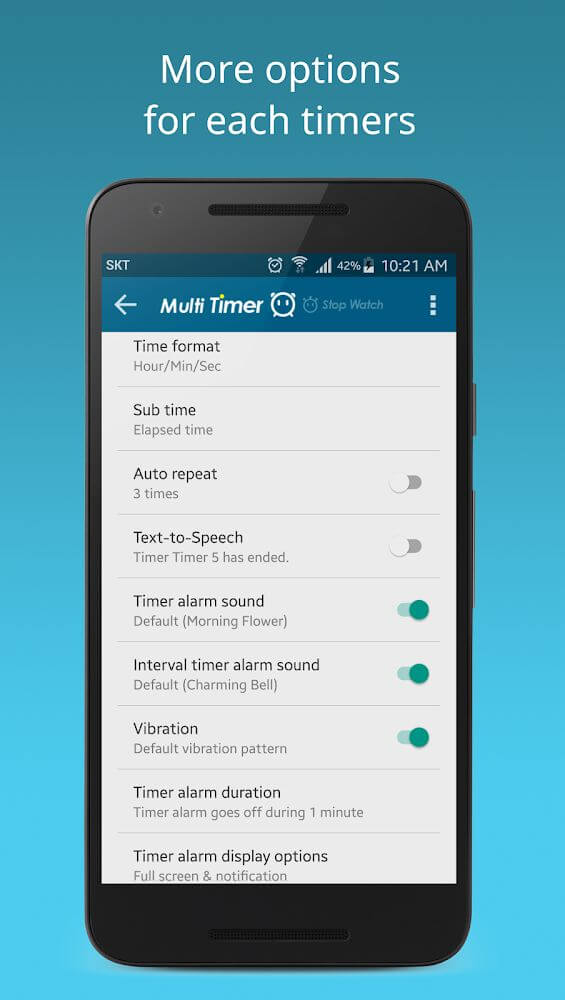
Multi Timer StopWatch empowers you to assign unique ringtones to every individual counter. Choose from a rich library of tones—ranging from subtle standard chimes to loud wake-up alarms and urgent sirens—paired with customized vibration patterns. You can also activate status badges for ongoing or completed countdowns, configure automatic screen locking once timers expire, and save your preferred audio profiles as defaults.
How to Manage Timers on Your Workspace
Operating the app feels completely intuitive. A single tap initiates or pauses any counter, a quick double-tap resets the clock, and a two-finger drag lets you reposition timers freely across the screen. You have full freedom to modify, pause, or archive any entry. Furthermore, timers can trigger automatically while directing you to detail settings to customize labels, chime frequencies, and display colors.
Unlock Exclusive Benefits with the Pro Upgrade
Upgrading to the Pro version of Multi Timer StopWatch unlocks premium enhancements for power users. While the free tier restricts you to a single workspace, going Pro provides unlimited board workspaces alongside unrestricted access to custom icons, helping you organize complex schedules with zero limitations.
Multi Timer StopWatch is an impressive all-in-one utility that seamlessly integrates countdowns, wake-up alarms, and precise stopwatches into one sleek package. Its standout capability is managing multiple concurrent timers, proving invaluable when multitasking through household chores or office duties. Fitness enthusiasts will also appreciate configuring personalized intervals for gym routines, allowing smooth transitions between workout sets. Complemented by a clean, clutter-free interface that stays legible on the move, you can label every counter clearly to keep your day perfectly organized.
Key Features of the App
- Configure and operate several independent timers at once for any activity
- Receive clear alert notifications to stay on top of all active countdowns
- Bundle similar timers into groups for effortless organization
- Utilize smart voice commands and proximity sensor controls to dismiss timers hands-free
- Tailor your workspace to your liking via the Settings menu
- Easily configure custom vibration feedback for each timer setup
- Access a dedicated help section complete with an intuitive tutorial walkthrough
- Choose eye-catching icons tailored to the purpose of each timer
How to install
- Download the APK file above to your phone.
- Allow “Install unknown apps” when prompted.
- Open the downloaded APK and tap Install.
- If the package includes OBB/XAPK data, follow the bundled instructions.
MOD APKs are modified builds, so Play Protect may show a warning. Install only if you trust the file; use at your own risk.