
Screenshots
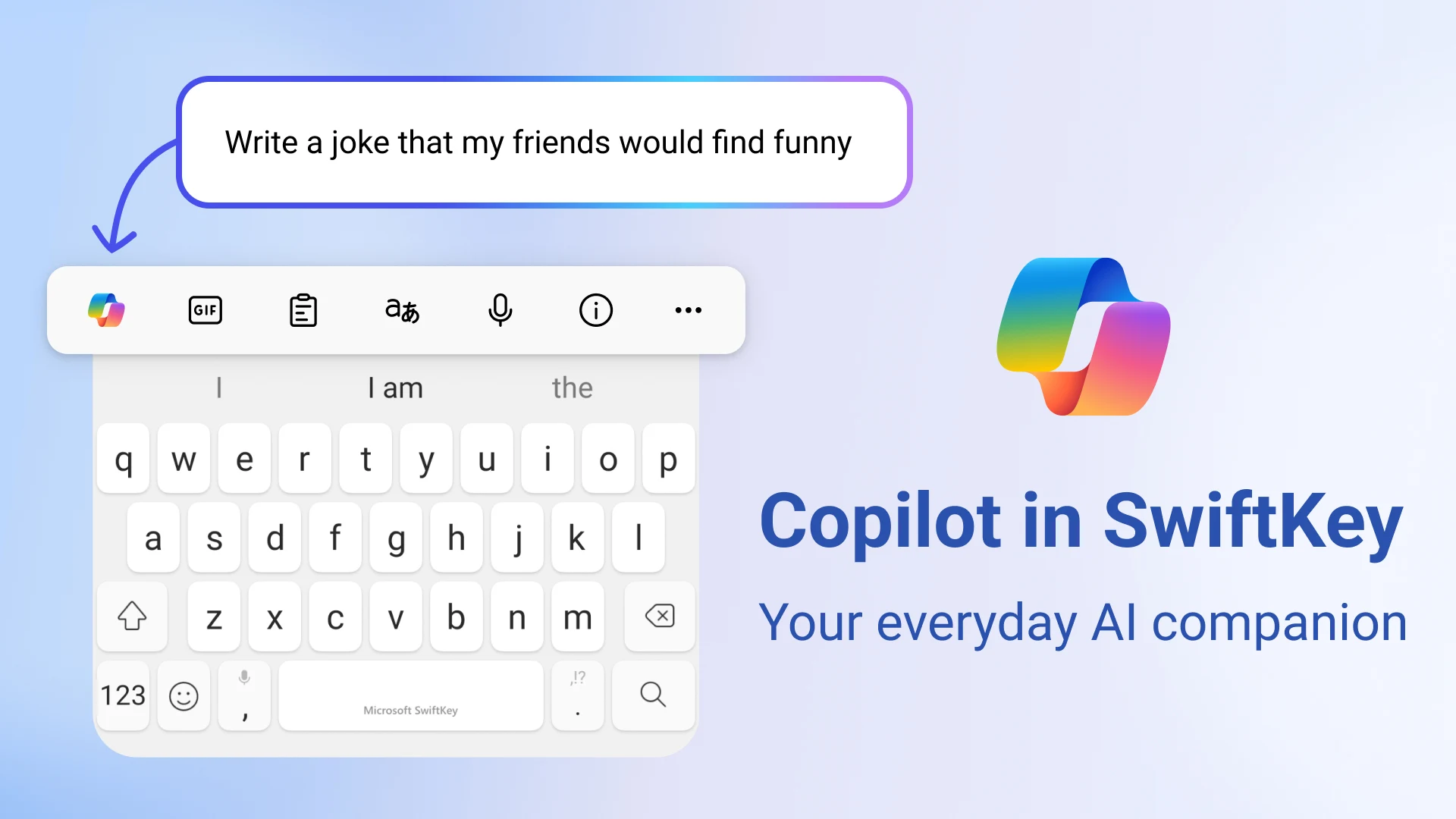
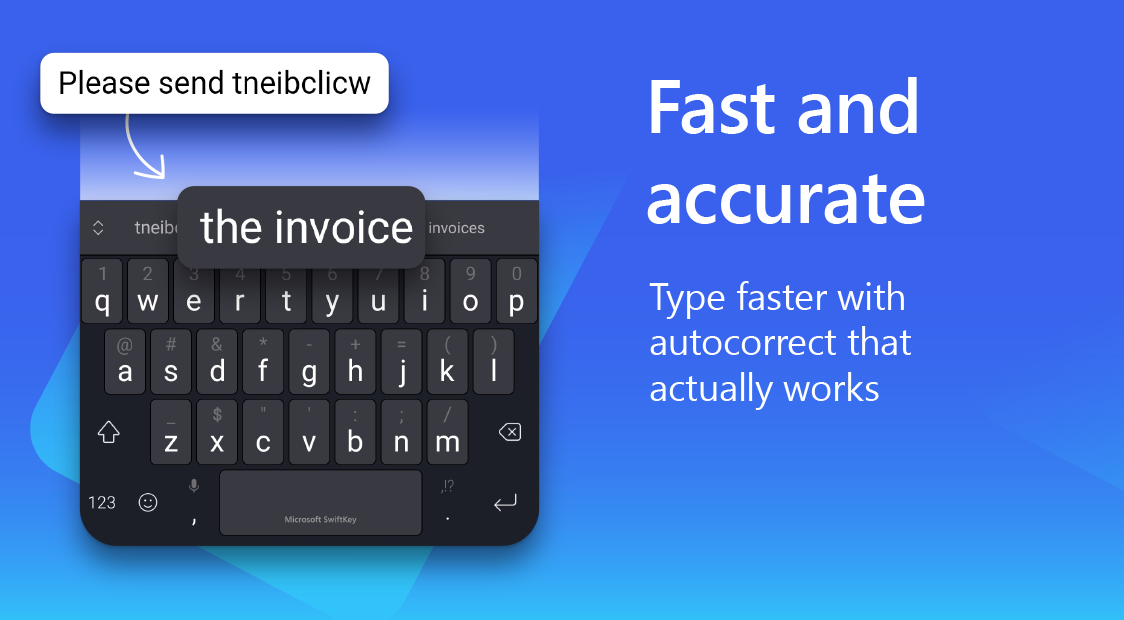
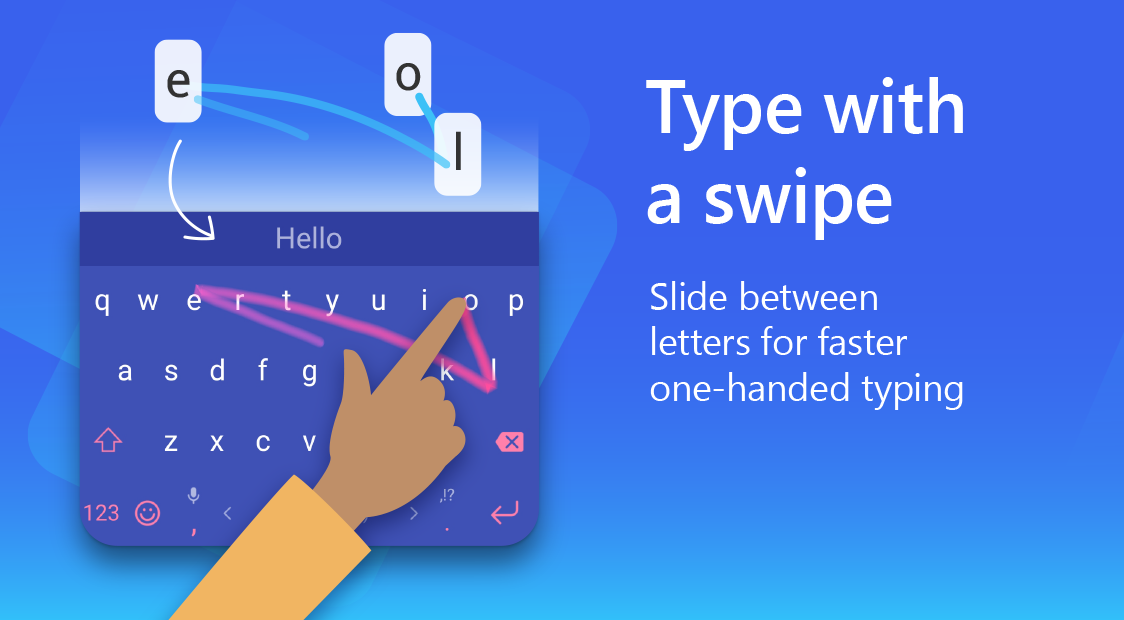
Description
Boost your typing efficiency with Microsoft SwiftKey AI Keyboard. Enjoy AI-driven word predictions, emoji suggestions, multilingual support, customizable themes, and advanced personalization options.
This MOD APK grants full access to keyboard themes and premium features without the usual limitations. It enables instant customization of your typing interface with any visual style available in the store right after installation.
Key Modifications in Microsoft SwiftKey AI
- Unlock access to the entire theme library, making all visual designs instantly available for use.
- Provides unrestricted access to features and content typically requiring in-app purchases or specific unlock conditions in the standard version.
This build version 9.12.24.7 has a file size of 64 MB and uses the package name com.touchtype.swiftkey; due to being re-signed, it cannot be installed as an update over the official store version.
About Microsoft SwiftKey AI
Microsoft SwiftKey’s keyboard software leverages advanced AI technologies to transform how users interact with their typing experience. At its core, the software analyzes writing patterns to understand a user’s language style, including vocabulary, idioms, slang, and emoji usage. As the software learns from these patterns, it generates increasingly accurate word and phrase suggestions. The goal is to minimize the mental effort required for communication, especially during text composition. The predictive engine adapts to a user’s unique expression preferences, ensuring the typing experience aligns with their communication style.
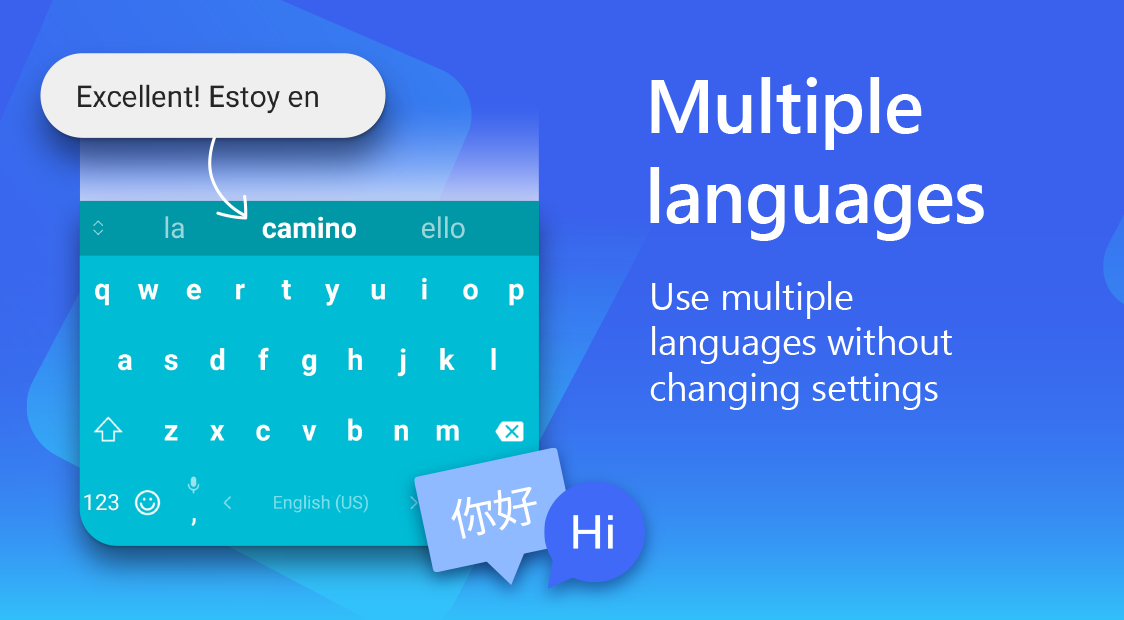
The app’s multilingual support simplifies cross-language typing. Unlike other keyboards that require manual language switches or additional packs, this software intelligently supports multiple languages simultaneously. Predictions and corrections work across all supported languages, allowing seamless transitions between languages. Users can type in multiple languages effortlessly, with continuous expansion of supported language families to keep up with evolving communication needs.
Personalization offers extensive control over the keyboard’s appearance and functionality. Users can customize colors, key designs, backgrounds, and physical layout to match their preferences. Adjustments include keyboard size for different screen sizes, one- or two-hand typing modes, and key spacing tailored to individual typing styles. The layout can be rearranged to suit personal preferences.
The keyboard integrates a vast collection of media, including thousands of emojis, GIFs, and stickers. Users can access these elements directly from the keyboard while messaging. Predictive technology suggests emojis as they type, reducing the need to search through large libraries. A dedicated GIF and sticker library allows users to enhance messages with engaging visuals, making text conversations more dynamic and enjoyable.
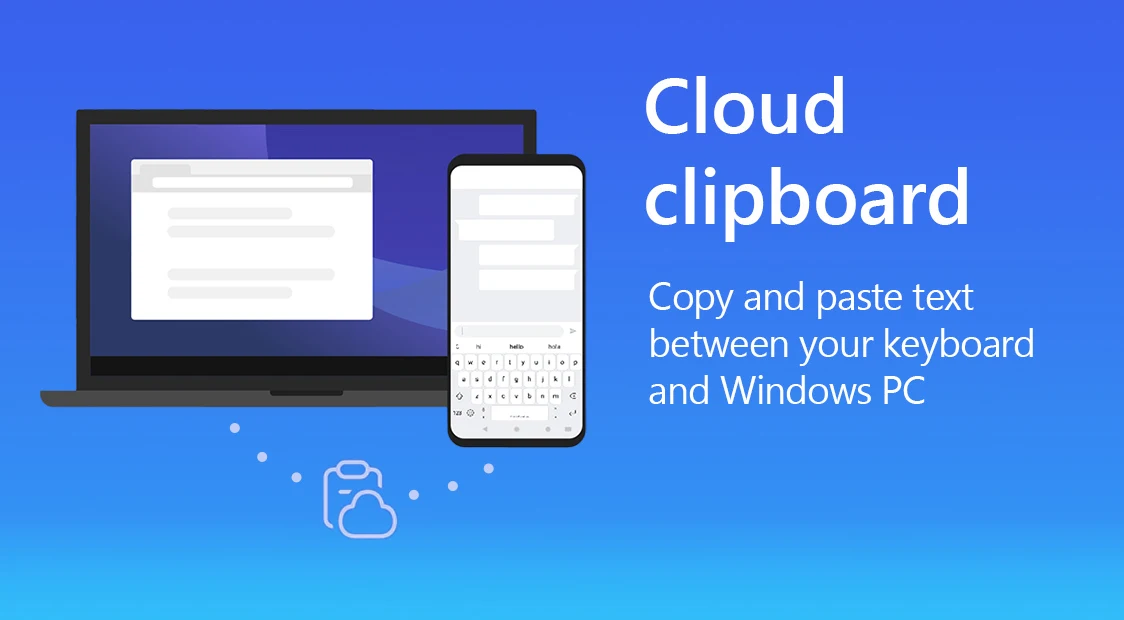
The keyboard includes productivity-enhancing tools like gesture typing and clipboard management. Swipe typing lets users input text by swiping across keys, significantly increasing typing speed once mastered. The clipboard manager streamlines text and image copying/pasting, while cloud syncing ensures custom preferences, learned words, and input data are preserved across all devices for a seamless, personalized experience.
User privacy and swift performance stand as the two foundational pillars behind this software. The smart AI keyboard is designed to protect personal information rigorously while continuously adapting to your personal writing style. To improve word prediction without compromising safety, it incorporates robust security protocols for handling training data. When it comes to responsiveness, the engine targets near-zero key-to-key latency, displaying every character on screen the moment you tap it. Minimizing character lag to the lowest threshold allowed by your hardware and software ensures a fluid typing experience for everyone, from students drafting coursework to business professionals communicating on the go.
Key Features
- Intelligent next-word forecasting paired with automated error correction
- Adaptive typing engine that learns your unique vocabulary and style
- Seamless multilingual support across multiple languages simultaneously
- Fluid gesture-based swipe typing for rapid text entry
- Smart emoji suggestions integrated directly into the keyboard
- Extensive selection of GIFs and expressive stickers for lively chats
- Massive library of customizable visual themes
- Flexible layout settings and adjustable keyboard sizing
- Built-in clipboard manager for effortless copy-and-paste actions
- Cloud synchronization to preserve personal typing data across all devices
- Smooth, ultra-responsive, and lag-free performance
- Privacy-first architecture ensuring secure data processing
Related MOD APKs
- Microsoft SwiftKey Beta
- Supermarket Simulator
- FreeReels – Dramas & Reels
- Blackmagic Camera
FAQ
What does Microsoft SwiftKey AI Keyboard MOD APK unlock?
This updated Microsoft SwiftKey AI Keyboard 9.12.24.7 package comes with Coin and Full Unlocked + Themes. It delivers the complete functionality of the standard SwiftKey application, with all enhanced perks enabled right after you finish installation.
What is the latest version of Microsoft SwiftKey AI Keyboard MOD APK?
The current build is 9.12.24.7, corresponding to the SwiftKey release dated August 26, 2026. GameUnlimit only hosts the freshest build available. You can update simply by installing this APK over your current copy; if you encounter a signature conflict, remove the existing version beforehand.
Is Microsoft SwiftKey AI Keyboard MOD APK safe to download?
Microsoft SwiftKey AI Keyboard 9.12.24.7 provides the official typing experience enhanced with Coin and Full Unlocked + Themes. It holds a solid 4.6 rating from 47 users on GameUnlimit and operates without root access. Any standard Play Protect alerts can be safely bypassed when downloading directly from GameUnlimit.
Can I use Microsoft SwiftKey AI Keyboard MOD APK on PC or iPhone?
Because this package is tailored for Android, it will not run on iOS devices. If you wish to use the 64 MB file on your desktop, launch an Android emulator like LDPlayer or BlueStacks, then drag and drop the file directly into the interface.
How to install
- Download the APK file above to your phone.
- Allow “Install unknown apps” when prompted.
- Open the downloaded APK and tap Install.
- If the package includes OBB/XAPK data, follow the bundled instructions.
MOD APKs are modified builds, so Play Protect may show a warning. Install only if you trust the file; use at your own risk.