
Screenshots
Description
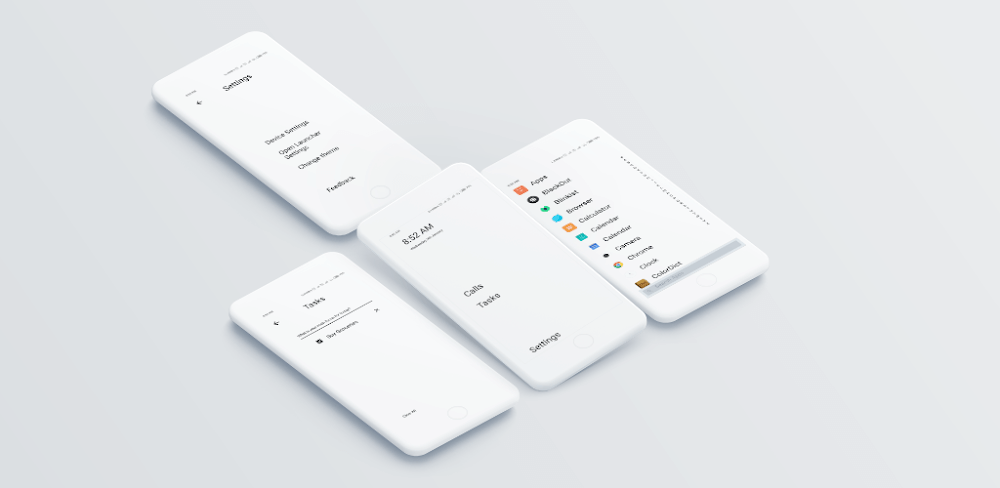
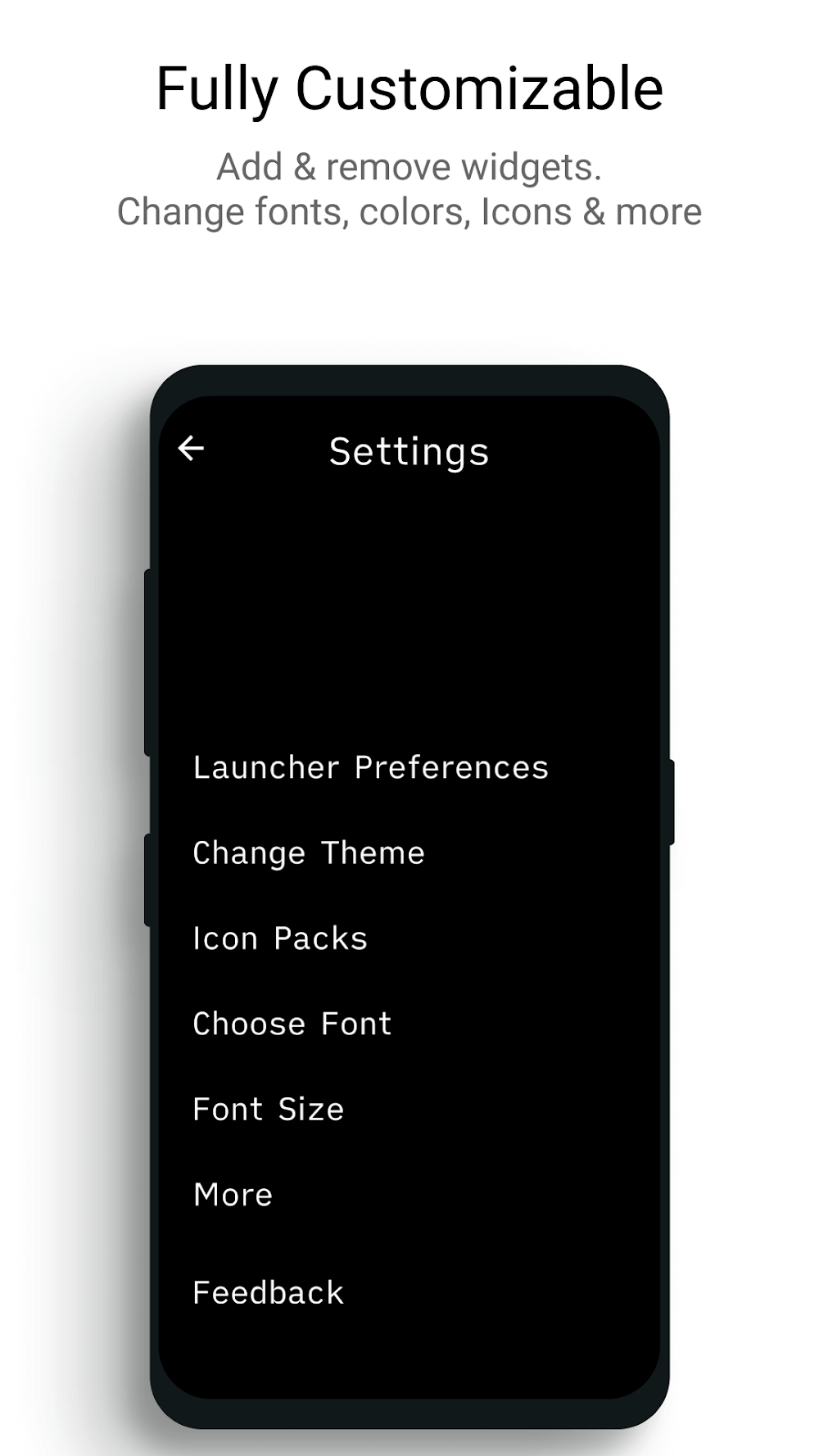
Indistract Minimalist Launcher Mod APK offers users a streamlined way to personalize their phone's interface with ease. If you find your phone's default layout overwhelming or overly complex, this app is tailored for you. It allows quick customization of the home screen, enabling users to adjust the appearance and functionality of their device with minimal effort. The app's intuitive design simplifies the process, letting users tailor their experience without needing advanced technical skills.
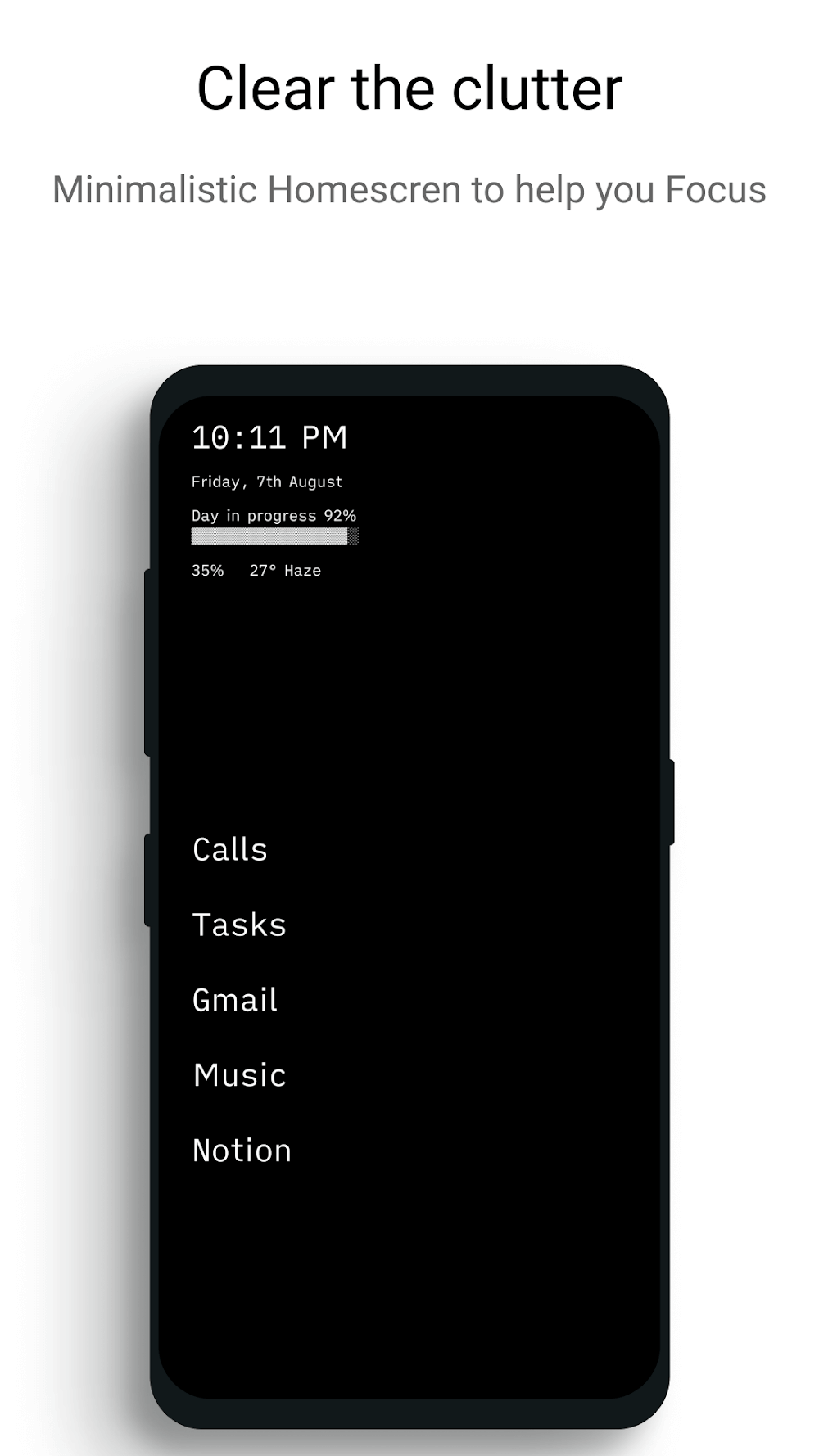
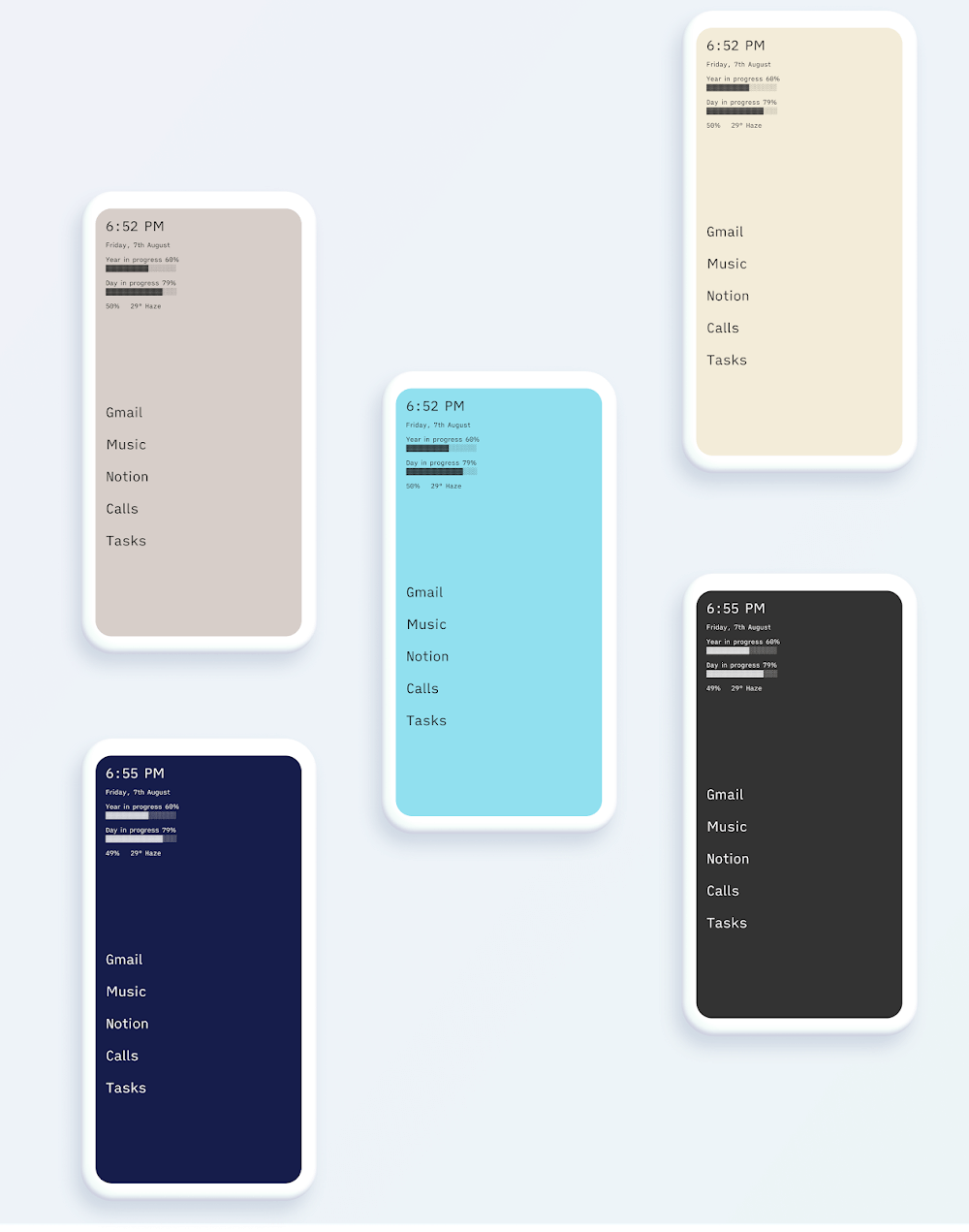
Among its standout features is the integration of a minimalist aesthetic, which emphasizes simplicity, clarity, and efficiency. This approach aligns with the growing trend of clean, uncluttered designs that prioritize user needs. When setting up the app, users are guided through a minimalist color scheme featuring black and white themes. Additionally, the app supports customizable lighting modes, allowing users to switch between light and dark themes or set automatic adjustments based on the time of day.
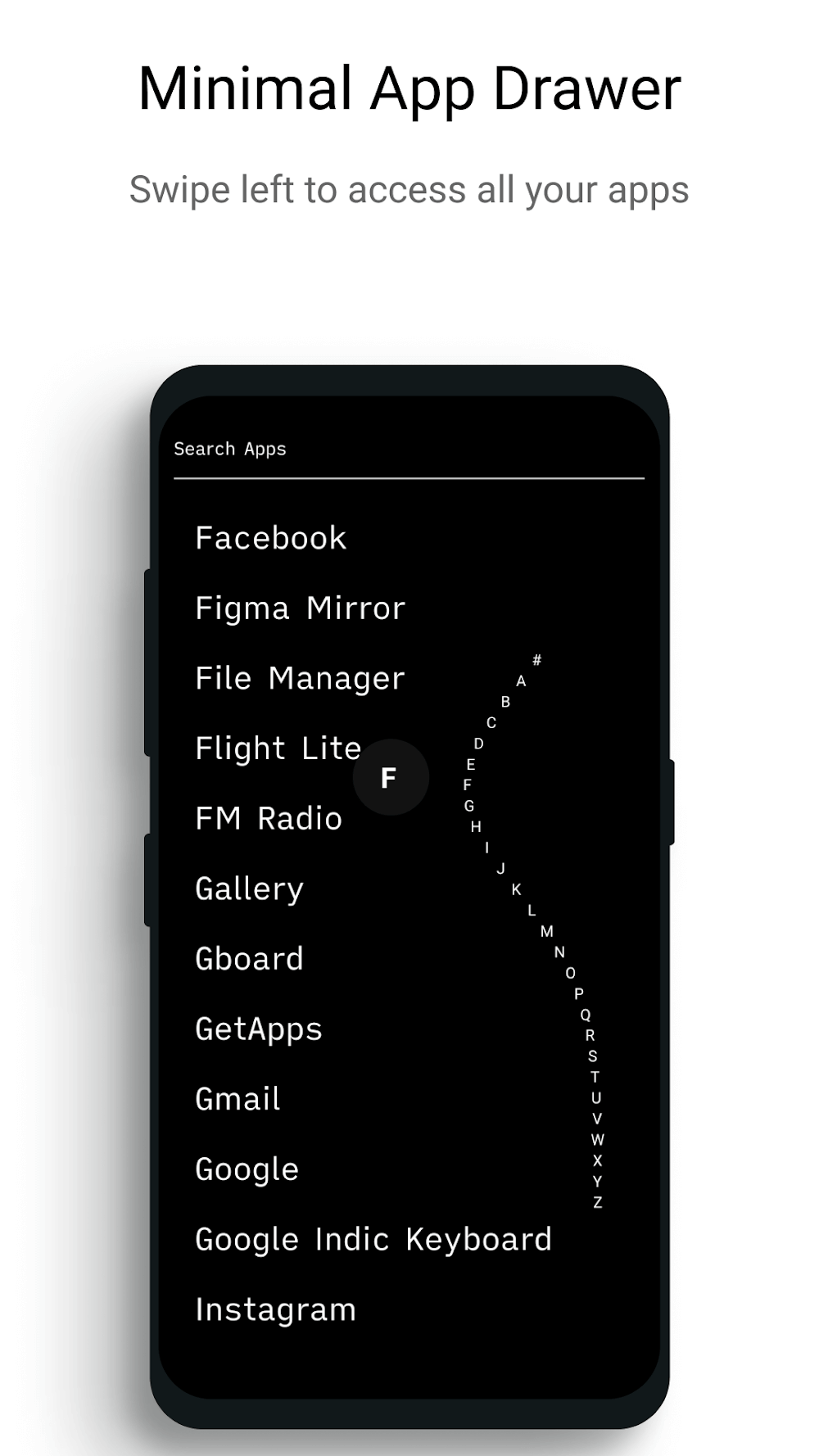
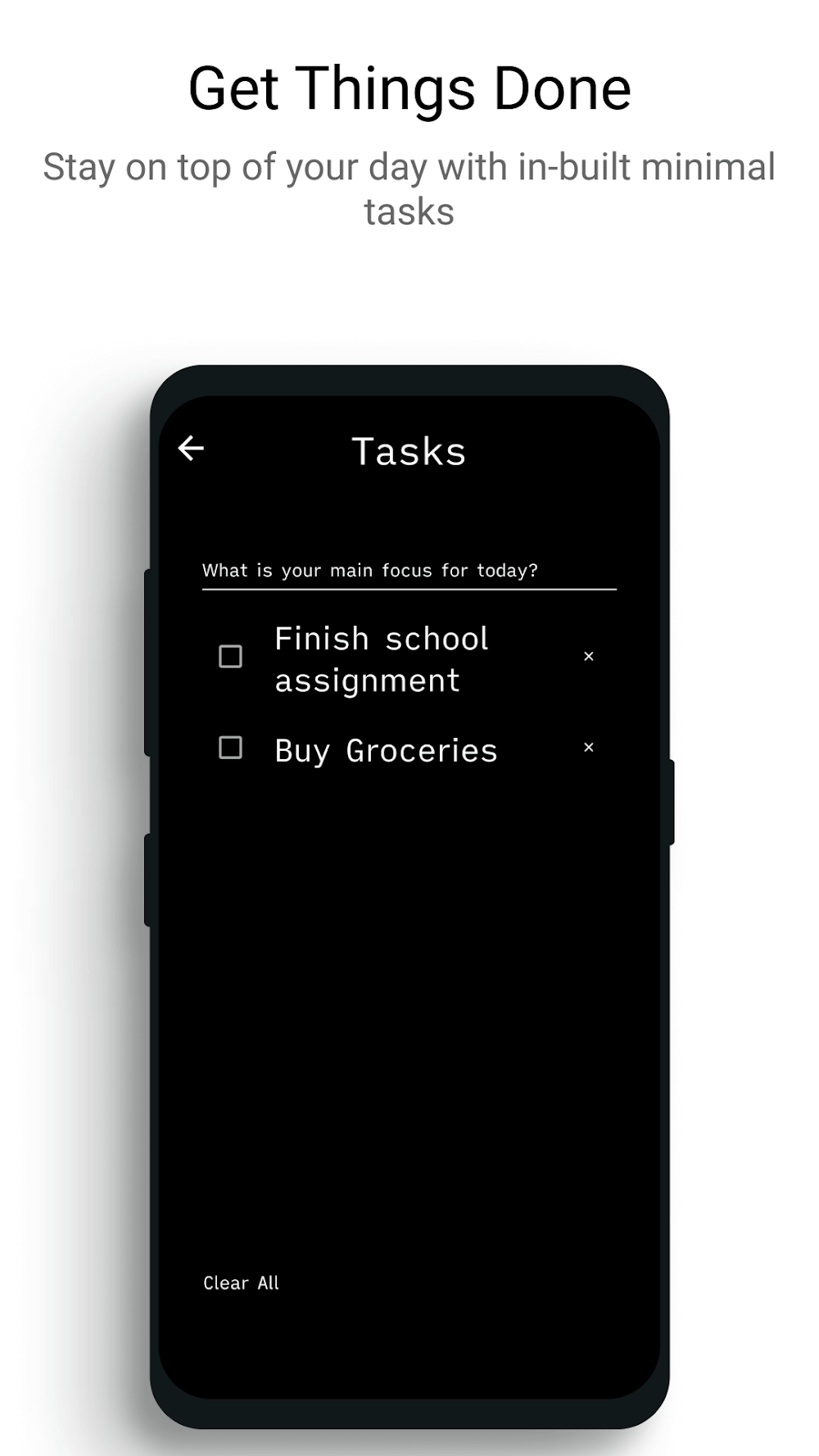
The launcher's interface is designed to mirror familiar user interactions while enhancing usability. It optimizes home screen visibility by displaying app names instead of complex icons, making navigation more straightforward. A simple left swipe reveals an alphabetical list of installed apps, streamlining searches. Furthermore, the app includes a built-in to-do list feature, enabling users to organize daily tasks and maintain productivity efficiently.
How to install
- Download the APK file above to your phone.
- Allow “Install unknown apps” when prompted.
- Open the downloaded APK and tap Install.
- If the package includes OBB/XAPK data, follow the bundled instructions.
MOD APKs are modified builds, so Play Protect may show a warning. Install only if you trust the file; use at your own risk.