

Screenshots
Description
Give your smartphone a sleek, contemporary upgrade with iGlass's Dark OS 26, blending semi-transparent glass textures with deep black tones for a refined visual aesthetic!
With this release of the iGlass Dark OS 26 Icon Pack MOD APK, users gain unrestricted access to the Full Version, unlocking all premium dashboard utilities and the entire icon catalog without standard limitations.
What Is Modified in iGlass Dark OS 26 Icon Pack
- Full Version Unlocked, granting complete access to every premium tool and the entire icon library.
Carrying the package name com.italiano.iglassdark, version 6.8 comes with a file size of 175M; note that due to custom signature changes, this APK cannot directly overwrite an installation from the official store.
Overview of iGlass Dark OS 26 Icon Pack
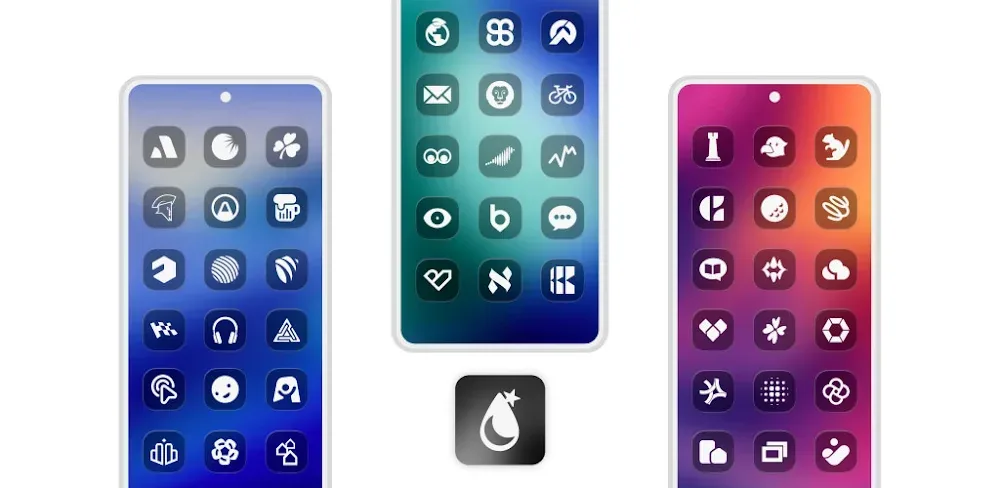
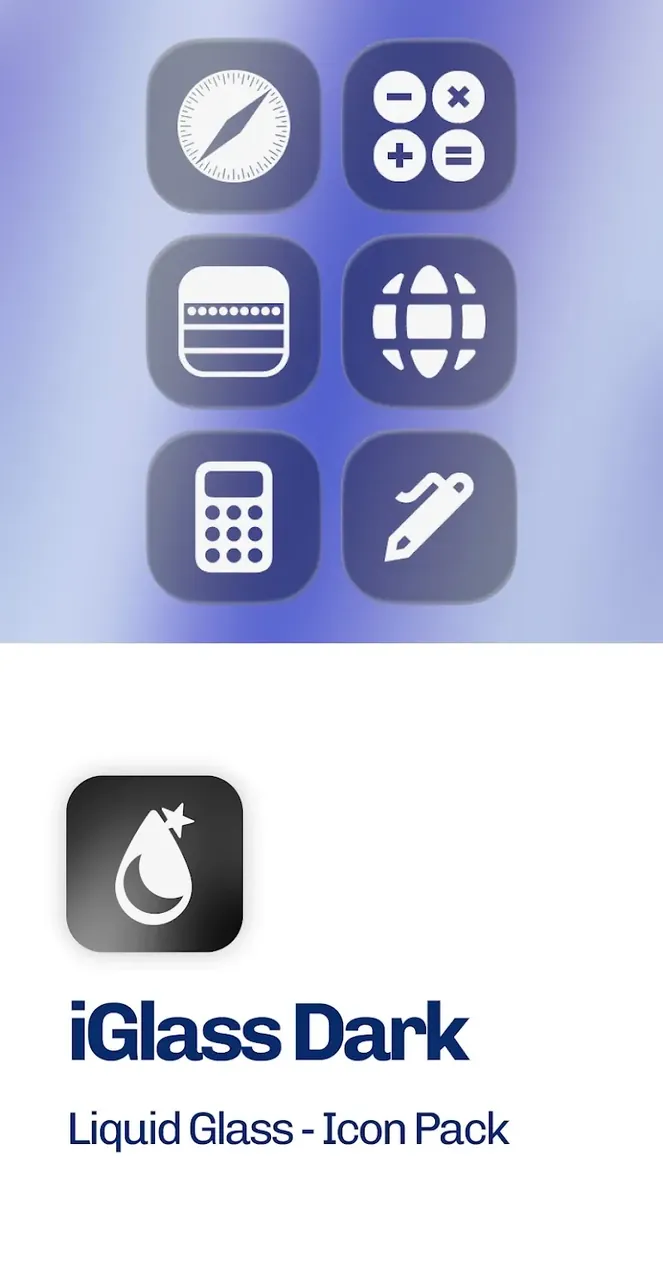
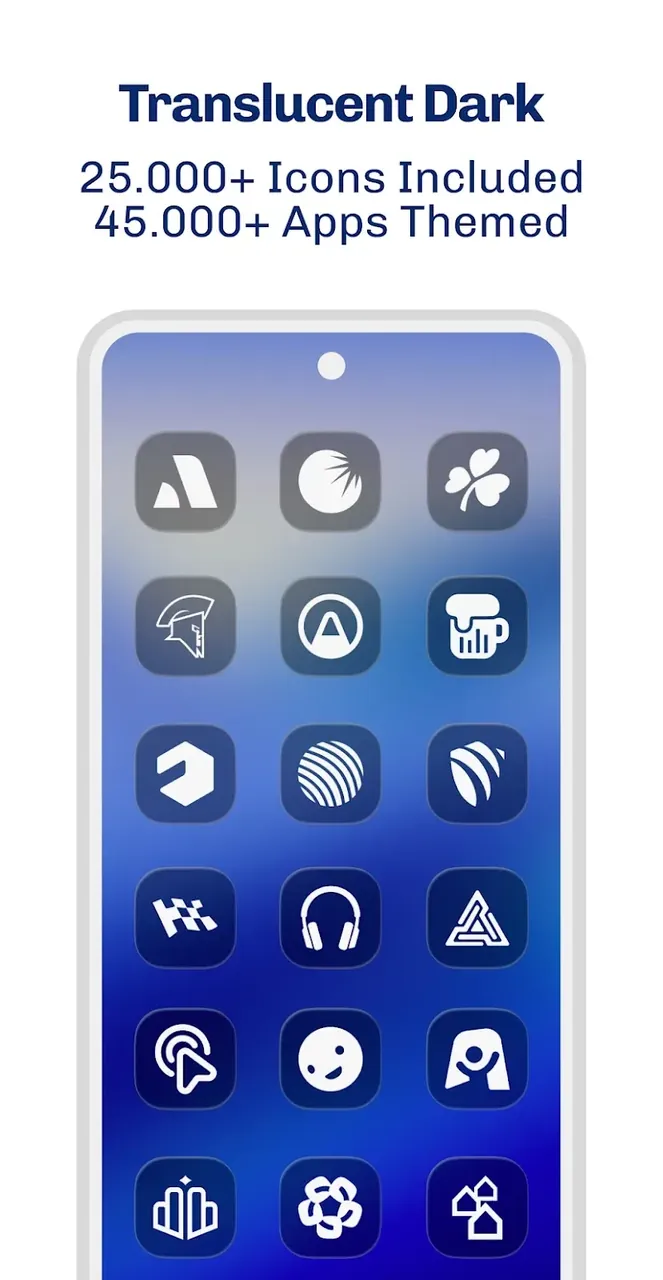
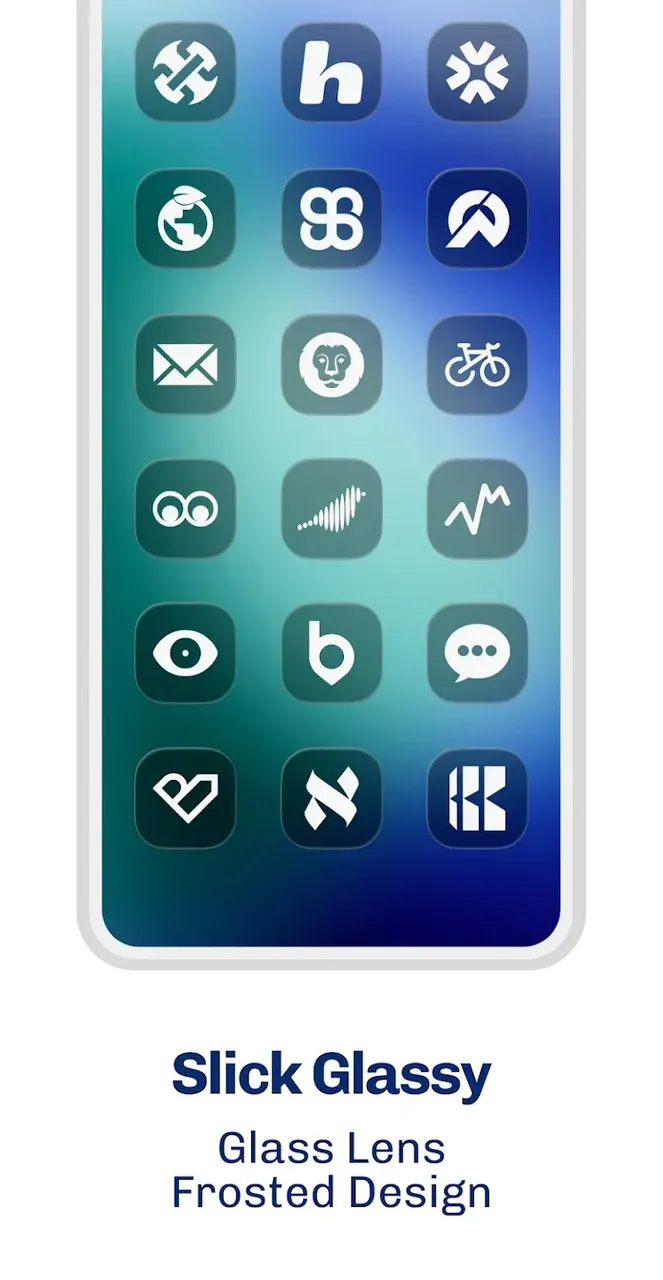
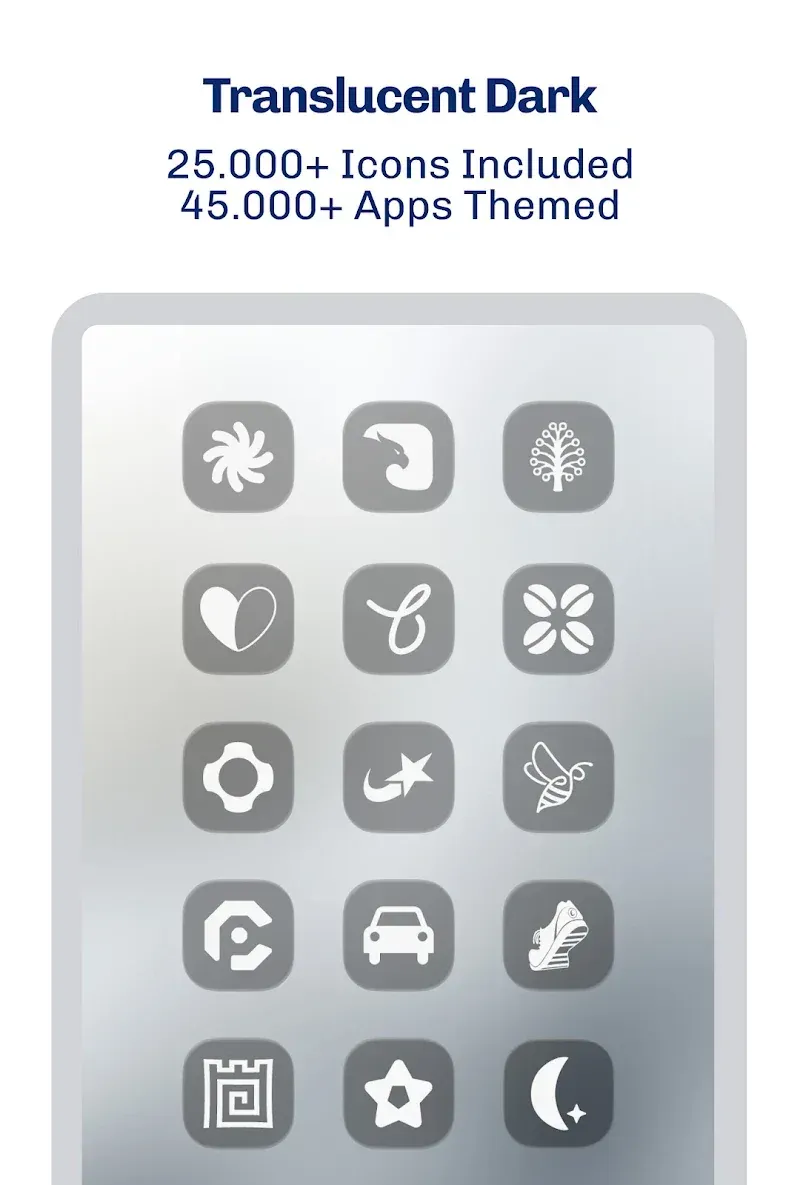
Built around the modern glassmorphism design philosophy, iGlass Dark OS 26 Icon Pack steps away from the conventional flat, two-dimensional aesthetics that have dominated Android customization for years. By introducing multi-layered visuals, it produces a realistic illusion of depth across your display. Each icon showcases semi-transparent frosted textures that let vivid colors softly bleed through tinted glass surfaces for an immersive pseudo-3D feel. Tailored specifically for dark mode fans, this pack combines sleek dark tones with crisp highlights for strong contrast and a futuristic home screen look that stays clean, organized, and sophisticated.
Boasting an extensive library of more than 5,000 premium icons, this app goes far beyond basic system utilities to cover a wide variety of third-party software and popular games. Neatly organized into dedicated categories, the pack makes giving your entire app drawer a coherent, uniform appearance simple and fast. To ensure maximum visual fidelity, each asset is crafted in crisp 2K resolution, eliminating blurriness and pixelation on high-density smartphone screens while accentuating the intricate glassmorphism textures, lighting accents, and refined edge details.
Dynamic calendar support adds extra utility beyond static visuals by updating daily right on your screen, allowing you to check the current date at a glance without having to open your calendar app. In the event that any of your installed apps are missing from the 5,000-icon lineup, the built-in Icon Request Tool enables you to send replacement requests straight to the developers at PizzApp Design for upcoming releases.
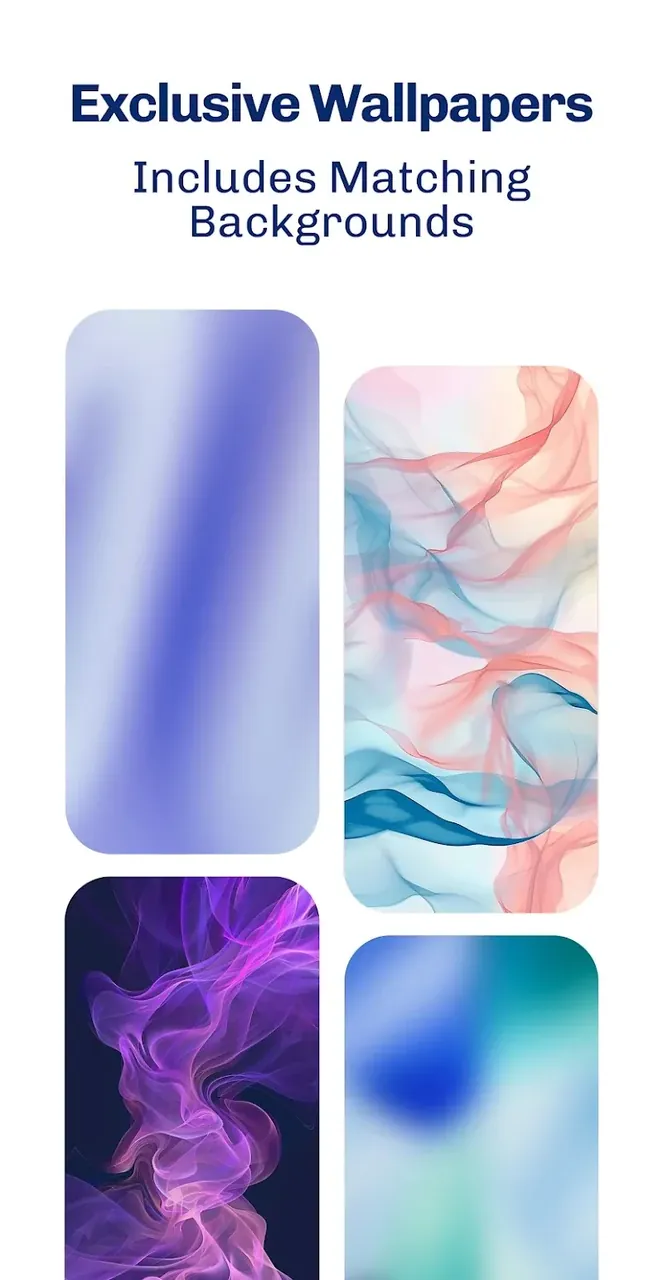
Alongside the primary icon set, the app provides a gallery of specially crafted glassmorphism wallpapers designed to harmonize with the dark, translucent theme. Setting a darker or minimalist background from the collection brings out the transparent glass effect to its fullest. For the sharpest visual result, turning off icon shadows in your custom launcher settings helps the frosted glass borders stand out with pristine clarity. In addition, full compatibility with Muzei Live Wallpaper makes it effortless to sync and rotate backgrounds for a dynamic home screen.
Applying the theme across your Android system is seamless thanks to a streamlined dashboard supporting one-tap application on compatible launchers, as well as category-based manual icon selection for granular customization. The pack works effortlessly across numerous major Android launchers, including Nova Launcher, Action Launcher, Apex Launcher, Smart Launcher, Lawnchair, Microsoft Launcher, and ADW Launcher—with the creators highlighting Nova Launcher as the ideal choice for optimal performance and appearance.
Designed to give your smartphone a sleek, futuristic aesthetic, iGlass Dark OS 26 Icon Pack redefines your mobile UI with an impressive collection of ultra-clear icons, matching wallpapers, and interactive dynamic components. Unlike conventional icon sets, this package harnesses the power of glassmorphism to introduce realistic transparency and multilayered depth that seamlessly blends with your backdrop. Complete with an integrated dashboard and an icon request tool, it delivers a comprehensive personalization suite rather than just a basic graphics bundle.
Key Features
- Over 5,000 High-Quality Icons for iOS & Android Apps
- Ultra-Crisp 2K Resolution
- Matching Wallpapers with Glassmorphism Styling
- Dynamic Calendar Support
- Built-in Icon Request Feature
- Compatible with Muzei Live Wallpaper
- Integrated Control Dashboard for Easy Application
- Organized Category Browsing
- Works Smoothly with Nova, Action, Apex, Smart, Lawnchair, Microsoft, and ADW Launchers
Related MOD APKs
- iGlass OS 26 Icon Pack
- iWhite OS Icon Pack
- Simply Adaptive Icon Pack
- Glassy Round OS Icon Pack
Frequently Asked Questions
What is unlocked in the iGlass Dark OS 26 Icon Pack MOD APK?
This modified version 6.8 of iGlass Dark OS 26 Icon Pack comes with the Unlocked Full Version. It delivers the complete experience crafted by PizzApp Design, granting you instant access to all premium assets without any limitations.
What is the newest version of iGlass Dark OS 26 Icon Pack MOD APK?
The current release is version 6.8, matching the official update from PizzApp Design released on July 4, 2026. GameUnlimit only hosts the latest build to guarantee optimal performance. To upgrade, simply install this APK over your existing setup; if a signature mismatch occurs, please uninstall the previous version before reinstalling.
Is downloading iGlass Dark OS 26 Icon Pack MOD APK safe?
Yes, this iGlass Dark OS 26 Icon Pack 6.8 package by PizzApp Design offers a fully verified Full Version experience. It carries a 5/5 rating from 1 user and functions without root access. You can safely bypass any false Google Play Protect alerts and grab your clean download right here on GameUnlimit.
Can iGlass Dark OS 26 Icon Pack MOD APK be used on PC or iOS?
This installation package is designed specifically for Android and cannot be installed on iPhone. However, you can run this 175M APK on a desktop computer using Android emulators such as LDPlayer or BlueStacks. Just launch your preferred emulator and drag-and-drop the APK file to set it up.
How to install
- Download the APK file above to your phone.
- Allow “Install unknown apps” when prompted.
- Open the downloaded APK and tap Install.
- If the package includes OBB/XAPK data, follow the bundled instructions.
MOD APKs are modified builds, so Play Protect may show a warning. Install only if you trust the file; use at your own risk.