
Screenshots
Description
Revamp your Android device with a sleek Galaxy S26 UI. Discover high-quality themes, backgrounds, widgets, icon sets, smart categorization, and seamless personalization.
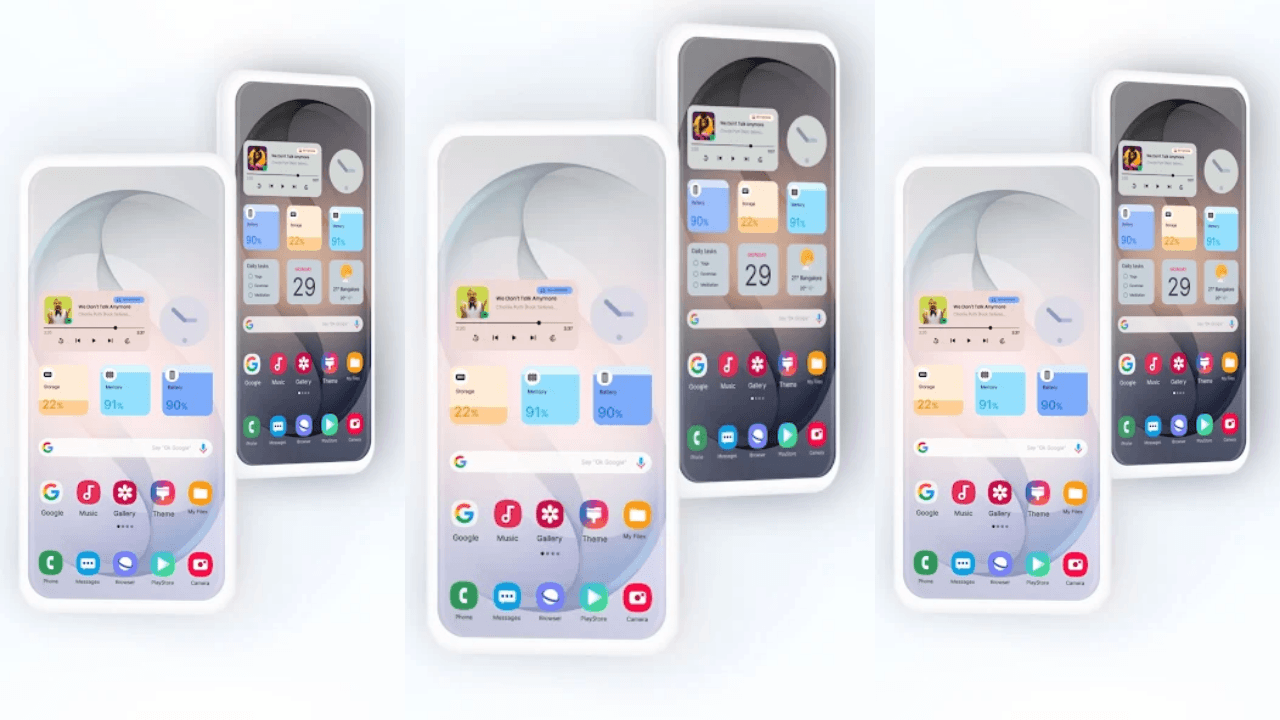
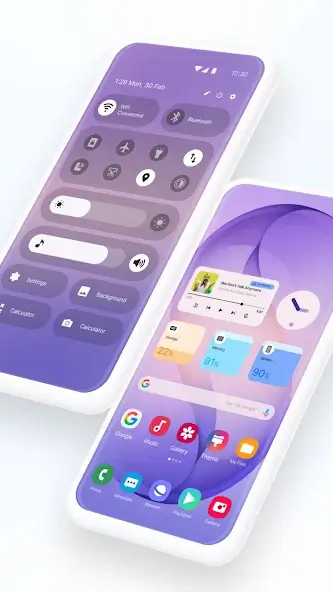
Bring the futuristic aesthetic of the Galaxy S26 straight to your phone using Galaxy S26 Style Launcher. This launcher upgrades your setup with a polished, contemporary interface accompanied by fluid, eye-catching visual effects. On top of that, you can tailor every detail of your home screen via an extensive selection of themes, wallpapers, and interactive widgets. Personalize your device exactly the way you like with Galaxy S26 Style Launcher.
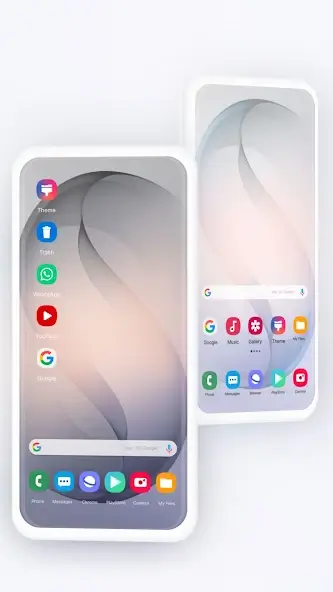
Give your smartphone a clean, modern interface inspired by the Galaxy S26 without altering your underlying Android operating system. A comprehensive suite of personalization tools lets you modify wallpapers, grid arrangements, and navigation controls effortlessly. Galaxy S26 Style Launcher hands you complete creative freedom—whether you prefer a minimalist monochrome theme, vivid neon highlights, or a sleek sci-fi layout, crafting your dream setup has never been easier.
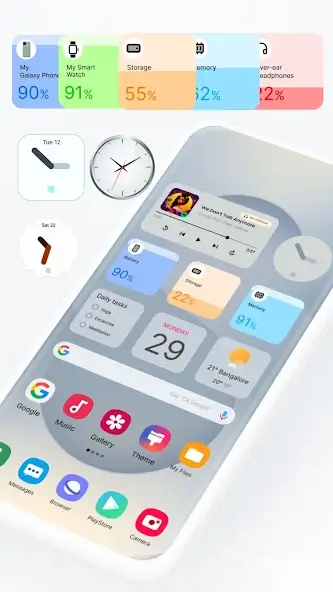
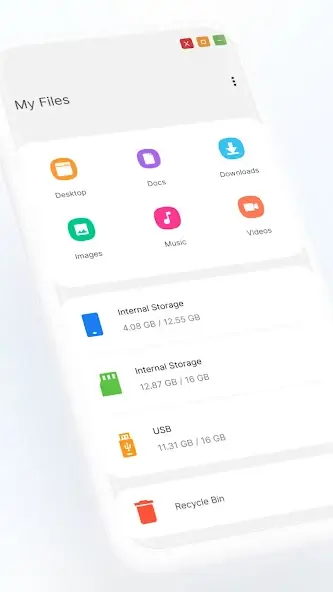
A modern reimagining of the flagship Galaxy interface. Packed with hundreds of custom icons, dynamic transitions, high-definition wallpapers, and stylish themes, it delivers an authentic One UI experience on your mobile device. Fully compatible and optimized for Android 12 alongside various other Android versions. Personalize your display with an endless library of backgrounds and icon packs, resize your home screen grid, and manage custom folders. Tweak app drawer transition effects, arrange icons freely, find apps instantly with fast search, and hide sensitive applications to maintain a clutter-free look. Add desktop-grade widgets for weather, calendar schedules, time, and system monitoring, while benefiting from an intuitive PC-inspired environment:
- Fast app access via a start-menu style drawer
- Taskbar-inspired bottom navigation
- Drag-and-drop support for arranging shortcuts
- Dedicated shortcuts for managing files
- Instant shortcuts to open your favorite apps
Take full control over your digital space:
- Hide sensitive and private apps
- Effortlessly arrange and categorize apps
- Lock home screen layout to prevent accidental changes
- Built-in security and privacy controls
To ensure a fluid experience, Galaxy S26 Style Launcher offers:
- Simple setup for apps and home screens
- In-depth configuration options and controls
- Fast and convenient shortcut creation
- Sleek, fluid UI animations
- Smart folder organization features
- Interactive and functional widgets
- Extensive personalization settings
- Eye-catching themes and high-res wallpapers
Upgrade your display with a sophisticated Galaxy S26 aesthetic. Express your unique vibe using a vast array of personalization features!
How to install
- Download the APK file above to your phone.
- Allow “Install unknown apps” when prompted.
- Open the downloaded APK and tap Install.
- If the package includes OBB/XAPK data, follow the bundled instructions.
MOD APKs are modified builds, so Play Protect may show a warning. Install only if you trust the file; use at your own risk.