

MOD features
New Base Enhanced to 126.20 – Stable (Playstore) [Enabled] – Developer Mode [Integrated] Message Reply/Editing via Double-Tap Gesture [New Feature] Profile Photo Zoom Functionality [Added] Anti-Message Deletion Option [Includes Export Feature for Deleted Messages] Anti-Message Editing Protection [Supports Export of Edited Messages] Profile Picture Download Capability [Added] Profile Image URL Copy Function [Enabled] Username Copy Option [Available] Account Creation Date Display [Enabled] Anti-Reaction Deletion Feature [New] App Lock with PIN Code [Added] Spoiler Reveal Toggle [Enabled] Media Spoiler Sending Option [Included] Message Translation Tool [Integrated] Do Not Add to Groups (Beta)
Screenshots
Description
Discord MOD APK stands out as a premier communication app for chatting with friends, while also serving as a powerhouse for gaming courtesy of its dedicated servers, screen sharing, and crisp voice channels.
This custom edition of Discord MOD APK brings a practical set of privacy and functional upgrades to the standard chat app, giving you superior control over your chat logs, media handling, and profile information visibility.
What’s Modified in Discord
- The core client has been upgraded to 126.20 – Stable.
- Developer Mode comes pre-activated right inside the app settings.
- You can quickly respond to or modify your messages with a handy double-tap gesture.
- Inspect profile pictures in sharper clarity thanks to an integrated zoom tool.
- Includes an anti-delete feature that retains removed messages and can export deleted logs into a text file.
- An anti-edit feature monitors chat revisions, letting you export a text record of original messages before they were altered.
- Save any user's profile avatar straight to your device storage with one tap.
- Easily grab and copy the direct link of any profile image to your clipboard.
- Copy usernames instantly via a dedicated context menu option.
- See the precise registration date of any Discord profile right away.
- Anti-delete reactions ensure that emoji reactions remain visible even after the original sender removes them.
- Secure your private conversations by locking the application behind a PIN code.
- Automatically unhide spoiler tags in chats with a convenient toggle.
- Mask your outgoing media files with spoiler tags so recipients only reveal them when clicked.
- Break down language barriers with an integrated real-time chat translator.
- A new beta safeguard prevents others from adding you to random group chats without your permission.
This package runs version 331.14 – Stable with an APK size of 115M under the package ID com.discord; as a modified release with a custom signature, you must remove any official Play Store install before setting it up.
About Discord
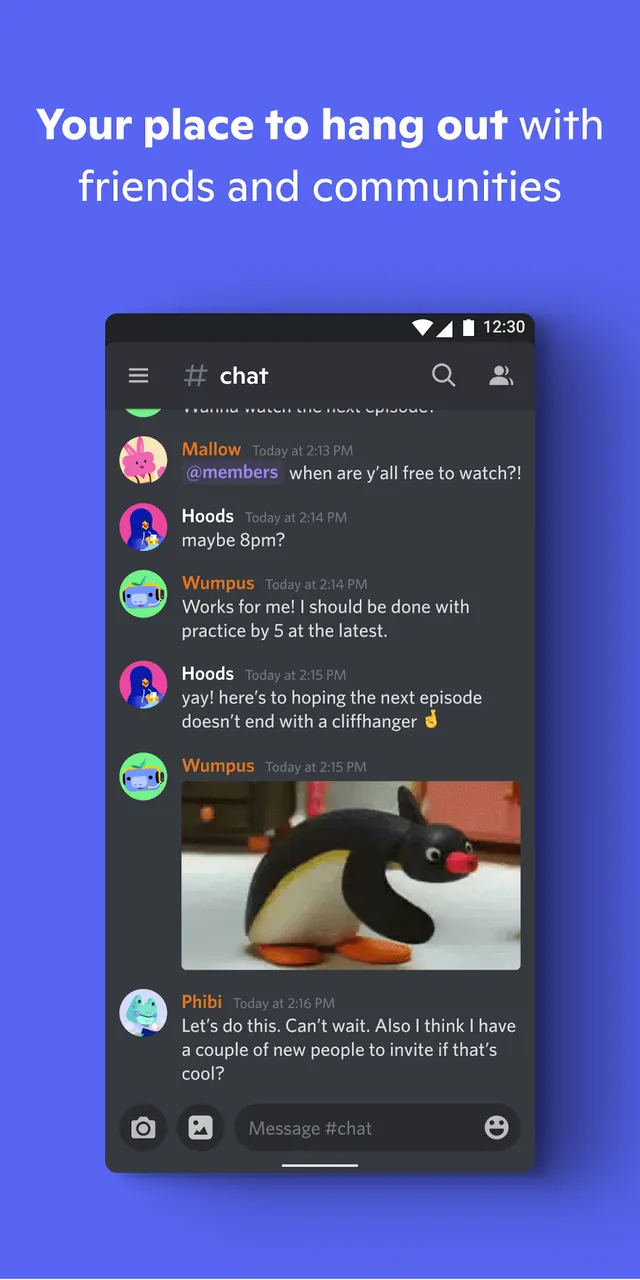
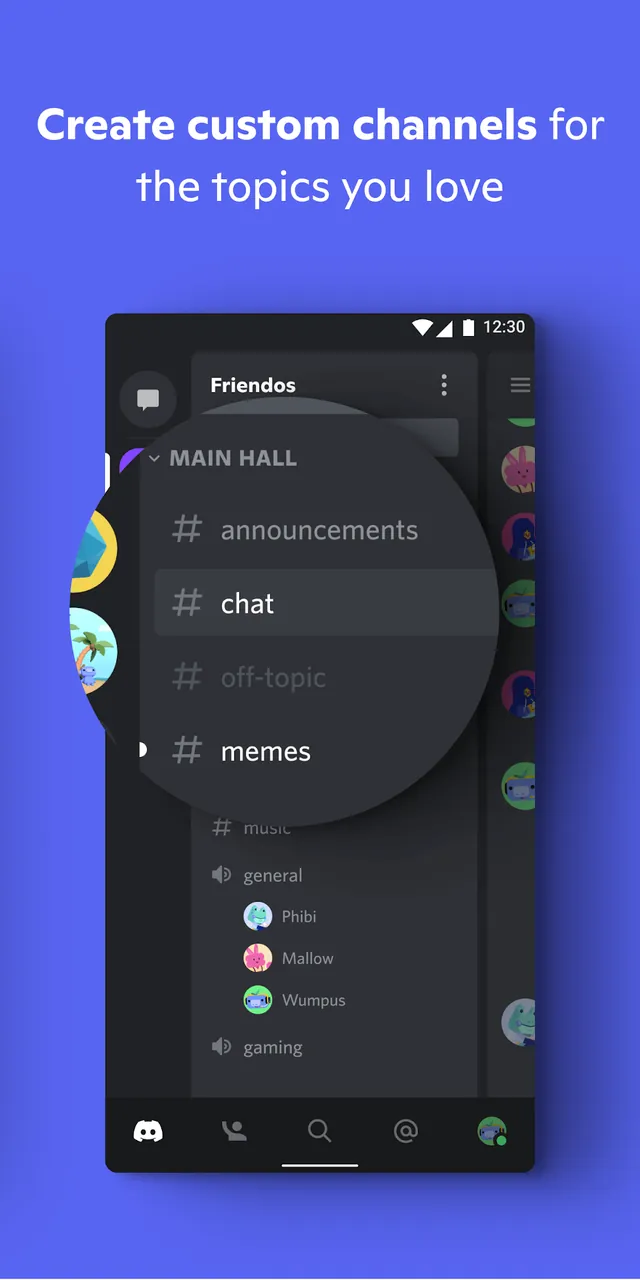
Discord is built from the ground up for gaming groups, content creators, and online communities to stay in touch and organize their digital spaces effortlessly. Its server structure enables clubs, gaming squads, and friend groups to create structured hangouts. Inside every server, members can set up specific text channels to keep topics neatly sorted, avoiding the clutter of a single crowded feed. Every channel archives chat history reliably, ensuring you can review earlier discussions or chime in whenever you like. Server owners can invite newcomers via custom invite links, while the clean interface effortlessly blends text, voice, and video into one cohesive social hub.
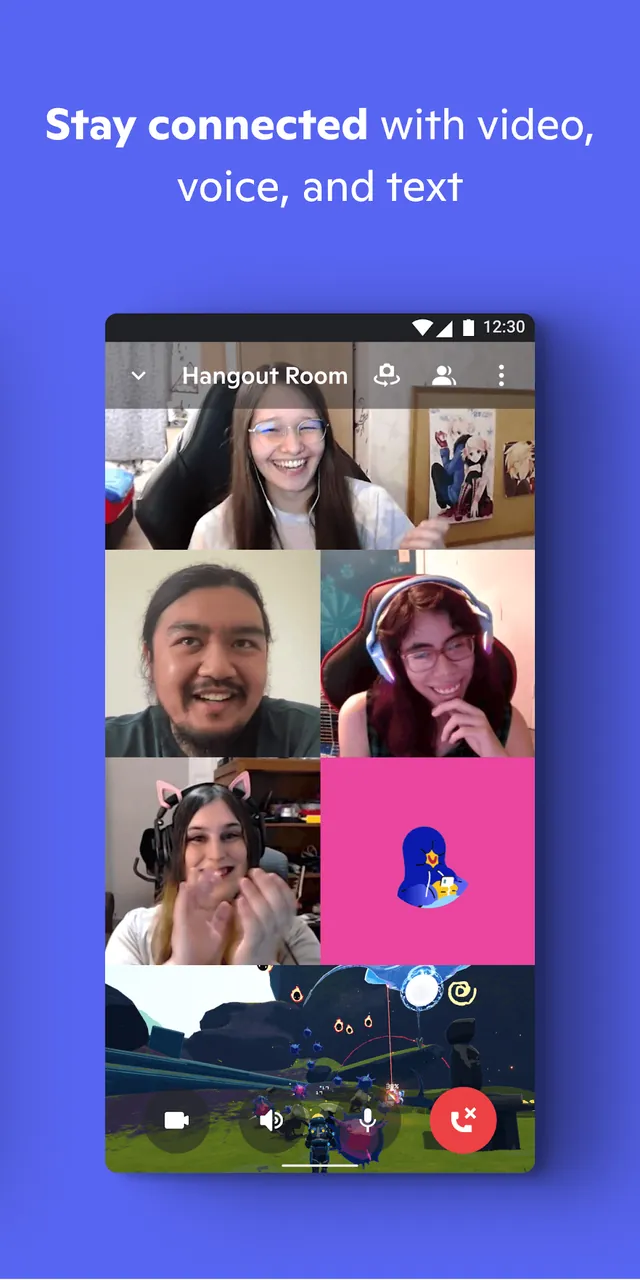
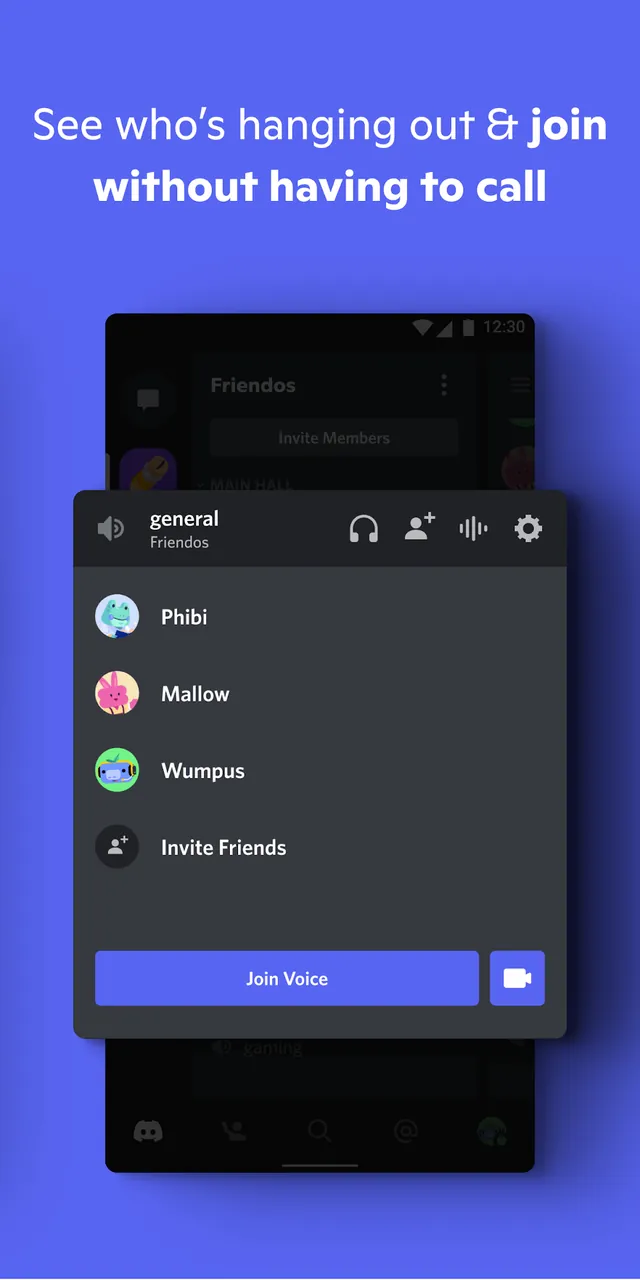
The service delivers crisp, lag-free audio and video rooms optimized for gaming sessions and multitasking, letting friends hop in and out of voice channels smoothly without the need to set up formal calls. The built-in screen sharing allows you to stream your gameplay or demo projects to friends in real time. For larger gatherings, Stage Channels create a clear boundary between speakers and listeners, making webinars and community events seamless. Additionally, Discord's Rich Presence displays your current activity—such as the game you are playing or music you are listening to—making it effortless for friends to drop by and join the fun.
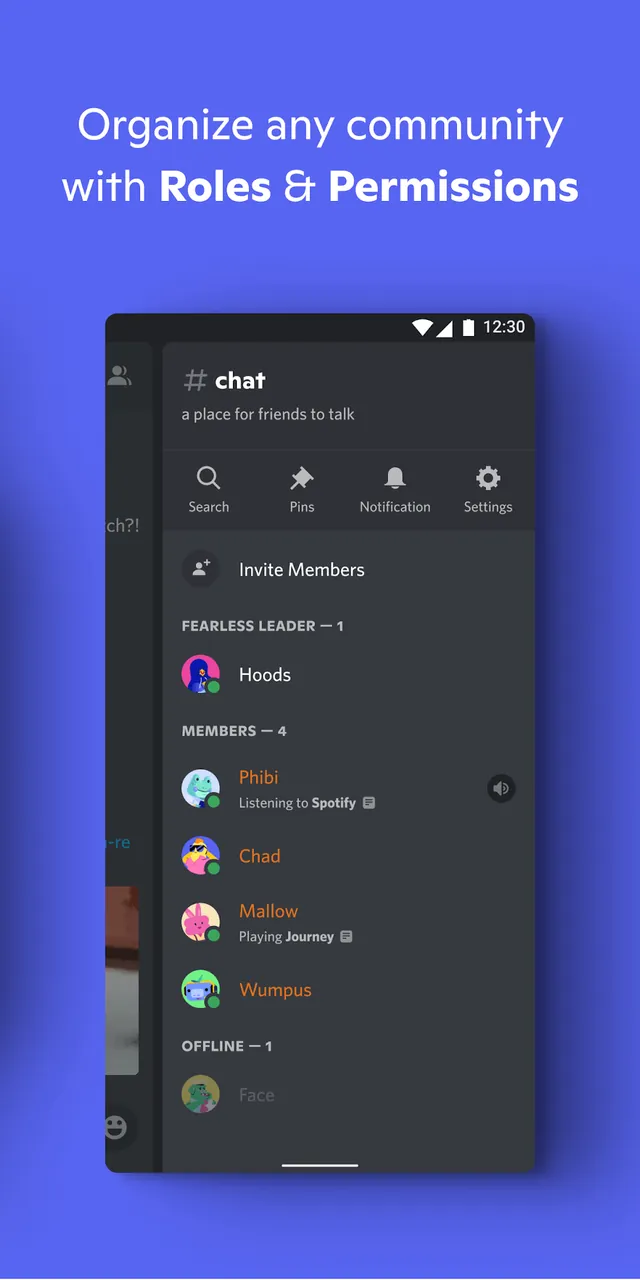
Server owners can assign custom roles and fine-tune permission tiers for individual members, streamlining daily moderation. The app also features a comprehensive user-blocking framework alongside anti-spam measures and automated moderation bots. Developers can take advantage of extensive APIs to introduce everything from background audio players and server analytics to interactive minigames right inside text channels. To top it off, seamless GIF and custom emoji support gives every member creative ways to express themselves.
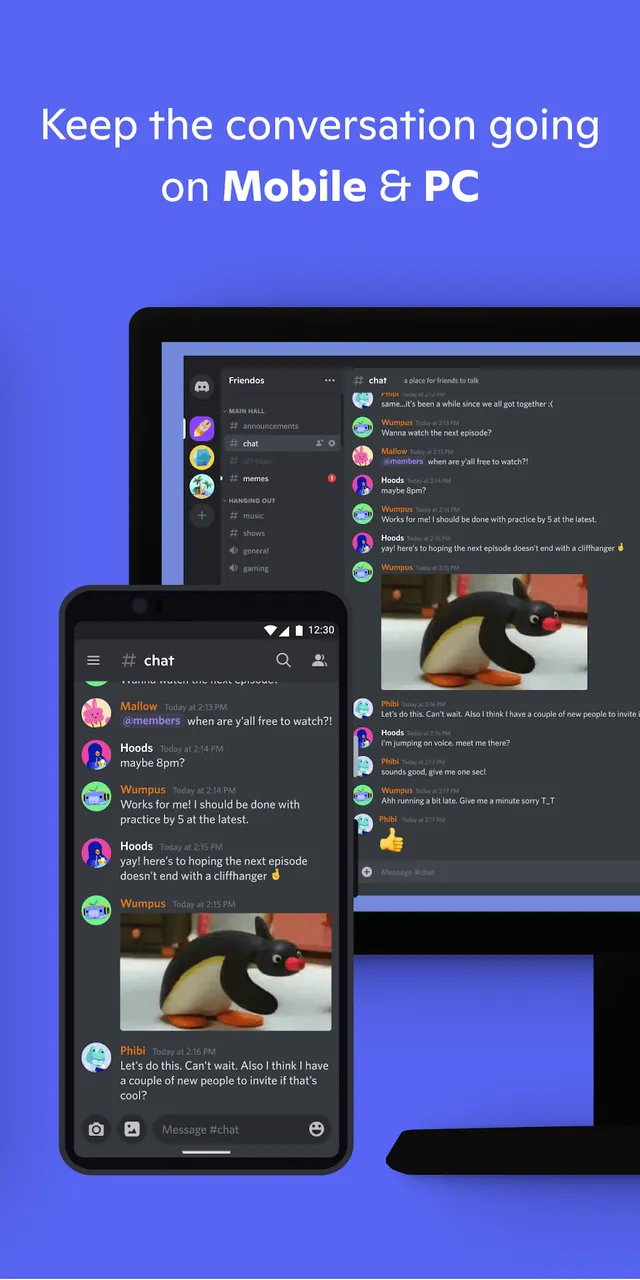
Discord's core principle revolves around cross-platform connectivity, allowing users to engage with their community from any device. Servers and applications can be installed and synchronized across personal computers, Mac systems, mobile devices, and gaming consoles. Once synchronized, the system maintains message history, server configurations, and role assignments across all platforms, ensuring seamless access to your community at any time. The platform offers tools to enhance communication tailored to your needs, whether you're coordinating large-scale in-game events or creating private spaces for casual chats. Its flexible server structure and diverse communication methods make it suitable for both casual and formal interactions. This application aims to unite individuals from different regions into shared digital spaces, enabling secure collaboration through media sharing and moderated sessions.
Essential Features
- Create dedicated servers for focused discussions
- Enjoy lag-free voice and video communication
- Host watch parties with screen-sharing capabilities
- Customize user roles and permissions
- Support for personal emojis and GIFs
- Synchronize data seamlessly across devices
- Moderate events with stage channels
- Integrate with games for real-time presence updates
- Advanced blocking system for enhanced security
- Automated moderation bots to filter spam
- Developer APIs for custom bot integration
MOD APK Variants
- Truecaller
- Telegram
- Truecaller
- Psiphon Pro
Frequently Asked Questions
What enhancements does the MOD APK provide?
This Discord (331.14 – Stable) build includes optimized performance for all devices. It functions identically to the standard Discord app, with all modifications active immediately after installation.
What is the latest MOD APK version?
Version 331.14 – Stable aligns with the Discord Inc. release from June 3, 2026. Older versions are not maintained here. Update by installing this build over your current app; if a signature conflict occurs, uninstall the previous version first.
Is the MOD APK safe to download?
This Discord 331.14 – Stable build from Discord Inc. includes optimized tweaks for all devices. It received a 3.8 rating from 269 users. No root access is required. Ignore Play Protect warnings during setup, but always download from this page.
Can the MOD APK run on PC or iPhone?
This Android file is not compatible with iPhone. To use the 115M app on a computer, run it through an emulator like BlueStacks or LDPlayer. Simply install your chosen emulator and drag the file into the window.
How to install
- Download the APK file above to your phone.
- Allow “Install unknown apps” when prompted.
- Open the downloaded APK and tap Install.
- If the package includes OBB/XAPK data, follow the bundled instructions.
MOD APKs are modified builds, so Play Protect may show a warning. Install only if you trust the file; use at your own risk.