

Screenshots
Description
Device Info is a comprehensive Android utility that lets you inspect every piece of hardware and software running on your phone. You will be impressed by the wealth of real-time diagnostics available, spanning quick system overviews to granular component specifications. On top of that, the app features an assortment of built-in hardware tests to verify component stability, making it the only system diagnostic tool you will ever need.
Quick and Simple Device Overview
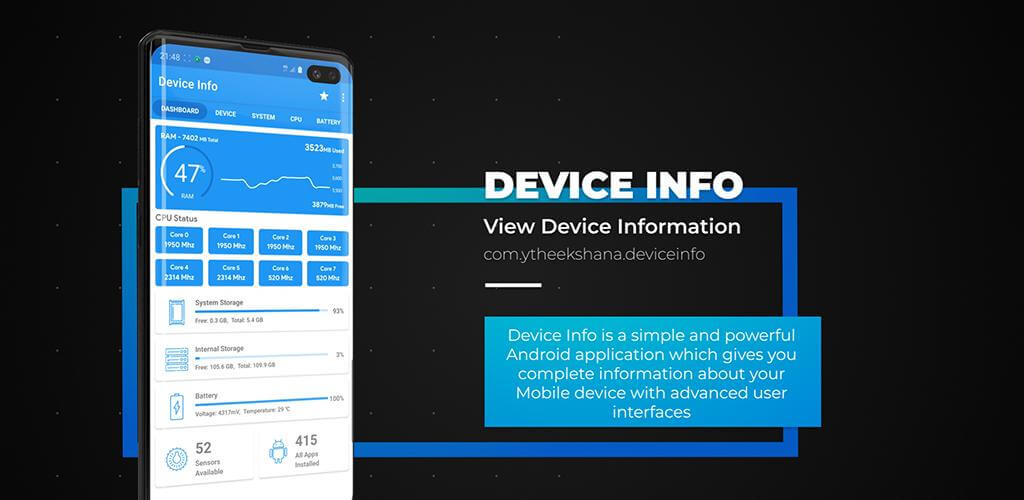
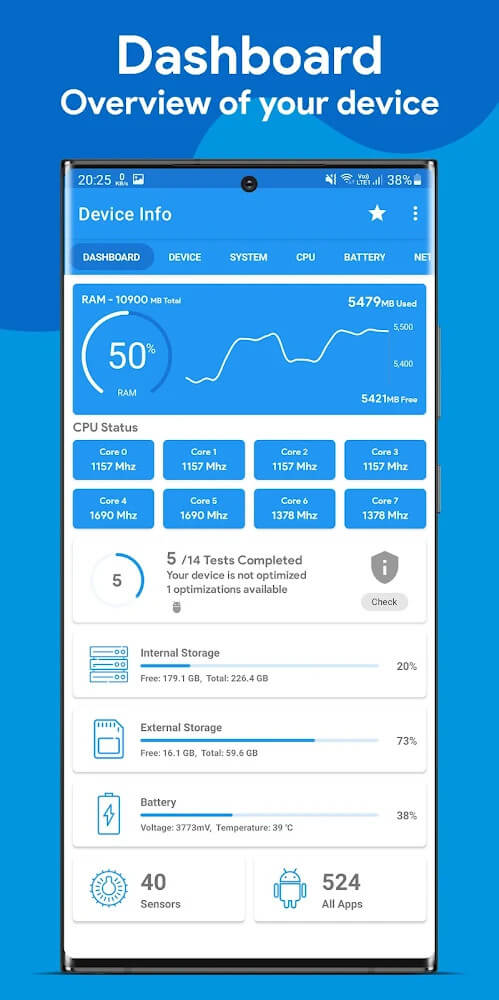
Starting with the core dashboard, Device Info displays essential metrics covering every aspect of your Android smartphone. This high-level summary gives you immediate insights to fine-tune performance or explore deeper system layers. Essential metrics like CPU activity, RAM usage, battery condition, and general device specifications are readily accessible at a glance.
Inspect In-Depth Device Specifications
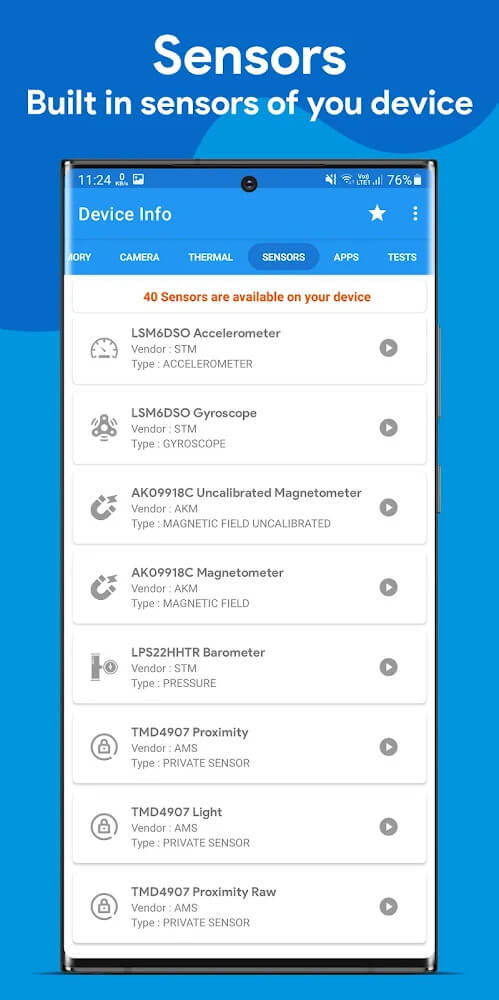
Diving deeper, Device Info unlocks an exhaustive breakdown of your phone's inner workings. You can explore complete manufacturer data, supported network bands, system identifiers, and sensor details. It also tests biometric fingerprint scanners and displays USB connection parameters, helping users detect potential hardware hitches and troubleshoot issues quickly.
Track Processor and Operating System Statistics
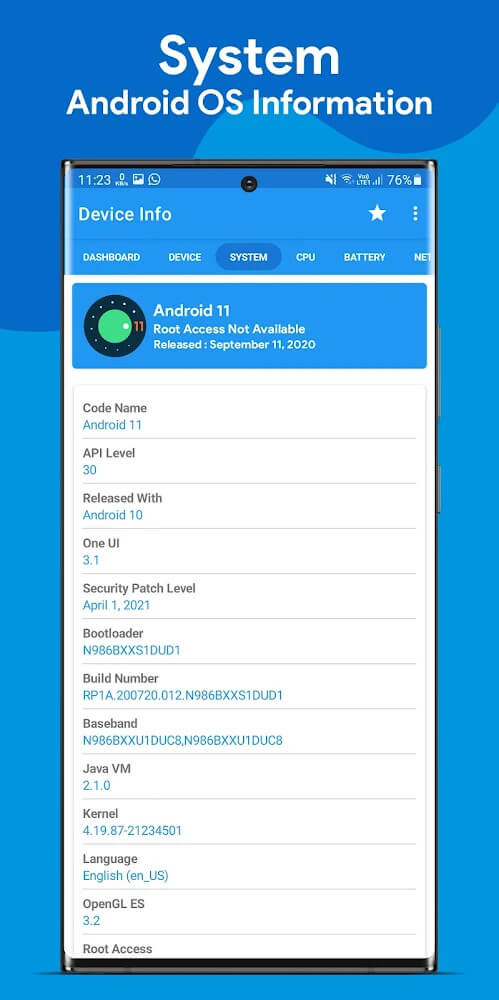
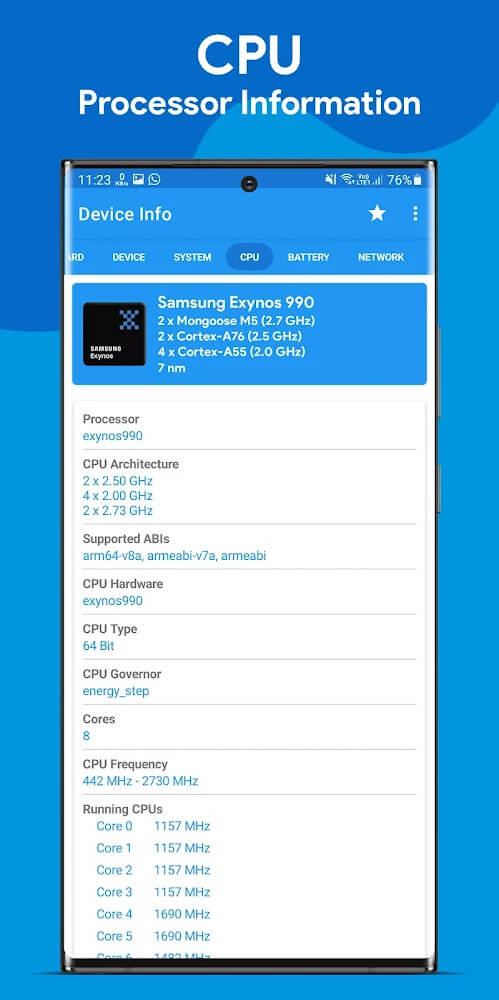
Processor performance and operating system health are top priorities for any tech enthusiast, and Device Info tracks both in detail. Users can monitor clock speeds, CPU load, and active background threads alongside OS metrics and running apps. Having a clear grasp of your processor and operating system makes it easier to optimize resources and keep your device performing at its best.
Monitor Battery Lifespan and Health
Natural wear and tear affects every phone's battery over time, and Device Info gives you complete transparency over power health. You can monitor vital metrics including charge level, temperature, battery health status, and capacity. These detailed diagnostics allow users to accurately gauge cell degradation and decide when it is time for a tune-up or a replacement.
Effortlessly Manage Storage and RAM
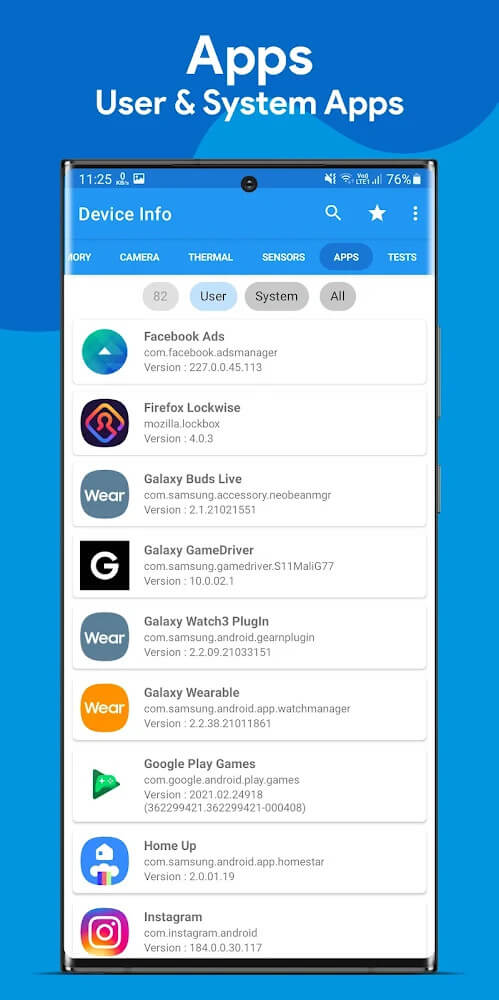
Managing resources is straightforward with Device Info, which monitors RAM utilization alongside both internal and external storage space. The app outlines active memory usage, remaining disk space, and installed applications—including installation dates, update history, and granted permissions. With this clear overview, you can effortlessly clear out unwanted files and reclaim precious space.
Run Built-In Hardware Diagnostics
Beyond internal readouts, Device Info features comprehensive hardware testing tools to verify individual components. You can evaluate the screen, speakers, Wi-Fi, Bluetooth, vibration motor, and various sensors with quick interactive tests. Running these checks regularly ensures your smartphone stays in prime condition and helps you catch hardware defects before they become major headaches.
Key highlights and standout features of Device Info:
- Review vital device metrics for an instant performance snapshot.
- Monitor hardware stability and installed application health.
- Gain complete visibility into system operations to optimize everyday use.
- Execute interactive diagnostic tests to verify hardware reliability.
How to install
- Download the APK file above to your phone.
- Allow “Install unknown apps” when prompted.
- Open the downloaded APK and tap Install.
- If the package includes OBB/XAPK data, follow the bundled instructions.
MOD APKs are modified builds, so Play Protect may show a warning. Install only if you trust the file; use at your own risk.