
Screenshots
Description
CetusPlay is a versatile utility designed to transform your Android smartphone into a full-featured television controller. Whether you want to cast local media, launch smart TV apps, or clear system junk, everything is easily managed with just a couple of taps.
Fire TV Universal Remote Android TV KODI CetusPlay revolutionizes how you interact with your big-screen devices. Anyone in search of a reliable mobile solution to replace traditional plastic remotes will find everything they need right here, packed with advanced navigation tools inside their phone.
Turn Your Phone Into a TV Remote
Imagine lounging on your living room couch wanting to switch channels, only to find your physical remote out of reach while your phone rests right beside you. Instead of standing up to search for the controller, CetusPlay lets you switch channels, navigate menus, and adjust settings instantly without leaving your seat.
Multiple Versatile Control Modes
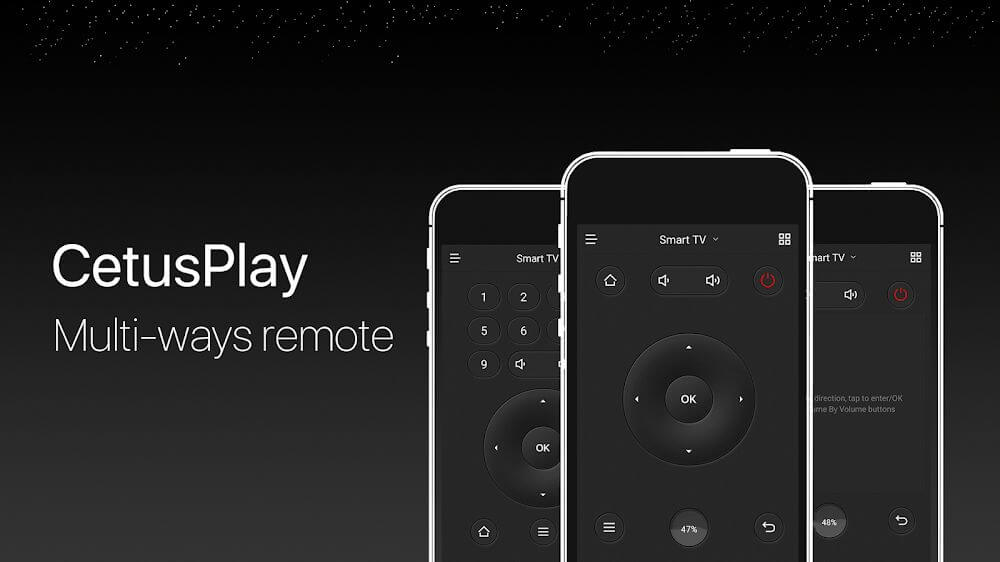
A truly capable remote utility goes far beyond basic channel switching. CetusPlay equips your device with several specialized input profiles, including Direction-Pad, TouchPad, Mouse mode, and Keyboard mode, ensuring smooth and precise navigation for any television interface or app.
Seamless Local File Streaming
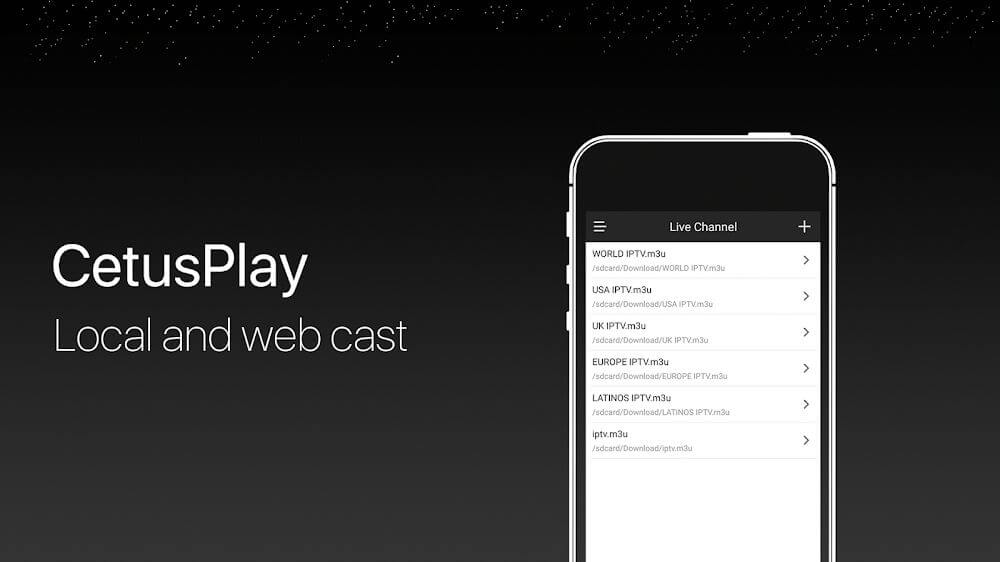
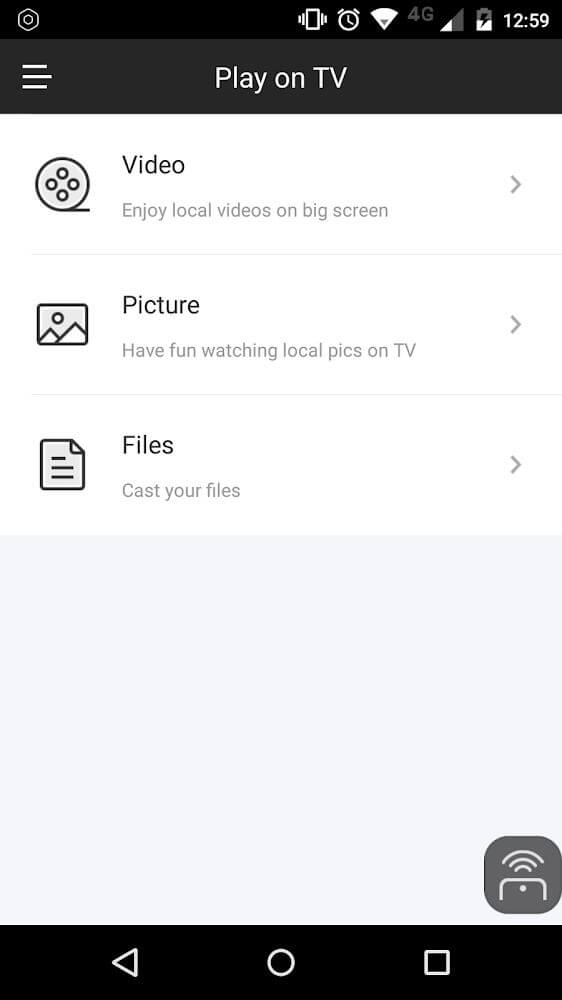
Connecting via wires just to view photos or videos on a large display is cumbersome. Thanks to CetusPlay's handy wireless sharing capabilities, you can effortlessly beam local documents, images, and videos stored on your device straight to your TV screen in mere seconds.
Launch TV Apps Instantly
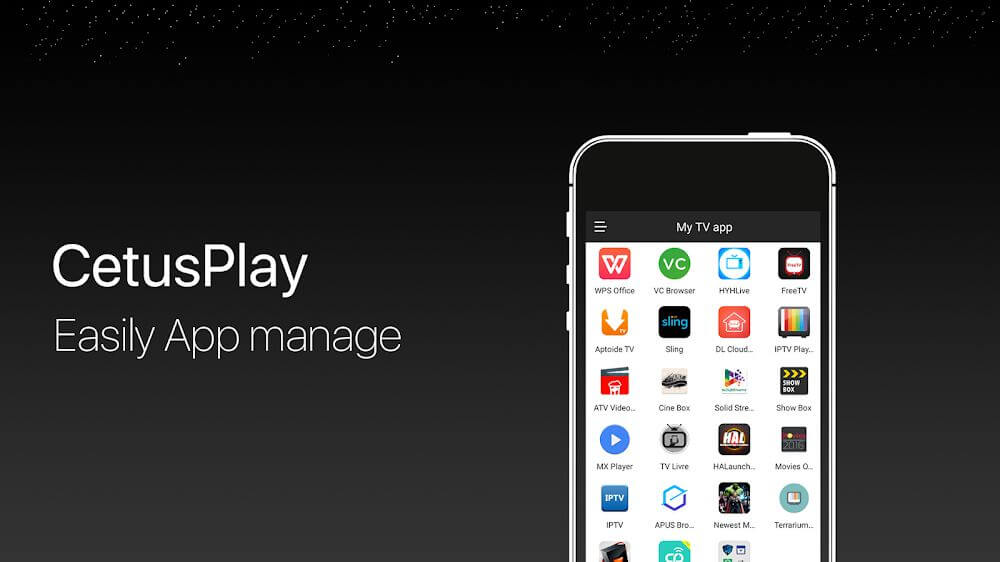
Modern smart TVs host a wide array of streaming and entertainment apps, yet opening them with a standard remote can often feel slow and tedious. With CetusPlay in your hands, launching any installed app on your television takes only a quick tap on your mobile screen.
Fast TV Memory and Cache Cleanup
If your television is starting to lag or freeze, accumulated residual cache and temporary system files are frequently the culprits. Instead of digging through deep system settings, a single tap on the floating boost button in CetusPlay frees up memory and speeds up your TV performance right away.
Easy Social Sharing and Screen Capture
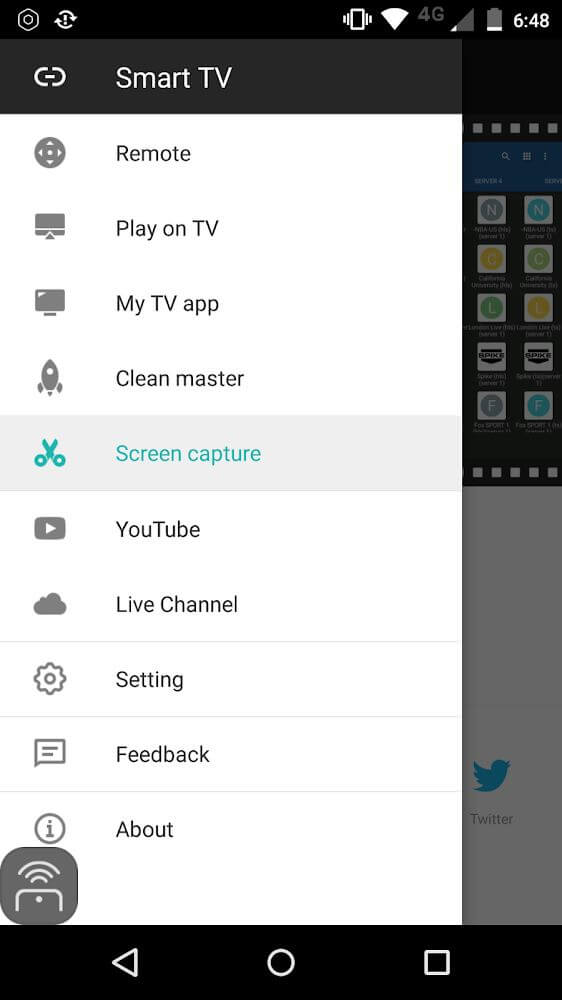
Capturing memorable moments on your television and sending them to friends or family is completely hassle-free with CetusPlay. The built-in screenshot feature lets you grab live TV frames and publish or forward them directly across your favorite social networks in one swift step.
Intuitive, User-Friendly Interface
A great tool requires a layout that feels natural from the moment you open it. CetusPlay delivers a clean, modern layout refined through extensive user feedback, ensuring that every button and setting is straightforward and comfortable for anyone to navigate.
Key Features
- Quickly transforms your handheld Android device into a complete, convenient television controller.
- Provides rapid wireless connectivity and seamless control across multiple major television brands.
- Offers flexible input methods including virtual mouse simulation and direct keyboard text entry.
- Open installed smart TV apps directly from your phone with a simple one-click shortcut.
- Cleans junk files and system cache via a one-tap booster to keep your TV running smoothly.
How to install
- Download the APK file above to your phone.
- Allow “Install unknown apps” when prompted.
- Open the downloaded APK and tap Install.
- If the package includes OBB/XAPK data, follow the bundled instructions.
MOD APKs are modified builds, so Play Protect may show a warning. Install only if you trust the file; use at your own risk.