

Screenshots
Description
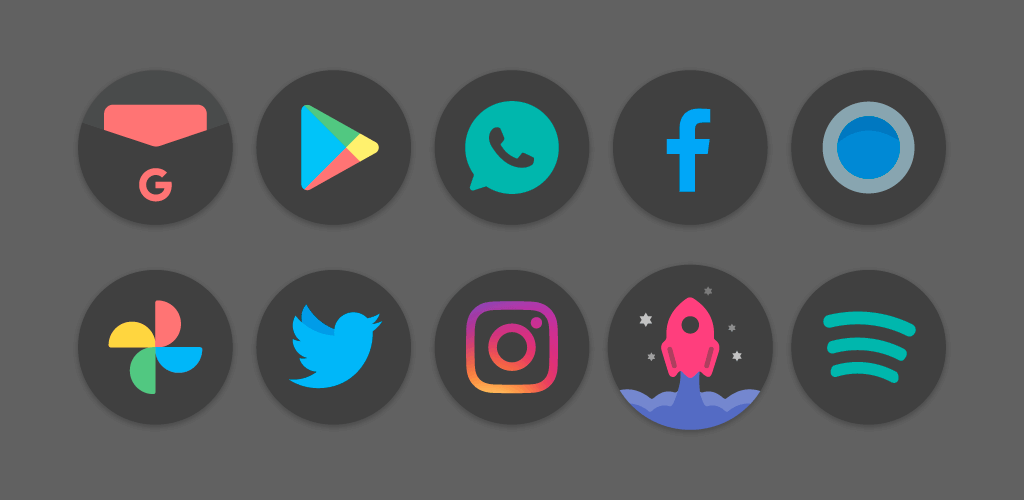
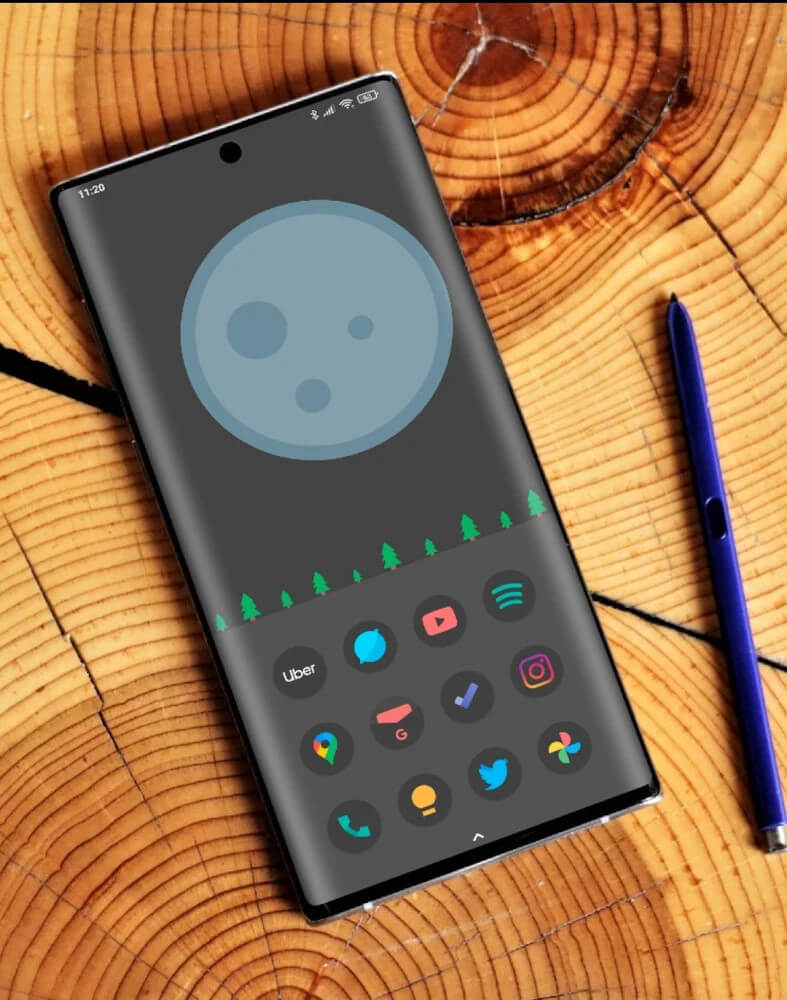
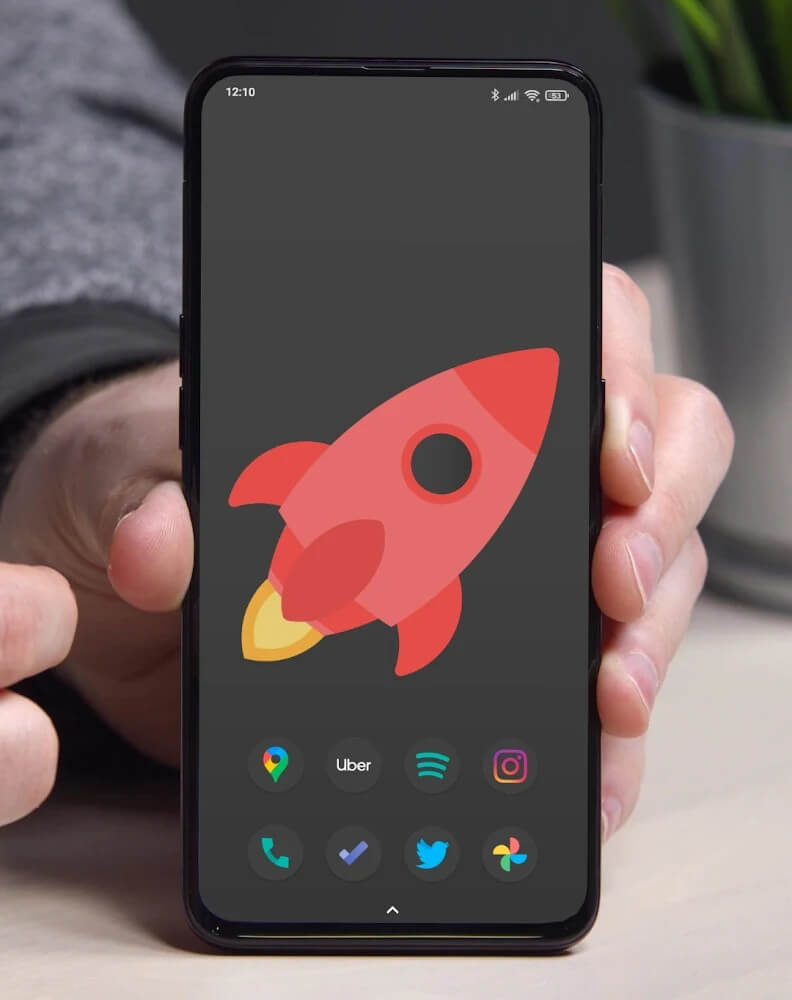
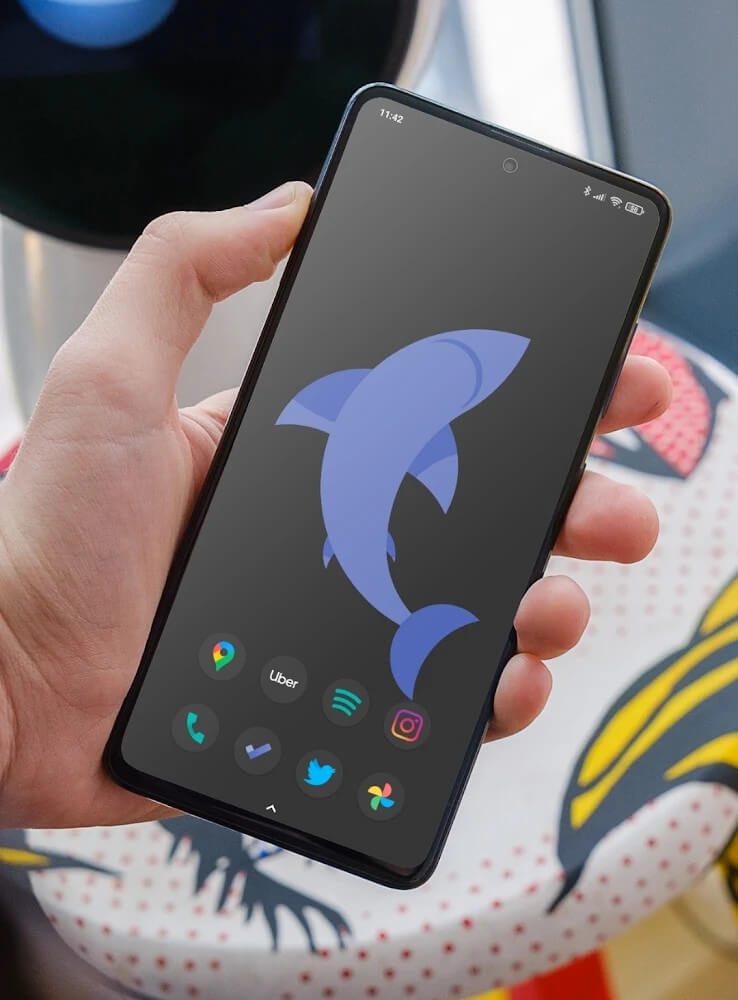
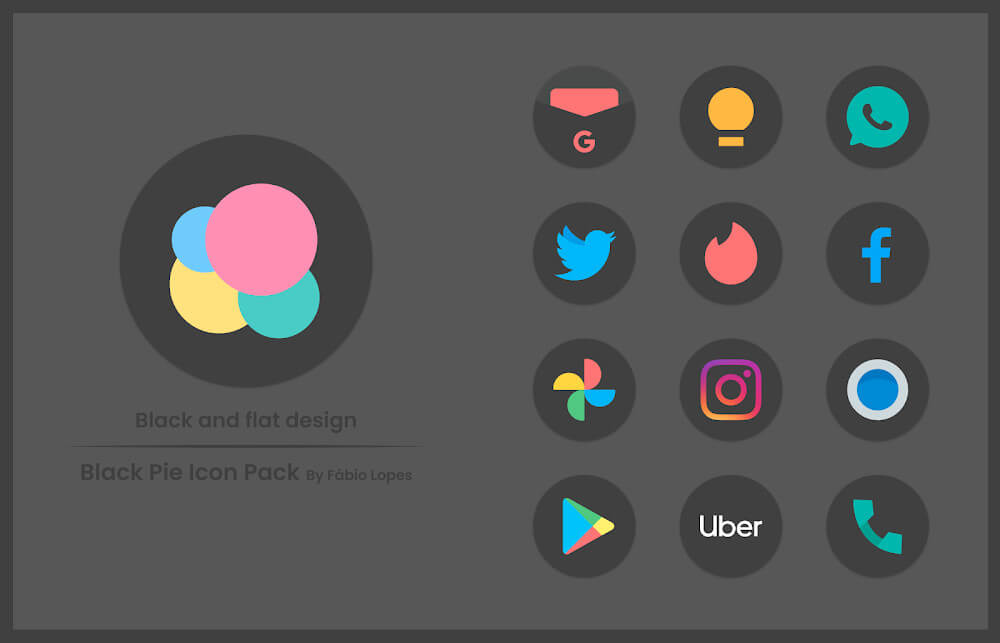
Give your Android smartphone a sleek makeover with Black Pie – Icon Pack, an ideal personalization choice for anyone who appreciates minimalist design. Every icon is intentionally crafted with clean lines to avoid visual clutter on your display. Featuring a deep, dark backdrop that makes both your wallpaper and app symbols pop, each piece combines straightforward line art with distinctive, instantly recognizable glyphs.
Staying Current With Every Update
The latest release expands the catalog with 31 brand-new icons, each styled after current visual trends. Global design movements are neatly captured in every icon, ensuring the pack remains fresh and visually captivating. If you love keeping up with modern mobile aesthetics, you definitely will not want to miss out on these regular additions.
Charming Pie-Inspired Aesthetic
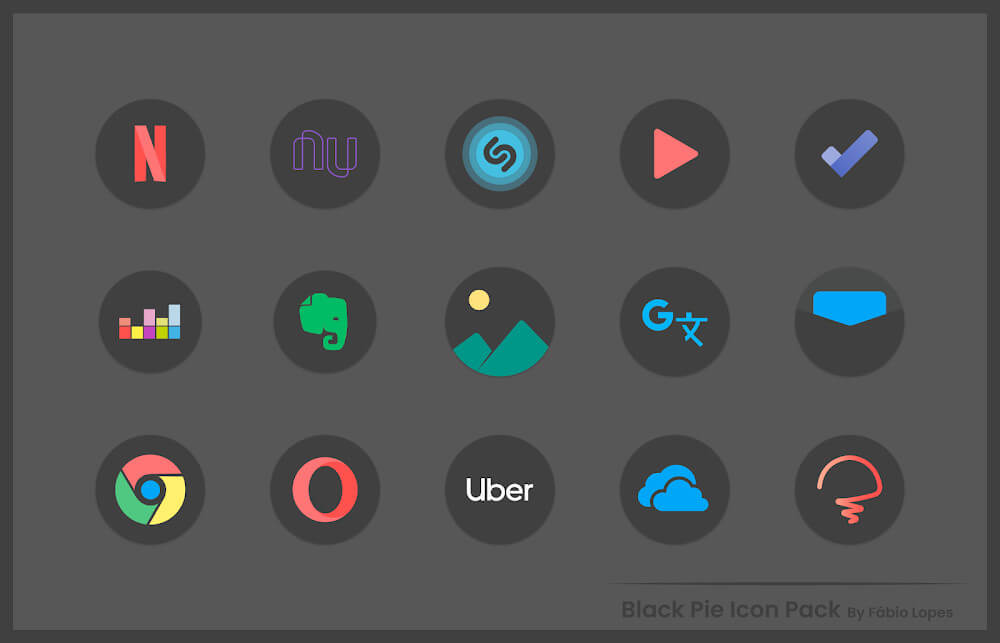
Black Pie currently offers a rich library of more than 2500 custom icons for you to explore and personalize your setup. Shaped like delightful little circular pies, each icon wraps your favorite apps into charming visual elements. Turning your display into a harmonious grid of circular badges, this playful aesthetic delivers an enjoyable and unified UI experience.
Dominant Dark Background Theme
Beyond the distinct circular silhouette, the color palette is a massive draw for customization fans. Drawing inspiration from minimal aesthetics, each icon features a matte black finish designed to provide comfortable, glare-free viewing. This subdued backdrop serves as the perfect canvas, letting the core central logo and artwork stand out with striking clarity.
Preserving Original App Recognizability
Each custom design faithfully mirrors the recognizable elements of the original app, making navigation intuitive from the start. Thanks to this familiar look, adapting to your redesigned home screen is effortless. The color schemes rely on vibrant yet soft pastel accents, delivering rich visual flair without straining your eyes with overly harsh brightness.
Organized by Phone Brand and Model
Inside the vast gallery, themes and styles are neatly organized into dedicated categories based on popular smartphone brands and hardware models. Each collection highlights iconic design traits specific to different mobile devices. This structured layout makes it effortless to find matching sets and tailor your screen to reflect your individual style.
Fast Keyword Search Tool
With Black Pie boasting such a huge and growing selection of designs, manually scrolling through thousands of entries can quickly become overwhelming. To solve this and keep browsing effortless, an integrated keyword search feature lets you pinpoint exact app icons in seconds without getting lost in the collection.
Dynamic Calendar Support
Aside from its standout circular dark icons, Black Pie includes practical perks, most notably dynamic calendar support. Because smartphone users rely heavily on digital schedules throughout the day, the calendar icon automatically updates its display to reflect the current date. It is a thoughtful touch that keeps your home screen dynamic, functional, and polished.
Easy Step-by-Step Setup Guide
Applying the theme to your launcher is quick and straightforward, requiring just 4 simple steps. Once you launch the app, select the option to apply the circular black icon pack to your supported launcher and confirm the setup. The operation takes only a few seconds, instantly transforming your device with a refined new look.
Convenient Live Preview Feature
The app also includes a handy built-in preview tool that lets you test out various icon designs and themes before committing. You can inspect how the interface will look once applied, ensuring you are completely happy with the visual setup. If you love the result, simply apply and save the configuration; if not, you can easily pick another option.
How to install
- Download the APK file above to your phone.
- Allow “Install unknown apps” when prompted.
- Open the downloaded APK and tap Install.
- If the package includes OBB/XAPK data, follow the bundled instructions.
MOD APKs are modified builds, so Play Protect may show a warning. Install only if you trust the file; use at your own risk.