

Screenshots
Description
Turn your Android phone or tablet into a capable Linux PC! Set up Ubuntu, Kali, Fedora, and other popular distros without root access, and enjoy complete desktop workspaces on the move.
Maximize what your smartphone can do with Andronix, the ultimate utility for launching authentic Linux operating systems on Android without needing root permissions. Tailored for coders, security specialists, and tech hobbyists alike, Andronix combines everyday handheld portability with desktop versatility, placing a versatile computer right in your pocket.
Key Highlights of Andronix:
- No Root Required: Deploy and boot your preferred Linux distributions safely without breaking device warranties or endangering system integrity. The app operates flawlessly on unmodified Android devices.
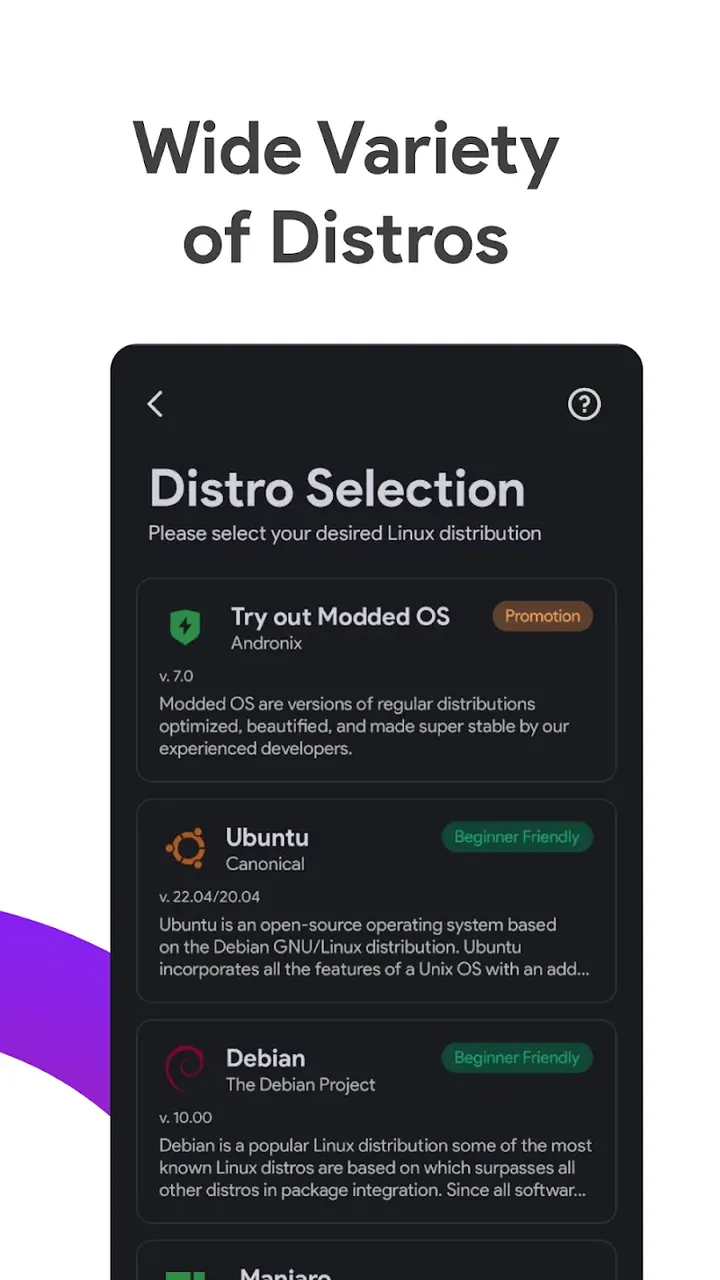
- Broad Distribution Library: Pick from a rich selection of OS builds, featuring Ubuntu, Kali Linux, Debian, Arch Linux, Fedora, Manjaro, and Alpine.
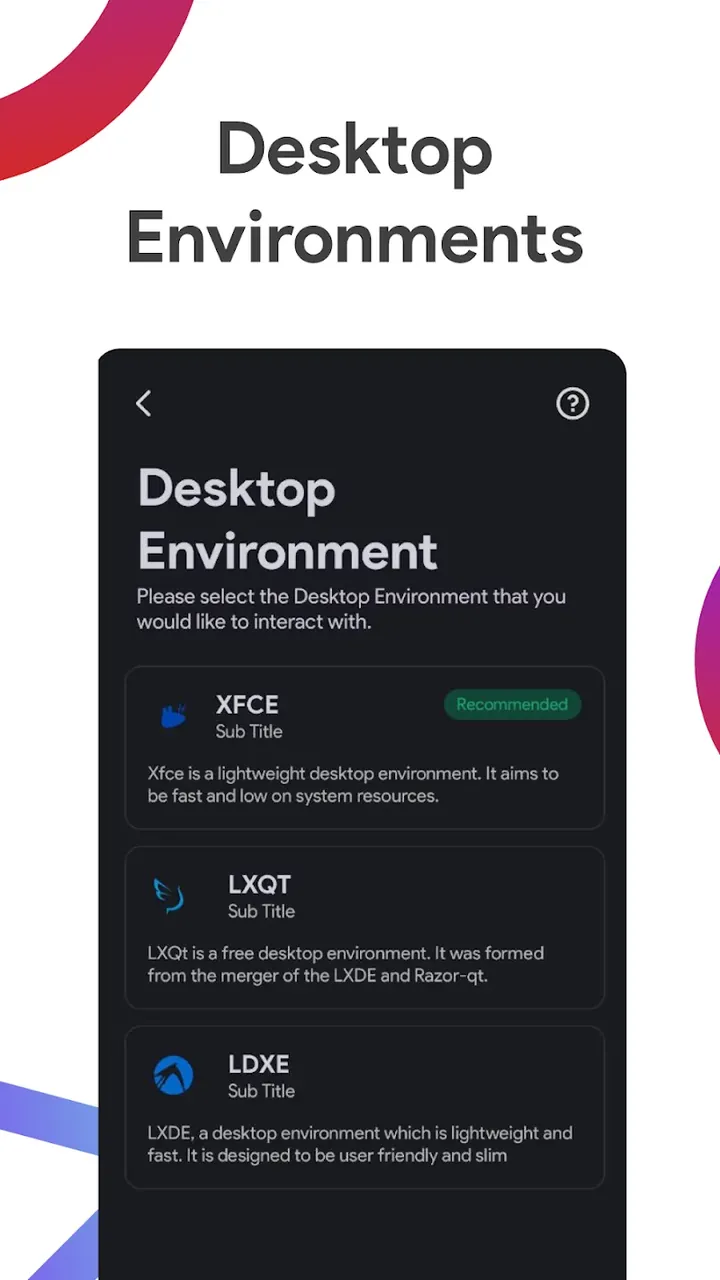
- Complete Graphical Desktops (GUI): Enjoy a genuine desktop graphical interface on your screen, fully compatible with lightweight environments such as XFCE, Mate, LXQt, and LXDE.
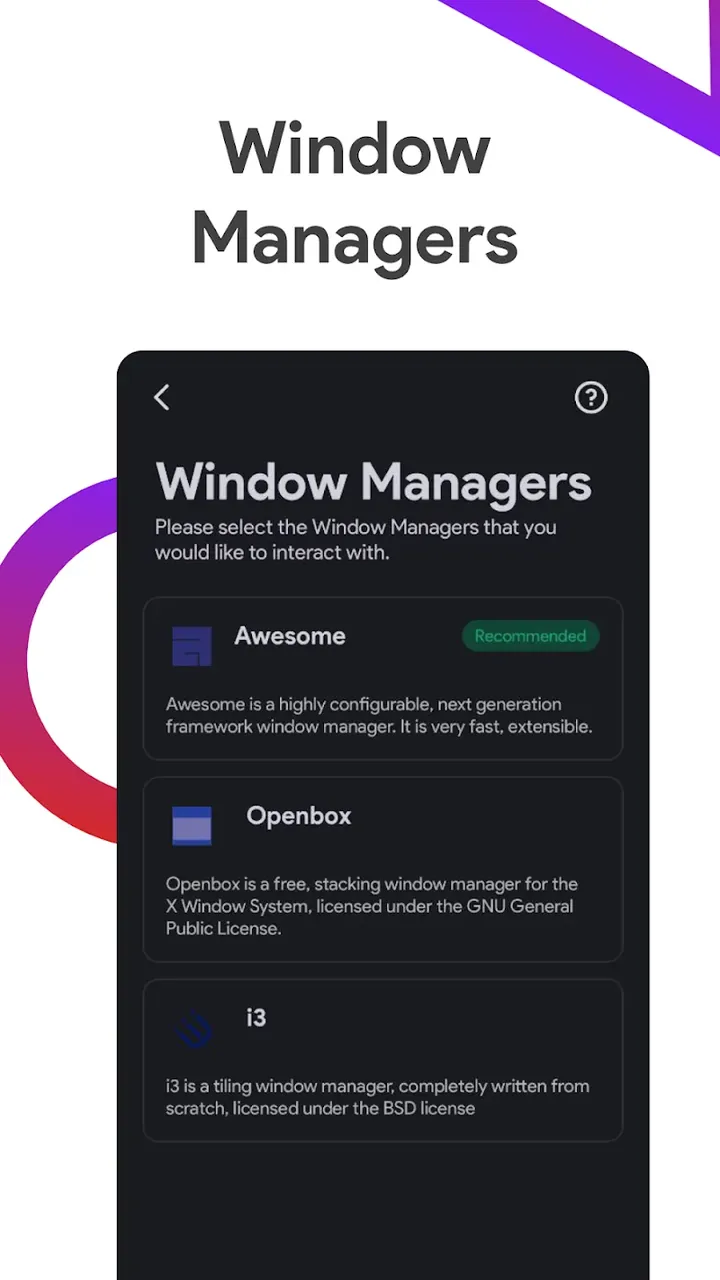
- Configurable Window Managers: Advanced users who prioritize keyboard-driven speed can set up i3, Openbox, Awesome, and Fluxbox to build their ideal tiling setup.
- Effortless Single-Tap Setup: Streamlined automated scripts take care of the entire configuration, ensuring quick and straightforward installation for newcomers and experts.
- Extensive Hardware Compatibility: Engineered to run smoothly across ARM64, ARMv7, and x86_64 processors, delivering reliable performance on a wide spectrum of mobile devices.
How It Works and Professional Workflow
Andronix integrates Termux and VNC connectivity to launch an isolated, secure Linux workspace right on your device. With finely tuned installation scripts, getting a working distro up and running takes just minutes. After deployment, connect to your graphical workspace using your favorite VNC viewer, or stick to a terminal emulator for pure command-line operations (CLI). This setup enables you to run full desktop-grade programs, ranging from Firefox web browsing to coding in VS Code (OSS).
Built for Programmers and System Administrators
Break free from the constraints of standard mobile applications. With Andronix, you can build C++ projects, execute Python code, handle Git workflows, and host NodeJS web servers straight from Android. It serves as an indispensable companion for remote server maintenance and urgent diagnostics. Ethical hackers and penetration testers can also harness Kali Linux tools for mobile network auditing and security assessments on the fly.
Premium Capabilities and Cloud Sync
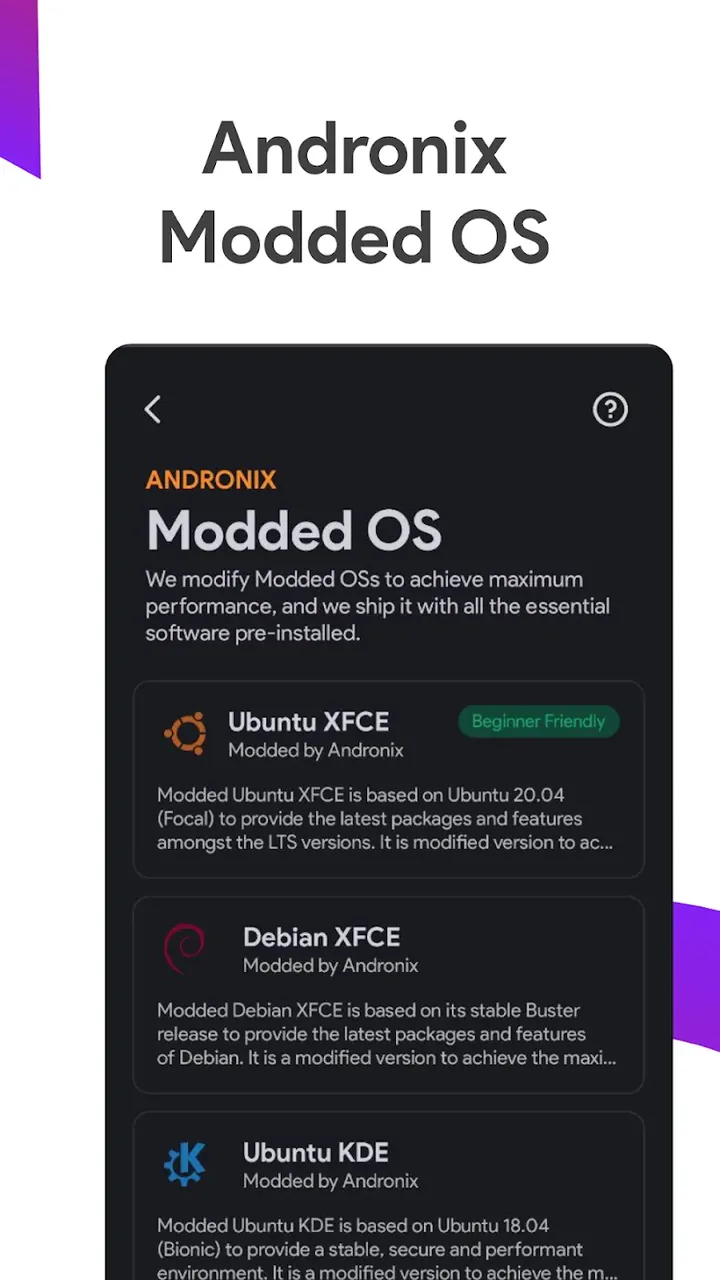
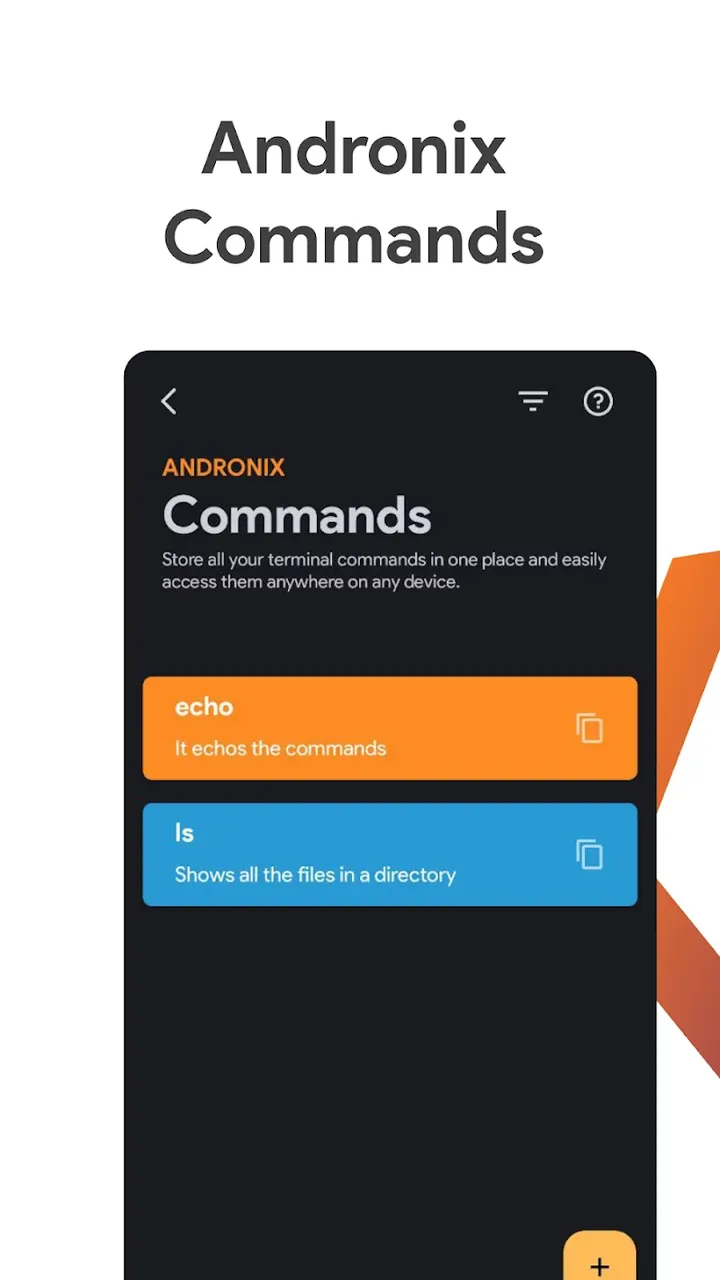
Alongside the core free version, Andronix Premium provides seamless cloud syncing for your custom commands and configurations, as well as offline setup packages for Andronix Modded OS. These tailored editions arrive preloaded with practical utilities and performance tweaks to guarantee maximum smoothness on portable hardware.
Final Verdict
Andronix – Linux on Android transforms mobile devices into versatile computing stations. For anyone seeking the capability of a full-fledged OS without lugging around a laptop, this application delivers exactly what you need. Become part of a passionate worldwide network of programmers and open-source fans. Get Andronix from GameUnlimit today and unlock genuine desktop power on your phone!
How to install
- Download the APK file above to your phone.
- Allow “Install unknown apps” when prompted.
- Open the downloaded APK and tap Install.
- If the package includes OBB/XAPK data, follow the bundled instructions.
MOD APKs are modified builds, so Play Protect may show a warning. Install only if you trust the file; use at your own risk.