

Screenshots

Description
Serving as an intuitive graphical interface for the powerful iptables firewall system, AFWall+ APK allows Android users to easily configure and control device-level network security.
You can get AFWall+, a free and open-source Android firewall solution, right here on GameUnlimit. This security app grants you complete authority to manage which installed applications can reach the internet and through which specific connections. While it is accessible on Google Play, launching AFWall+ for the first time requires granting root permissions. Superuser privilege is mandatory, as the firewall rules cannot function without root access.
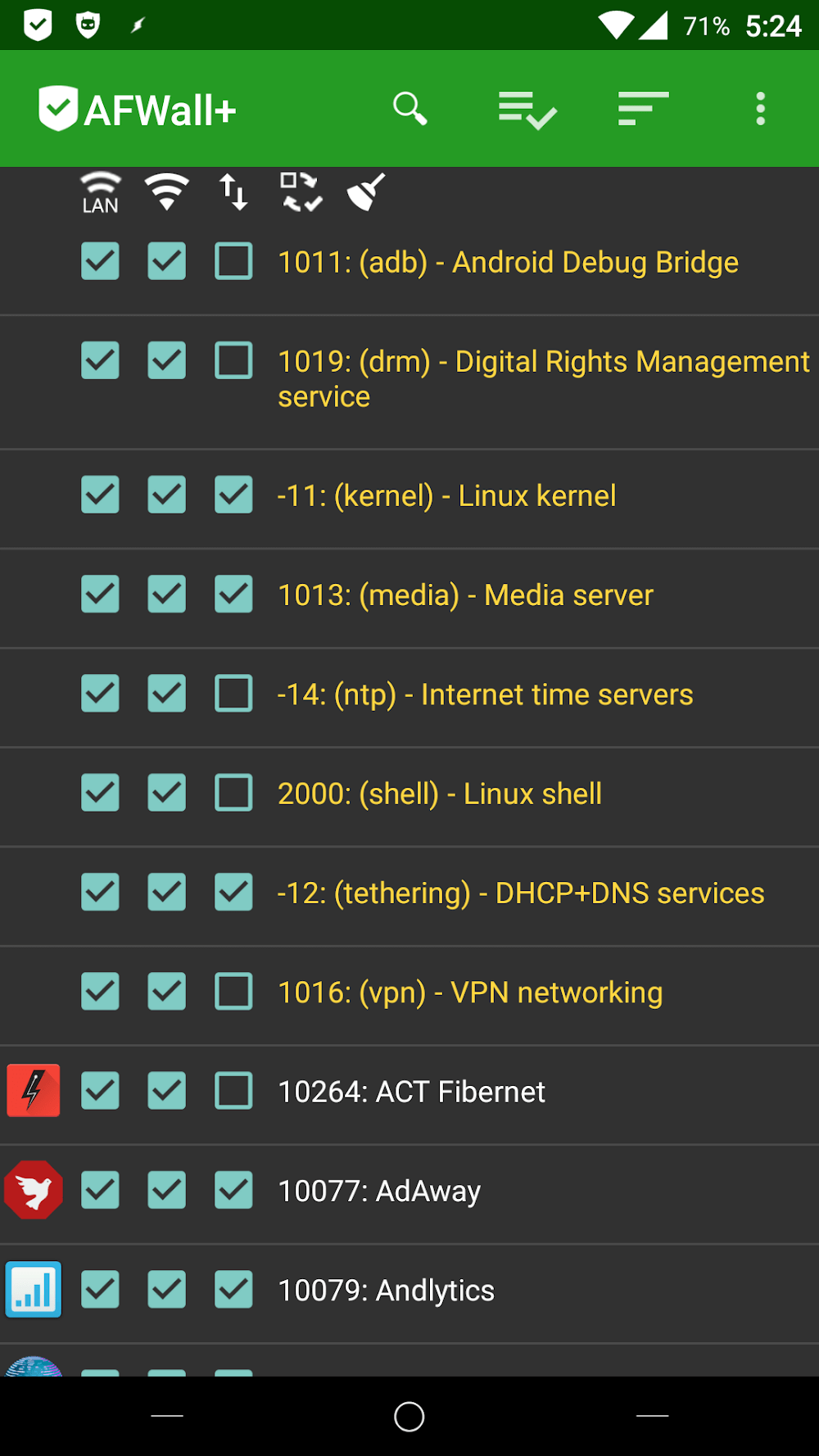
Within the layout, each app is neatly presented with its icon on the left and title on the right, separated by structured columns. The default overview displays toggles for Wi-Fi, mobile data, and LAN access, enabling you to handpick exactly which network connections each app is permitted to use.
Begin by setting up AFWall+. Navigate to the main menu by tapping the three-dot icon in the upper right corner. From the ensuing menu, choose Preferences to proceed.
Dropdown menus will categorize applications into core, system, and user groups. Enable the Show app UID feature to display the app’s unique identifier. Selecting 'Confirm AFWall+ to disable' will prompt a security alert if the app isn't currently active.
How to install
- Download the APK file above to your phone.
- Allow “Install unknown apps” when prompted.
- Open the downloaded APK and tap Install.
- If the package includes OBB/XAPK data, follow the bundled instructions.
MOD APKs are modified builds, so Play Protect may show a warning. Install only if you trust the file; use at your own risk.