

Screenshots

Beschreibung
Enhance your video viewing with SVPlayer MOD APK. Leverage advanced MEMC technology to transform 24 FPS content into smooth 60 FPS+ playback in real-time for cinematic-grade visuals.
This version offers a Premium Unlocked experience for the SVPlayer MOD APK, granting full access to all motion enhancement features. It eliminates limitations from the standard version to enable unlimited use of the high-frame-rate playback engine.
Key Modifications in SVPlayer
- Full access to all premium features within the application, allowing unrestricted use of advanced motion interpolation settings and high-frame-rate playback options without standard limitations.
Version 1.8.0 is 65 MB in size and utilizes the package name com.svpteam.svp; this re-signed build cannot be applied as an update over the official store version.
About SVPlayer
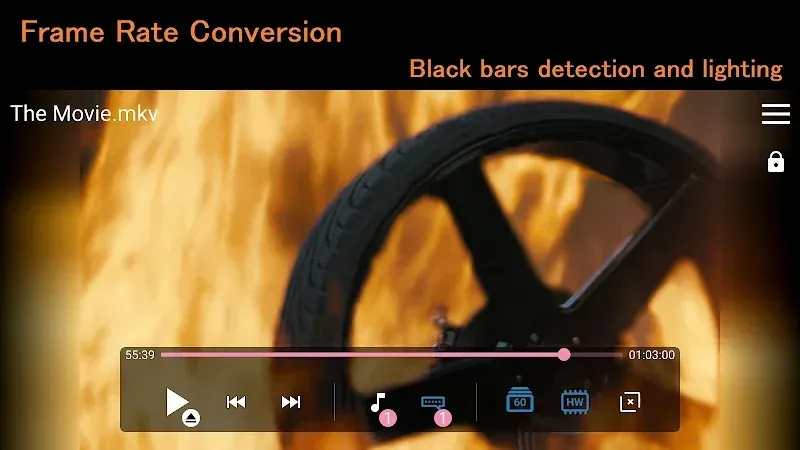
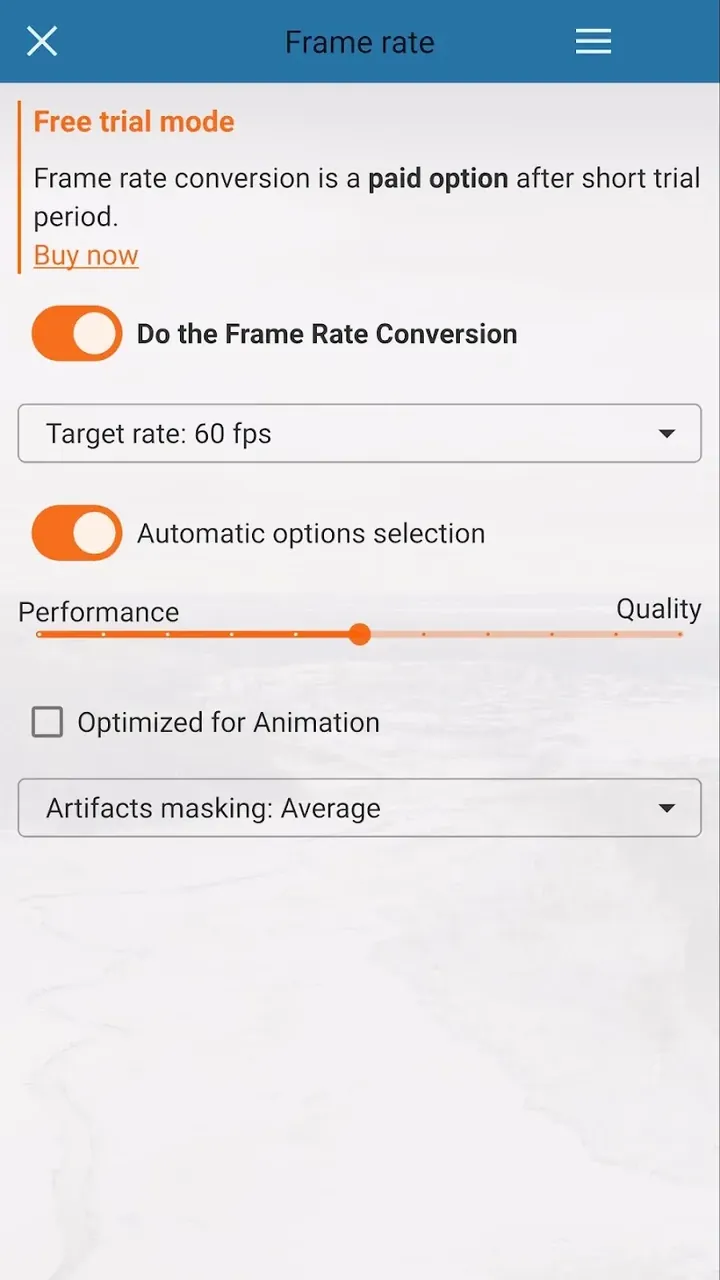
Designed to bridge the gap between classic video formats and modern smartphone hardware, SVPlayer significantly enhances your playback experience. While modern mobile devices regularly feature fluid displays operating at 90 Hz, 120 Hz, or even 144 Hz, most recorded video content is still distributed at standard rates of 24, 25, or 30 frames per second. Because mobile screens display frames in sequence, showing low-frame-rate, fast-paced scenes on rapid refresh displays frequently produces noticeable stutter, judder, and motion blur. SVPlayer solves this by implementing dynamic frame-rate conversion, generating and displaying new in-between frames in real time so you enjoy remarkably sharper, fluid playback.
At the core of this app lies the proven technology of SmoothVideoProject (SVP), which leverages advanced MEMC (Motion Estimation and Motion Compensation) algorithms. By carefully analyzing consecutive video frames, the engine calculates the precise trajectory and velocity of moving objects to predict their exact positions across synthesized intermediate frames. Rather than relying on basic, blurry frame blending, SVP applies mathematical models to track on-screen details accurately. This effectively prevents the smearing, ghosting, and visual choppiness that typically spoil fast-action sequences during standard playback.
Unlike many traditional desktop solutions that require tedious offline rendering and re-encoding to an intermediate video file, SVPlayer delivers fully real-time frame interpolation on the fly. It takes full advantage of mobile GPU hardware acceleration for both video decoding and image processing, achieving top-tier frame generation with minimal overhead and zero pre-rendering delay. You can open any compatible video and stream it smoothly right away. The core mission of SVPlayer is to eliminate painful conversion times and provide buttery-smooth viewing instantly on your device.
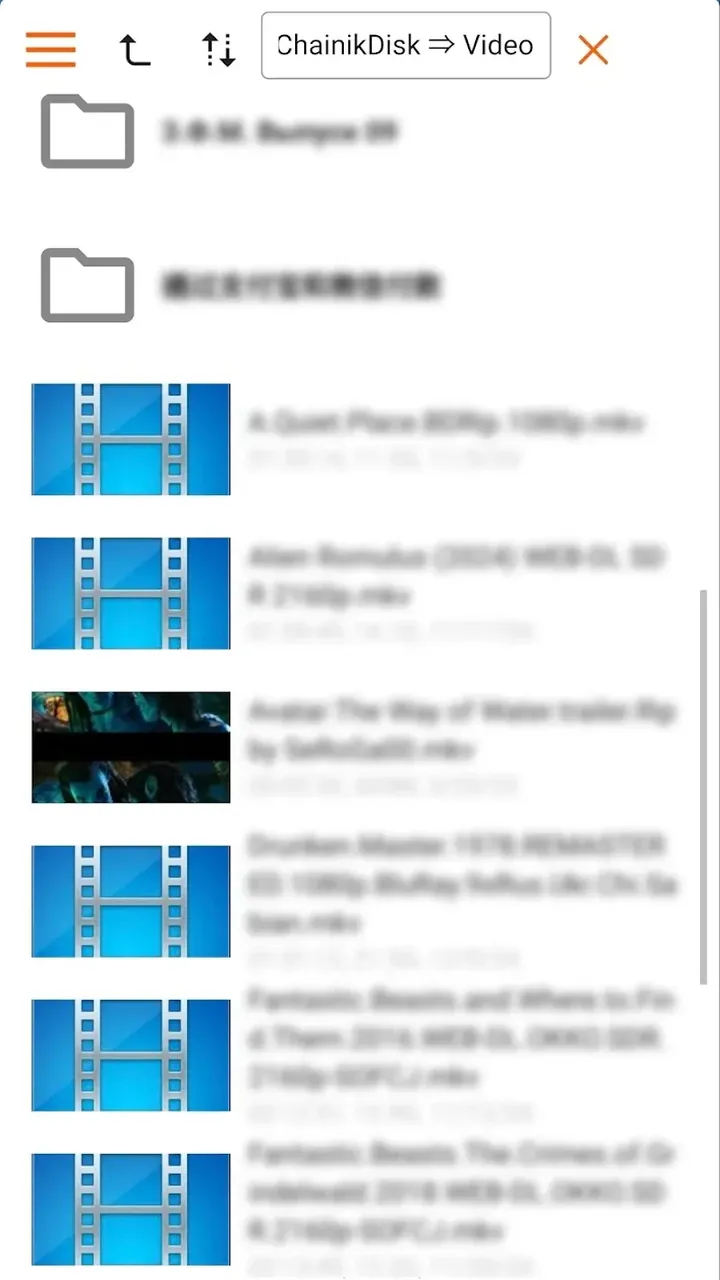
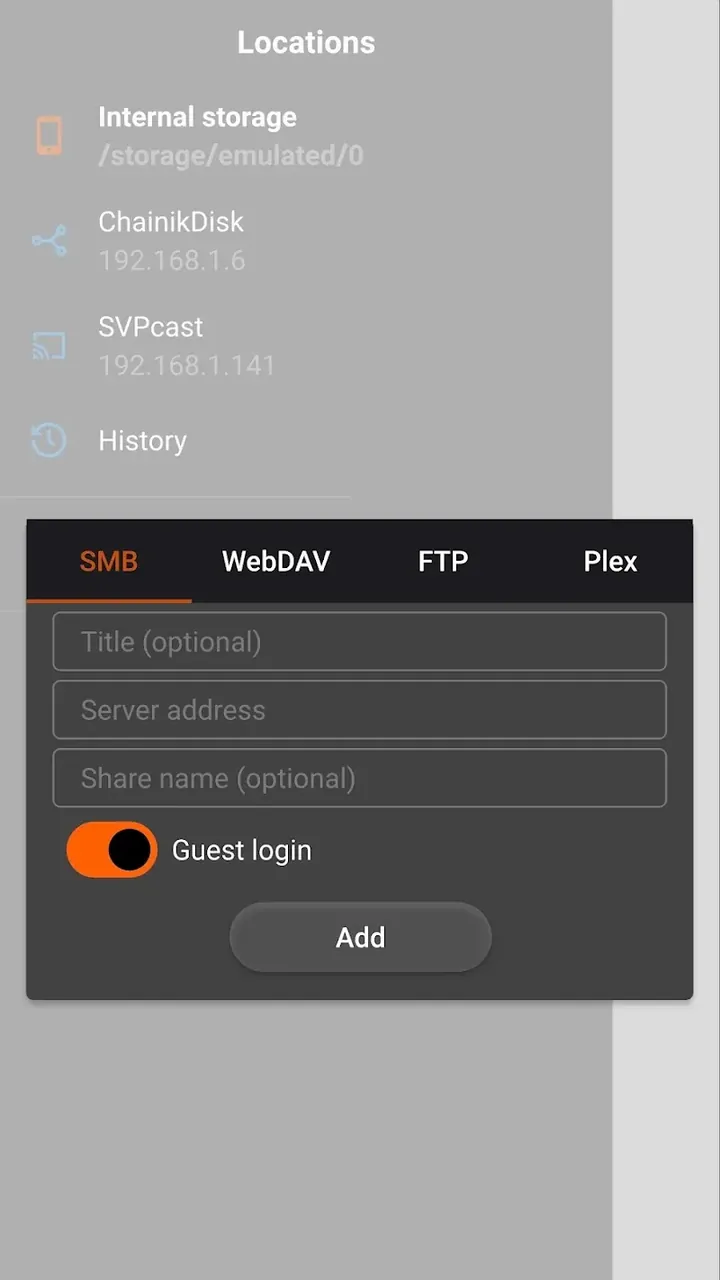
SVPlayer natively handles a wide variety of video file formats, so you can play your local files straight away without prior conversion. Build your personal media collection knowing that even low-FPS clips can be rendered at higher, fluid refresh rates for an upgraded entertainment experience. Moreover, the app includes a convenient built-in file browser to quickly locate video files stored on your internal memory or attached external drives—no external file manager required. For anyone wanting to upgrade the playback fluidity of their local video library, SVPlayer is an essential tool.
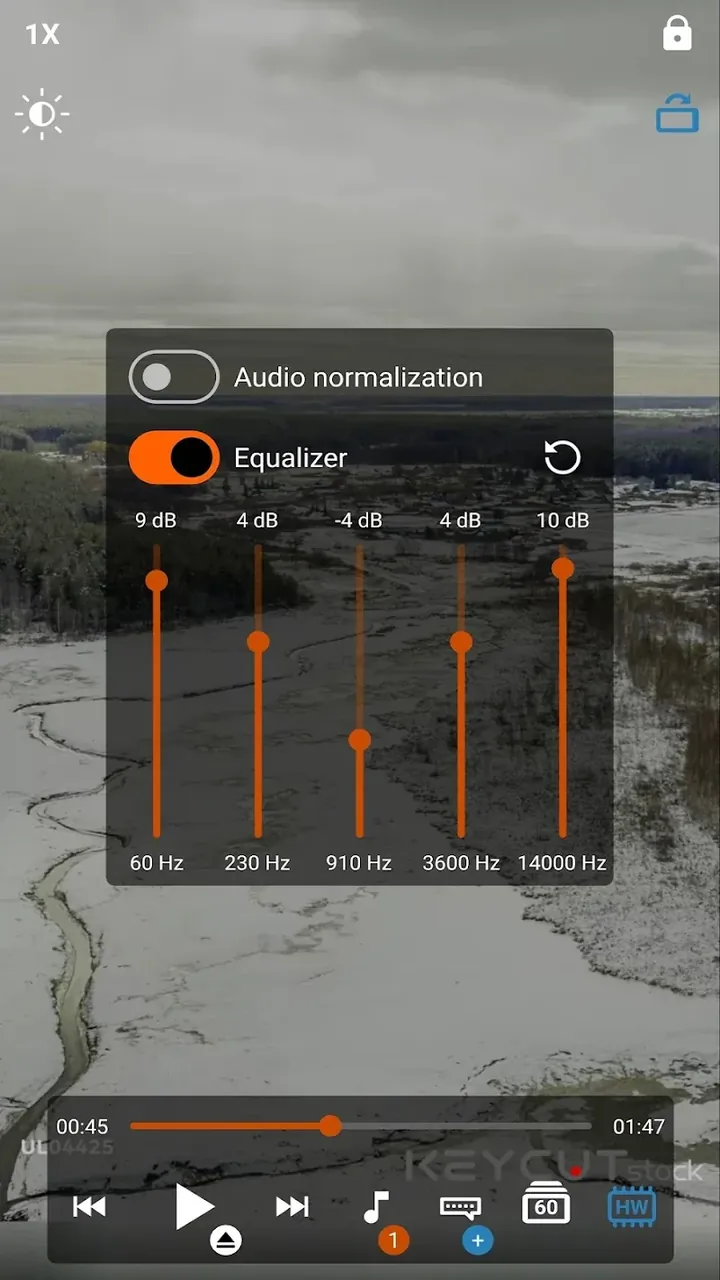
User customization is fundamental to a great viewing experience, giving you full control to tailor playback to your personal liking. If the hyper-smooth motion of frame interpolation brings out the unwanted "soap opera effect," you can easily turn down the processing strength. Alternatively, you might want to keep interpolation running to take advantage of its built-in noise and blur filtering. The engine operates by calculating missing frames and analyzing motion vectors in real time, effectively cleaning up grain and jitter across fast-moving objects. A classic example is a horizontal camera pan: standard media players often exhibit noticeable judder during panning shots, but SVPlayer generates intermediate frames on the fly to produce completely fluid, seamless movement.
Resource efficiency is vital for mobile apps, and this player works hard to conserve battery while pushing mobile screens to their peak visual limits. It offloads intensive tasks through dedicated hardware decoding rather than draining the CPU. On Apple devices, GPU-based decoding keeps system overhead down, whereas on Android, it maximizes device hardware by delivering high-caliber hardware decoding for H.264 and H.265 media across varying frame rates and interpolation levels. By fine-tuning its performance directly to your device specifications, the app goes well beyond basic multimedia playback to deliver an elite mobile entertainment experience.
Key Features
- Cutting-Edge MEMC Technology
- High-Precision SVP Interpolation Algorithms
- Real-Time 60FPS Frame Conversion
- Universal Media Format Support
- Optimized Hardware Decoding
- Built-In File Browser
- Granular Motion Smoothing Control
Related MOD APKs
- CapCut – Video Editor
- CapCut MOD
- YouTube Vanced
- FilmoraGo
Frequently Asked Questions
Is Premium unlocked in SVPlayer MOD APK?
In this SVPlayer (1.8.0) build, the following feature is activated: Premium Unlocked. All other functions match the official SVP Team LLP release, and the enhancements work immediately upon installation.
What is the latest version of SVPlayer MOD APK?
The current build is v1.8.0, identical to SVP Team LLP’s release and last updated on August 26, 2026. We do not store previous versions on GameUnlimit. To update, simply install the latest version from this page over your existing app; if Android shows a signature conflict, uninstall the old version beforehand.
Is SVPlayer MOD APK safe to download?
SVPlayer MOD APK v1.8.0 on GameUnlimit is the genuine app from SVP Team LLP with only Premium Unlocked applied. It holds a 4/5 rating from 43 users on our site and requires no root access. A Play Protect alert during setup is completely normal for modified apps, so always get your file directly from this page.
Does SVPlayer MOD APK remove the watermark?
Pro features are fully enabled in this release (Premium Unlocked). Because watermark-free exports are included in SVPlayer's Pro package, check your export screen after installing to confirm.
So installierst du es
- Lade die APK-Datei oben auf dein Handy herunter.
- Erlaube „Unbekannte Apps installieren“, wenn du gefragt wirst.
- Öffne die heruntergeladene APK und tippe auf Installieren.
- Enthält das Paket OBB/XAPK-Daten, folge der beiliegenden Anleitung.
MOD-APKs sind veränderte Versionen, daher kann Play Protect warnen. Installiere nur, wenn du der Datei vertraust – Nutzung auf eigenes Risiko.